Guide · General
10 Software for Handyman Business Tools Priced in 2026
Compare software for handyman business options by starting price, free plans and fit for estimates, scheduling, invoicing and customers in 2026.
By the Rankozo research desk · Updated November 12, 2026 · 15 min read
A handyman finishes a bathroom fan swap in 40 minutes, writes the price on the back of a supply receipt, then drives to the next call. The invoice gets typed up nine days later, after the customer texts to ask what they owe. Closing that gap costs less per month than most one-person shops expect, and the reason it stops being cheap is rarely the feature list. It's the meter.
Vendors in this category meter one of three things: job volume, where the plan is free or cheap until the monthly count runs past a cap; documents, where estimates and invoices are rationed and a busy week exposes it; or people, where the price is per seat, invisible on a one-person plan and obvious the month a helper needs a login.
This list is priced along those lines, with each entry opening at the lowest amount a one-person shop can pay and then showing where a crew of three lands. Quote-only vendors sit lower because a price that needs a sales call can't be compared against one that doesn't. The buyer side is smaller than the category's marketing implies: Capterra data cited in IFS's field workforce optimization report puts 94% of field-service-management users in organizations with 1 to 50 employees, with 63% reporting annual revenue below $1 million. Every price below carries the vendor name and the date it was checked.
Table of Contents
- 1. Jobber
- 2. Housecall Pro
- 3. Markate
- 4. ServiceM8
- 5. Joist
- 6. Contractor+
- 7. Kickserv
- 8. Workiz
- 9. FieldPulse
- 10. Service Fusion
- Starting price, free plan and best fit for each handyman software option
- Choosing the Cheapest Handyman Tool That Still Fits Your Job Volume
1. Jobber
$29 per month is the entry point: the Core plan for one user, billed annually, per Jobber's published pricing, checked in 2026. Core carries the loop that costs a solo handyman the most money, with online booking, scheduling, quotes that convert to invoices, card payments, and automatic reminders that chase the customer so the owner doesn't have to.
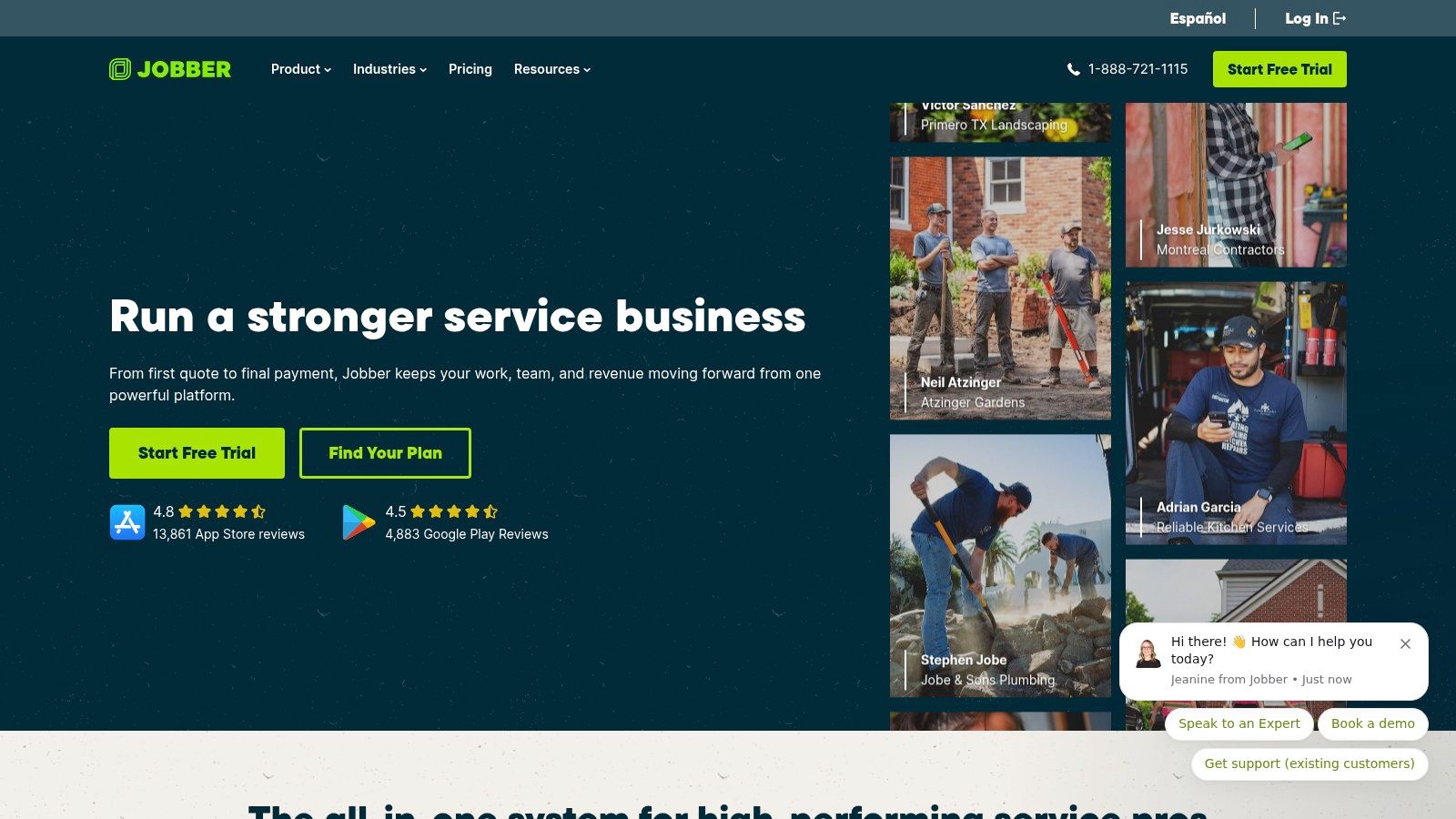
The opening screen shows today's jobs, unscheduled work, and unpaid invoices side by side, which is the part that stops paperwork from disappearing in a van.
Two things move the total. Plan level is the first, because job costing, two-way texting, and crew scheduling sit above Core. Headcount is the second, and it's where a crew of three separates from a solo: Jobber prices per user and per tier, so three people pay three seat rates before they pay for the higher plan they need to dispatch each other.
Add-ons finish the job. A 2026 field-service guide from OneChannelAdmin puts typical small-business plans at around $30 to $50 per month for one user, rising to the low hundreds for teams, and it tells buyers to add payment-processing fees, extra-user charges, and add-ons to the headline before comparing anything.
- One system from quote to payment: estimates convert to invoices and invoices take cards without a second app.
- Client hub: homeowners approve quotes and see upcoming visits themselves.
- Documentation: checklists and job photos attach to the record, with QuickBooks Online sync on the plans that include it.
The shortfall is depth per dollar. Job costing and two-way texting are up-sells, Capterra reviewers generally describe support as helpful while some report slow responses and onboarding gaps, and the 14-day trial without a credit card is the only honest way to test fit. Rankozo's field service management rankings weigh those gaps against the price.
2. Housecall Pro
$59 per month buys Basic on annual billing for one user, per Housecall Pro's published pricing, checked in 2026. It's the only entry here with a dedicated handyman offering, and Basic covers scheduling, dispatching, estimates, invoicing, card payments, online booking, and customer notifications.
A crew of three pays that seat rate three times, and the tier matters more than the seats. Routing, price-book features, GPS tracking, and QuickBooks Online sync sit above Basic, so a three-person shop that wants dispatch visibility buys a higher plan for every user before it buys a single extra login. Month-to-month billing costs more than the annual figure, and some capabilities carry an extra charge on top of the subscription.
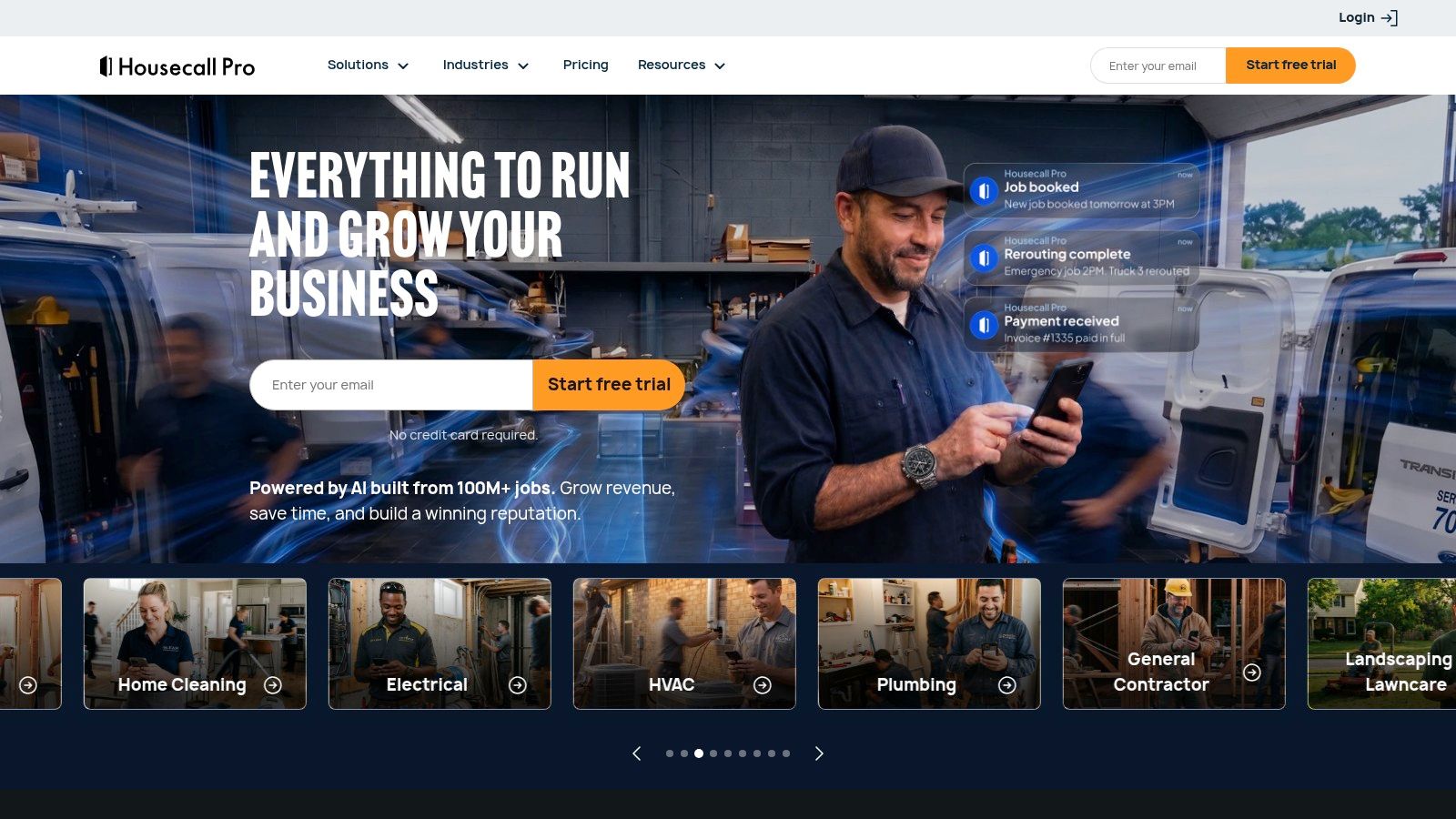
The booking page below is what the customer sees, which is the part that turns a phone call into a scheduled job without the owner answering.
The gaps reviewers report are specific:
- Invoicing and customization: limits show up on unusual jobs rather than standard ones.
- Reporting: shallower than the pricing implies, which matters once a shop tracks profitability per job.
- Stability: some workflows are described as inconsistent, and onboarding leaves gaps for owners migrating mid-season.
Mobile apps run in English and Spanish, the detail that matters on a mixed-language crew and rarely appears on a comparison sheet. The 14-day trial covers evaluation, not migration, so run a real invoice through the system before the card goes in.
3. Markate
$39.95 per month for the Owner Operator plan billed yearly, per Markate's pricing page, checked in 2026. The plan is named for the buyer this list is about, and it bundles customer records, job management, scheduling, estimates, invoices, payments, and customer communication into one login.
What pushes the bill up is what comes after the first login. Employee access moves the account to the Team plan, and optional add-ons stack on the subscription rather than inside it. The listed price is a floor for a growing shop and the full price for a solo one, which is the opposite of how per-seat platforms behave.
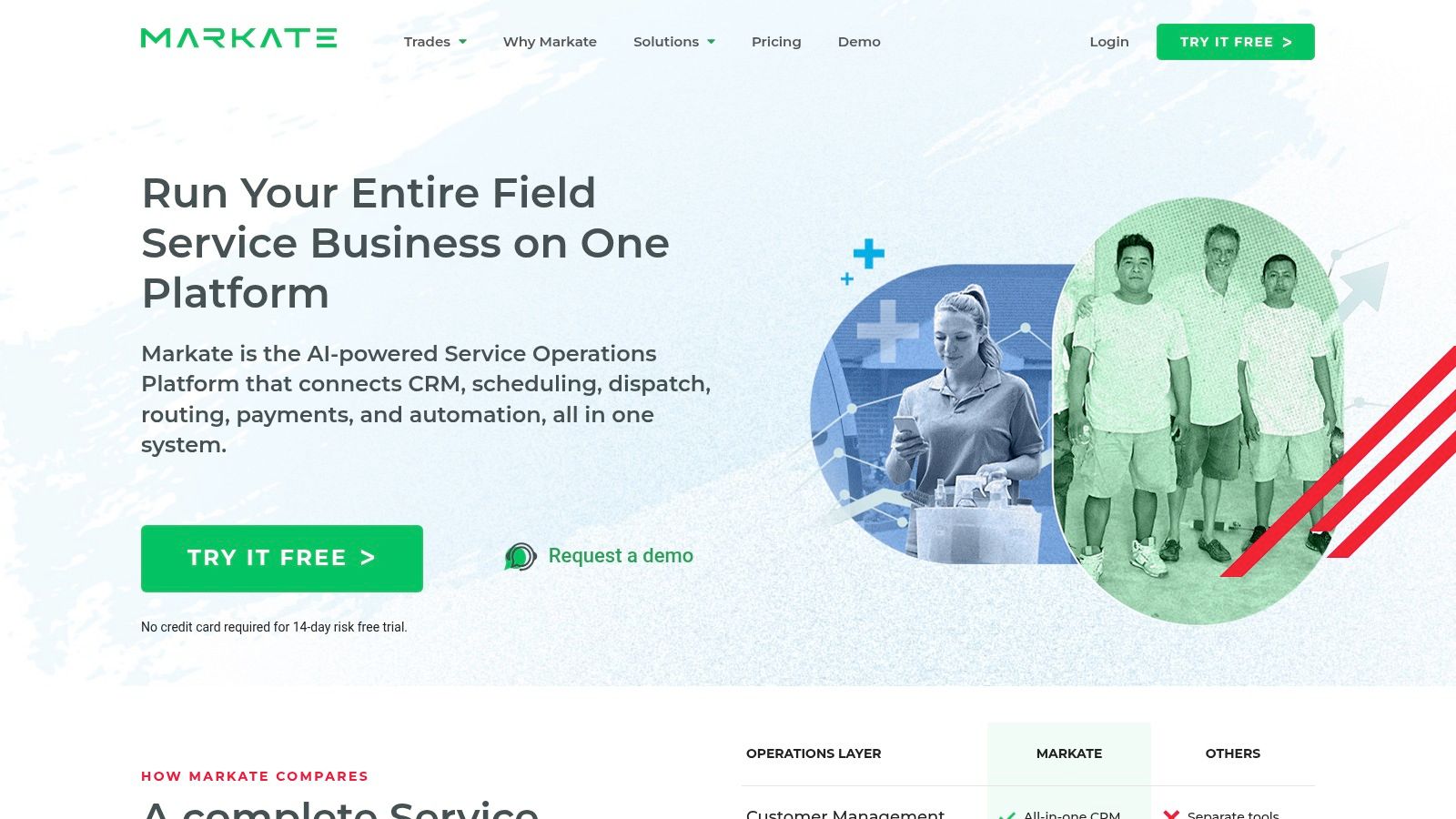
The job record is the unit of work here, with the customer, the schedule, and the invoice attached to the same entry.
Three checks before paying:
- Document volume: the owner-operator tier is built for one person's throughput, so confirm nothing in the plan meters jobs.
- Add-on list: price each optional module against a real task you'd otherwise do by hand.
- Billing terms: monthly terms can differ from the yearly figure, so verify at checkout.
The 14-day trial without a credit card is enough to push three real jobs through the system. A handyman who only writes estimates and invoices pays for surface area nobody opens, and the extra breadth is a monthly cost with no matching return.
4. ServiceM8
Free is the floor of this category, and it's here: one user, up to 30 jobs a month, no card required, per ServiceM8's plans, checked in 2026. Paid tiers are priced by monthly job volume rather than by seat, so a crew of three at the same volume pays what a solo operator pays and gets unlimited logins for it.
That job meter is the catch, and it's the cleanest example of cap-based pricing on this list. The tier a shop needs is the one that covers its busiest month, not its average one, because jobs over the cap have to go somewhere.
The job screen carries the quote, the checklists, and the site photos in a single record.
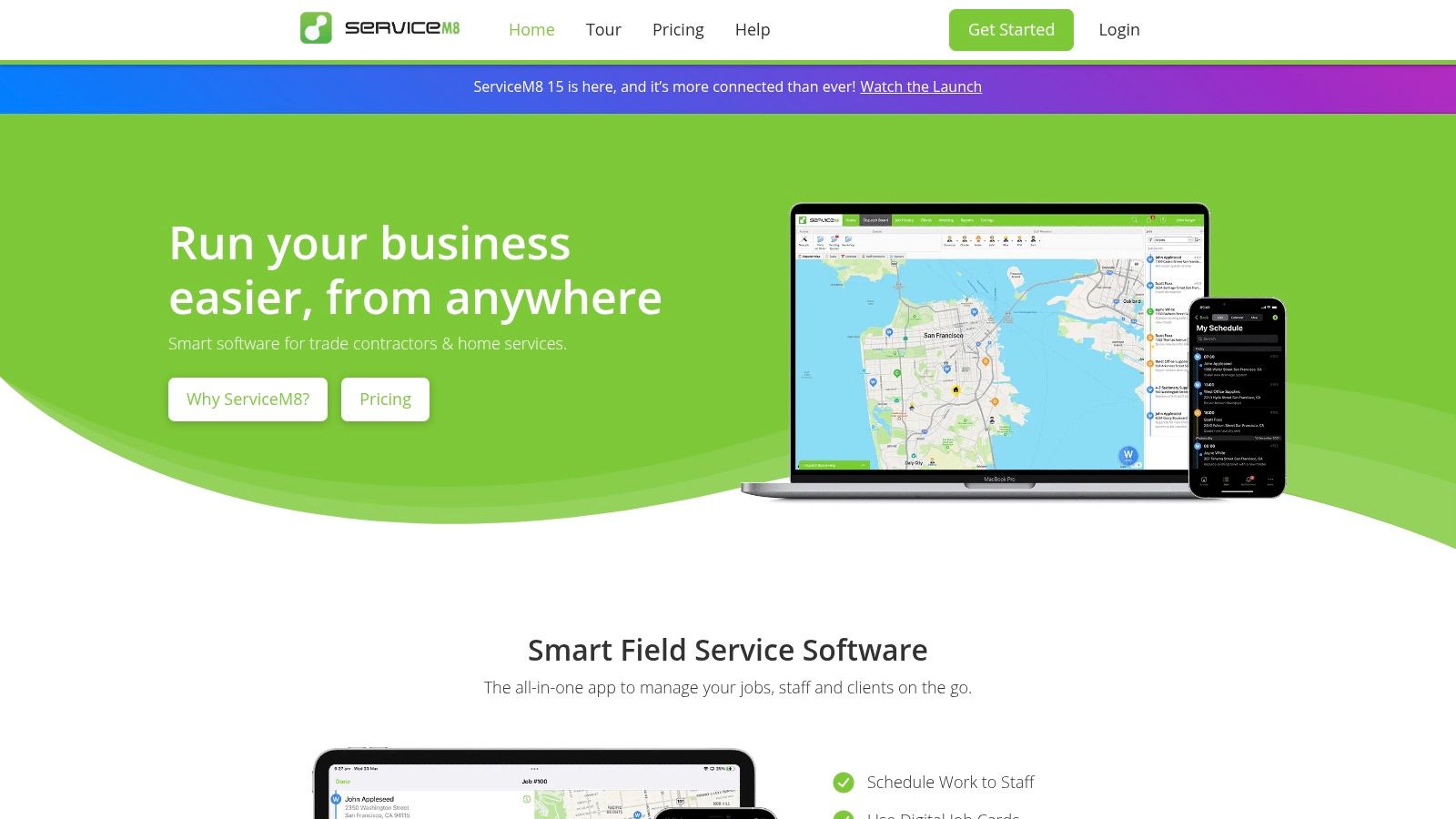
The cap test: open last month's calendar and count jobs. Under 30, the free plan is the cheapest workable option here. Over it, price the tier that covers the busiest month of the last year, then set that number against a flat-rate rival.
The rest of the platform covers quotes, invoices, online bookings, mobile payments, client history, and integrations with QuickBooks Online, Xero, and Zapier.
The shortfall is the phone in your pocket. The full app is built for iOS, and Android users get ServiceM8 Lite, which does less. A handyman running Samsung hardware pays for a platform designed around someone else's device.
5. Joist
$10 per month for Basics, the cheapest paid plan on this list, per Joist's published plans, checked in 2026. It covers estimates, invoices, digital signatures, deposits, and payment links, which is the paperwork half of a handyman business and none of the calendar half.
The ladder above it is where the actual decision sits. Pro adds unlimited documents, work orders, photos, and QuickBooks sync. Elite adds reporting and change orders at $32 per month. Scheduling arrives with the Run tier at a substantially higher price, which is the point where a paperwork tool stops being the cheap option.
Basics caps at five estimates or invoices a month. That's roughly one a week, or a single Saturday of side work, so the cap binds almost immediately for anyone trading full time.
The estimate screen is built for a phone in a driveway rather than a desk.
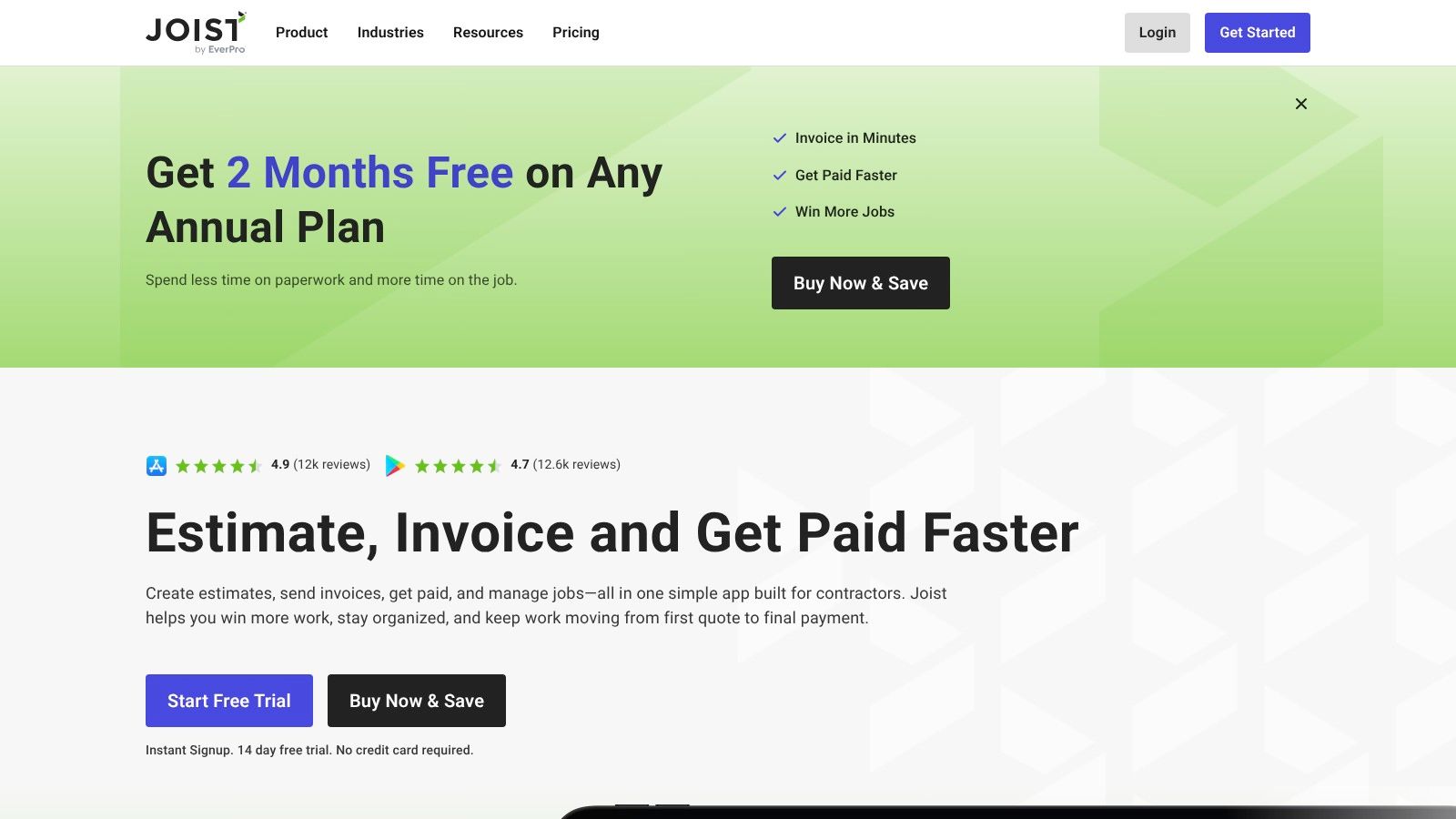
- On-site paperwork: build a quote, take a signature, and send the invoice before leaving the property.
- Deposits and payment schedules: useful on material-heavy jobs where the customer pays before work starts.
- Lower commitment: no per-seat maths, because there are no seats to add.
None of the tiers carry dispatch or routing, so a crew that grows past paperwork needs a second tool, and two subscriptions are where the $10 headline stops being the story. Rankozo's contractor invoicing comparison covers the tools that do this work without a scheduling platform attached.
6. Contractor+
Free, capped at five estimates or invoices a month, on the Freedom tier per Contractor+, checked in 2026. That's a no-subscription way to move client records, estimates, invoices, and payment collection off paper, and for a new operator it's a genuine run at a contractor-specific workflow rather than a demo timer.
Paid plans add scheduling, job costing, team tools, and accounting integrations. The upgrade trigger is volume rather than features: the fifth invoice of the month is where the free tier stops working and the paid tier becomes cheaper than the workaround.
The project record keeps the client, the estimate, and the payment on one screen.
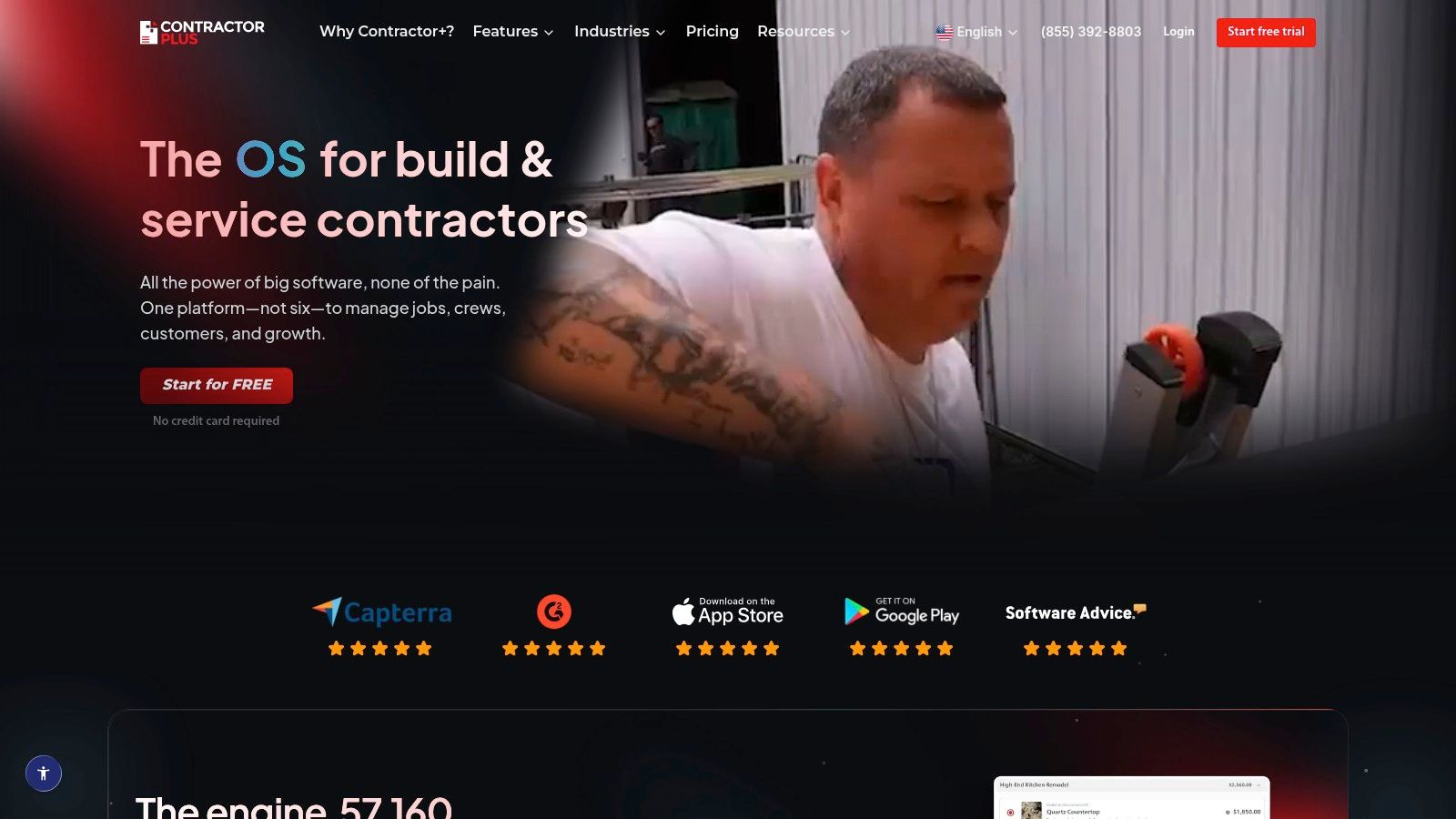
Free tiers in this category ration documents, not days. Five invoices a month is a side business. It isn't a business with a helper, a van payment, and a customer who wants a receipt before the tech pulls out of the driveway.
Three things to confirm before subscribing:
- Current plan terms: published pricing and plan details differ across Contractor+ pages, so the checkout page is the number that counts.
- Included seats: team collaboration is a paid feature, so price the logins you'll need rather than the ones you have.
- Export: make sure client records leave in a usable format.
The tool is a starting point, not a destination. It digitizes paperwork a handyman already does and doesn't attempt dispatch, routing, or job costing at the free level. That's fine for a first system and wrong for a shop with two vans.
7. Kickserv
$60 per month covers five users on Start, per Kickserv's pricing page, checked in 2026. The plan is sold in user blocks rather than per seat, so the math flips by crew size: a solo operator still pays $60 for one login, while a three-person crew pays the same $60, about $20 a seat. Start includes customer management, estimates, jobs, scheduling, email and text reminders, time and expense tracking, and accounting integration.
The entry price rises when office visibility becomes the requirement. Dispatch mapping, GPS check-ins, and custom reports sit above Start, so seeing vans on a map or proving arrival times costs more than $60. Annual billing can reduce the monthly figure, but the savings come with a longer commitment.
AI-assisted scheduling can improve technician productivity, mainly by tightening the gap between jobs and cutting avoidable drive time. Before paying for that promise, measure a baseline first: jobs per technician-day, drive time, and on-time arrivals, then compare after the switch.
The schedule view puts dispatch and job status in one place.
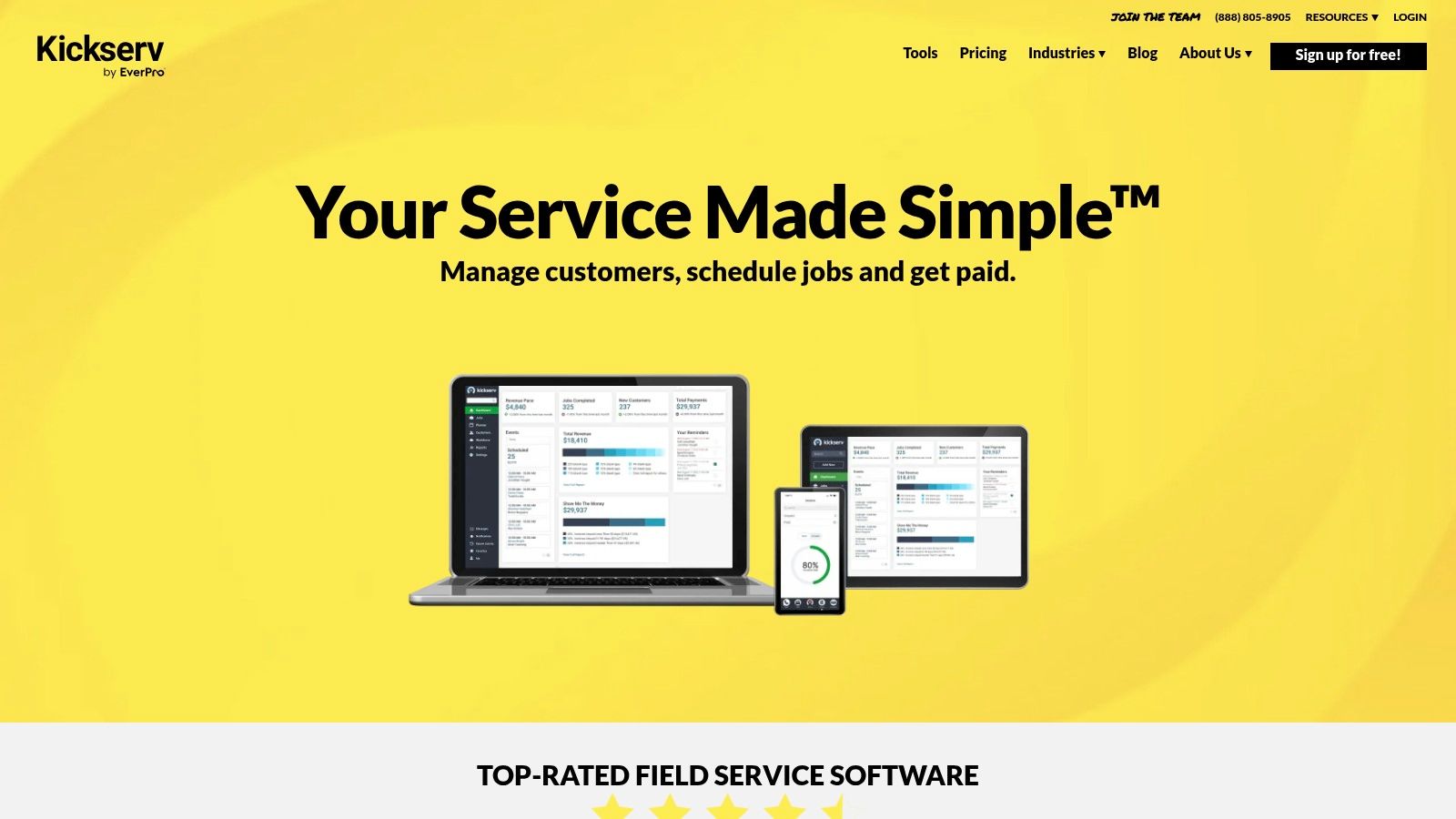
The shortfall for a one-person shop is surplus capacity. Five seats and time tracking are more system than a single tech can use, and the 30-day free trial is the clean test: long enough to learn whether the features shorten the workweek or just add screens to it.
8. Workiz
No published price. Workiz lists Standard, Pro, and Ultimate and asks buyers to request pricing, per Workiz, checked in 2026, making it the entry here that can't be costed from a web page. The vendor says core plans include unlimited jobs, estimates, invoices, and clients, and beyond that the total depends on seats and add-ons.
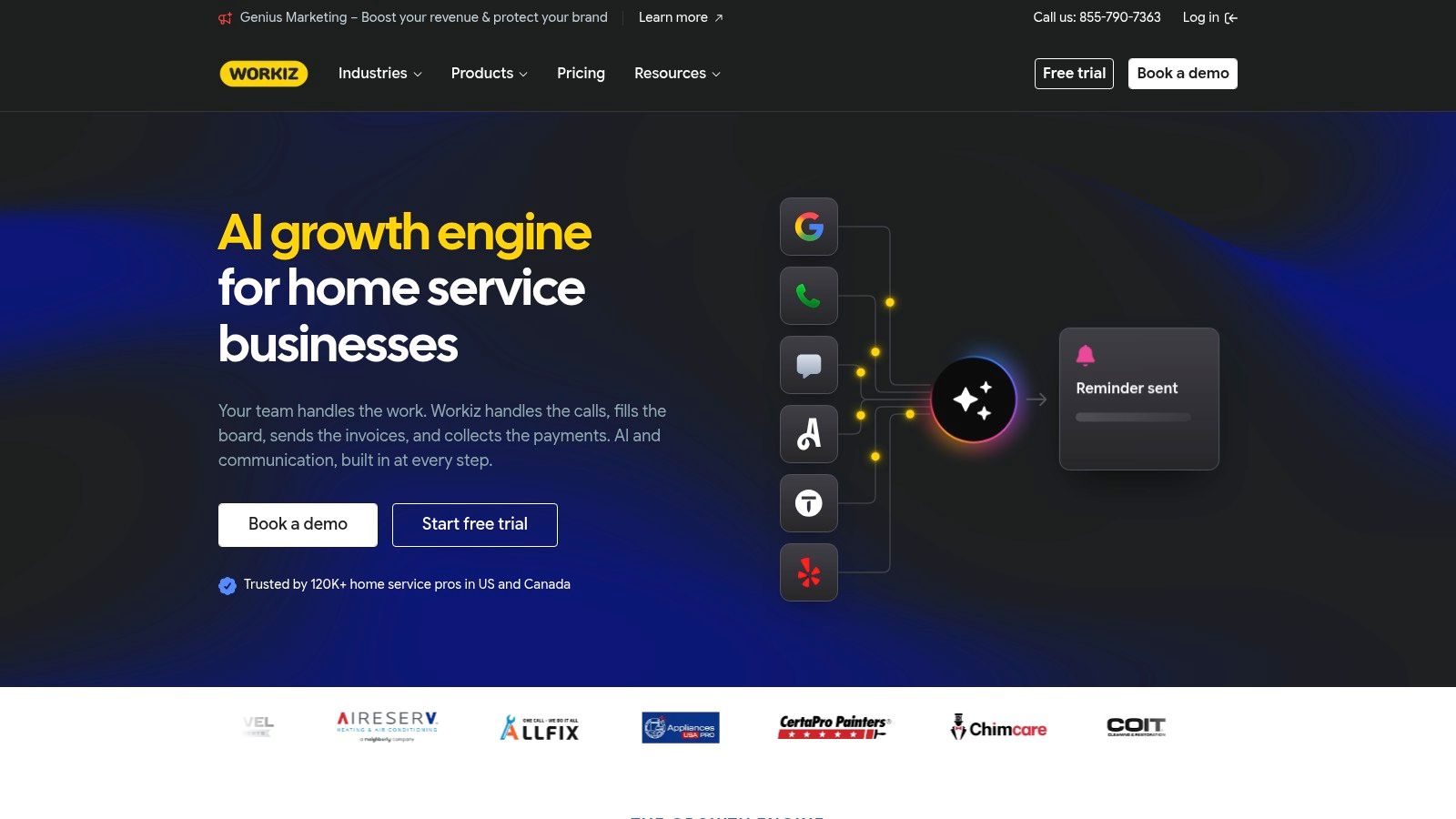
What the platform does well is the phone. Scheduling, dispatch, customer history, real-time team updates, QuickBooks integration, and online payments sit in the base product, with higher tiers adding automation, service plans, inventory, proposals, and multi-location tools.
Automation is the reason to look and the reason to be skeptical of a premium. In 2025, more than 70% of surveyed U.S. home-service contractors had tried AI tools and about 40% were actively using AI in their businesses, according to Housecall Pro's survey of more than 400 contractors. Features most of the market already runs aren't worth paying extra for. A phone system that logs every call to a customer record might be.
The dispatch board is where the phone tools pay off, because every call and job lands in the same customer record.
Quote-based pricing has three practical consequences:
- Annual plans bill at purchase, so the cash leaves before the software has proved itself.
- Seat and add-on terms are settled in a call and stay invisible on a page.
- Comparison gets harder, because a quote can bundle features another vendor charges for separately.
Ask for the per-seat rate, the included user count, and the add-on list in writing before the demo.
9. FieldPulse
Custom pricing, charged per seat, with no subscription figure published on FieldPulse's main pricing page, checked in 2026. That puts the total in a conversation rather than on a screen, and a solo operator's number and a crew of three's number can only be compared after both are quoted.
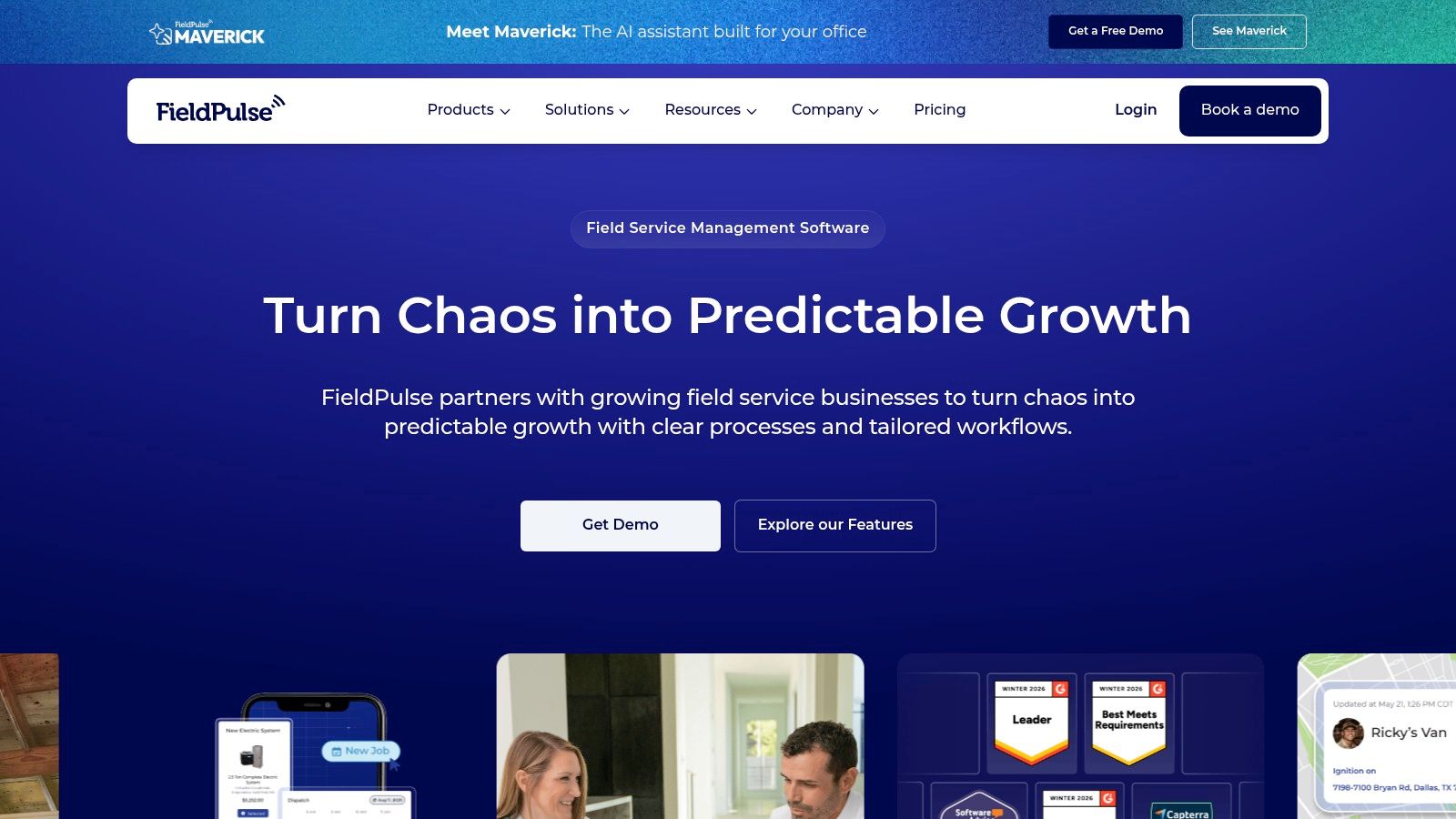
What's available is configuration. Scheduling and field operations lie at the core, and optional products include a business phone system that logs calls, texts, and voicemails to the customer record, plus AI tools, fleet tracking, payments, a pricebook, and custom forms. The vendor promotes personalized onboarding, the appropriate offer for a shop with unusual workflows and the wrong one for a shop that wants to be running by Friday.
The workspace is configurable, which is the argument for the call and the reason a self-serve price doesn't exist.
Ask for the number before the demo: a seat-based quote should show the per-seat rate, the included seat count, and the price of every optional product on its own line. One blended figure hides which module you're paying for.
The shortfall is visibility. Optional products make the total harder to estimate, seat pricing grows the bill with every hire, and the main page publishes no straightforward subscription price at all. FieldPulse suits a buyer ready to describe their setup and negotiate a package. A one-person shop comparing monthly totals should treat it as an unknown and price it last.
10. Service Fusion
$225 per month, or $192 per month billed annually, for Starter with unlimited users, per Service Fusion's pricing page, checked in 2026. That's the highest entry price on this list and the clearest flat-rate structure, because a crew of three and a crew of ten pay the same subscription.
The tiers above climb quickly. Service Fusion's field-service software comparison lists Plus at $325 per month and Pro at $533 per month on annual billing, with unlimited users on every plan.
The arithmetic is the whole story. Three people on annual billing pay $192 a month, the same as ten. A solo handyman pays that amount for capacity nobody uses, and that's the trade: headcount-proof pricing in exchange for empty seats you fund anyway.
The job board carries estimates, dispatch, and invoicing in one view.
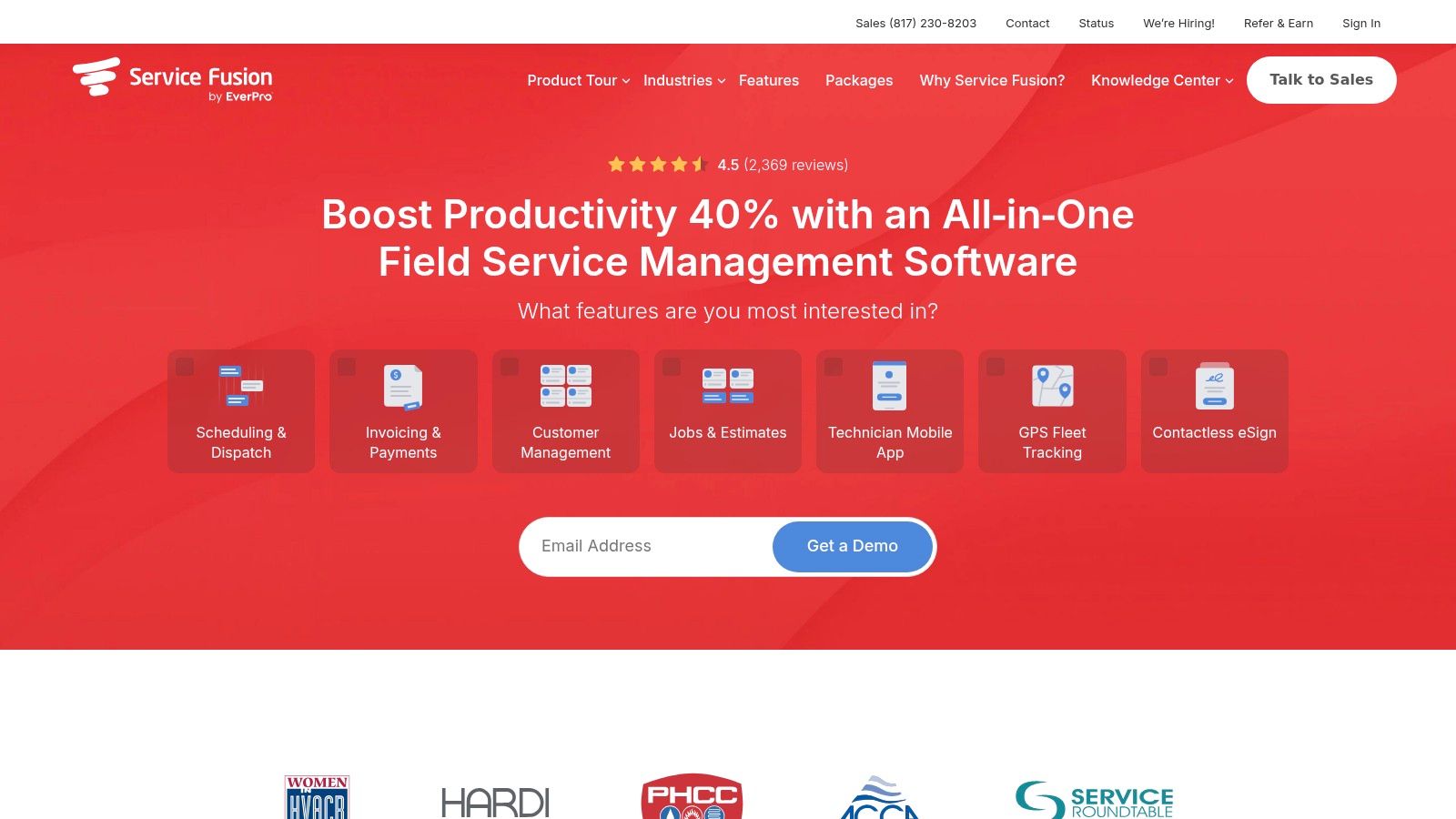
- Dispatch and scheduling: customer management, estimates, jobs, and dispatch in one system.
- Accounting and payments: QuickBooks integration and card processing.
- Higher tiers only: inventory, job costing, photos, e-signatures, and customer portals.
The shortfall is the starting price against lightweight invoicing tools, plus a demo request that leaves the published number to be confirmed. Established shops with several technicians should run the flat rate against per-seat rivals at their real headcount. The same calculation applies across trades, and Rankozo's plumbing software rankings run it for a trade with nearly identical dispatch problems.
Starting price, free plan and best fit for each handyman software option
Two of these tools cost a solo operator nothing. Which one fits depends on headcount and job volume rather than the sticker price: free plans cap jobs or documents, per-seat vendors multiply with every login, and flat rates charge one figure at any crew size.
| Item | Starting price | Free plan | Best for |
|---|---|---|---|
| Jobber | $29/month, billed annually | No free plan; 14-day trial | Solo handymen wanting all-in-one job workflows |
| Housecall Pro | $59/month, billed annually | No free plan; free trial | Handyman businesses needing broad field-service tools |
| Markate | $39.95/month, billed yearly | No free plan; 14-day trial | Owner-operators wanting core admin tools |
| ServiceM8 | Free; paid plans available | Yes, up to 30 jobs/month for one user | Solo operators with modest job volume, especially iPhone users |
| Joist | $10/month | No free plan; trial terms not stated | Handymen focused on estimates, invoices, and payments |
| Contractor+ | Free Freedom tier | Yes, limited to five estimates or invoices/month | New or solo operators digitizing basic administration |
| Kickserv | $60/month for five users | No free plan; 30-day trial | Small crews wanting field-service tools with published pricing |
| Workiz | No published price; vendor quotes each package | No free plan listed; vendor quotes on request | Businesses coordinating frequent calls and field teams |
| FieldPulse | No published price; vendor quotes each package | No free plan listed; vendor quotes on request | Businesses seeking customizable field-service operations |
| Service Fusion | $225/month or $192/month billed annually | No free plan listed; $192 to $225 per month | Established operations with multiple technicians |
Read the table by crew size. A solo handyman under 30 jobs a month pays nothing on ServiceM8, and under five estimates or invoices a month pays nothing on Contractor+. At three logins, Kickserv's $60 covers all five seats while Service Fusion's $192 annual rate is the same for three technicians as for ten. Quote-only vendors keep that multiplication hidden until the sales call, so their real monthly cost sits outside any comparison until the package is priced.
Choosing the Cheapest Handyman Tool That Still Fits Your Job Volume
Three numbers settle the decision, and none of them is on a pricing page. The first is your busiest month's job count. The second is how many estimates and invoices you issue in a week. The third is how many people will need a login in the next twelve months. Write all three down before opening a vendor site.
The rule follows from them.
- Stay free while the cap holds. A one-person shop under a 30-job cap, or issuing fewer than five estimates and invoices a month, pays nothing and loses nothing.
- Move to a flat fee when the cap binds. A capped plan that sends two jobs a month back to paper costs more in admin time than the upgrade.
- Get quotes last. Negotiate seats and add-ons from a known monthly total, never from a feature list.
The cheapest headline price is rarely the cheapest workable tool. Capterra's 2026 small-business field-service listing carries plans that exclude quotes and estimates, scheduling, service history, and work-order management, per Capterra's directory, so the calendar and the invoicing app get bought separately and the saving disappears.
At the other end, Microsoft lists Dynamics 365 Field Service at $105 per user per month paid yearly, per Microsoft's pricing page. That puts a two-person shop at $210 per month before implementation, integrations, or any other Microsoft product. Neither end of the range is automatically right.
What decides fit is whether the system gets used at all. Researchers behind Wipfli's 2025 construction research report found 48% of companies with revenue below $50 million reported only moderate or minimal technology integration, 47% of the smallest firms said employees struggled to use existing technology effectively, and just 38% had a structured process aligning application selection with business needs, security, and scalability. Fewer features and a faster first week beat a fuller platform that stalls in setup.
Automation deserves the same test. RICS's 2025 construction research names a lack of skilled personnel as the leading barrier to AI adoption and notes that smaller organizations are constrained by fragmented or inconsistent data. Templates, reminders, and call transcription carry little risk. Automated labor and material estimates without human review do.
Confirm two things before entering card details: the vendor's current price and the date that price was checked. A figure from eighteen months ago describes a different product.
Start with the number, not the demo. Count last month's jobs and invoices, pick the free tier that covers your busiest week, and move up only when the cap sends work back to paper. Rankozo publishes price indexes and value-ranked software lists where every figure links to the page it came from and every price carries the date it was checked, so the next comparison starts from a recorded number instead of a remembered one. Confirm the current price on the vendor's own page before you commit.
Questions or corrections: editorial@rankozo.com