Guide · General
Cost Estimating Software Free: Limits and Upgrade Costs
Compare 10 cost estimating software free options by plan limits, project caps and upgrade costs, with each vendor's pricing page checked by date.
By the Rankozo research desk · Updated November 22, 2026 · 14 min read
Free estimating software usually hits a volume limit before a feature limit. The first constraint may be the number of projects, plan pages, measurements or users a free tier allows. A 2026 category review listed 57 products as free construction estimating software, then clarified that some were free trials, illustrating how a short evaluation period can be mistaken for a permanent free plan (Exayard's review).
This list covers 10 tools. Each entry draws on the vendor's pricing or help page where it publishes the relevant limit, and on a dated third-party listing or report where it does not. Entries identify the free-tier limit most likely to bind, the first paid step that removes it, and the type of buyer the tool suits. Bundled contractor platforms, open-source projects and tools offering a free estimate all appear here, though their free offers work differently.
Compare the limit with your expected bid volume first. Then check what the paid step changes, and whether the tool fits your trade.
Table of Contents
- 1. Beam
- 2. ConGenius
- 3. STACK Takeoff & Estimate
- 4. Methvin
- 5. Dindo
- 6. TakeCost
- 7. BidSheet
- 8. Open Calc Studio
- 9. Houzz Pro
- 10. Struvia
- Free plan limits and the first paid step, by tool
- Matching the Free Limit to Your Bid Volume
1. Beam
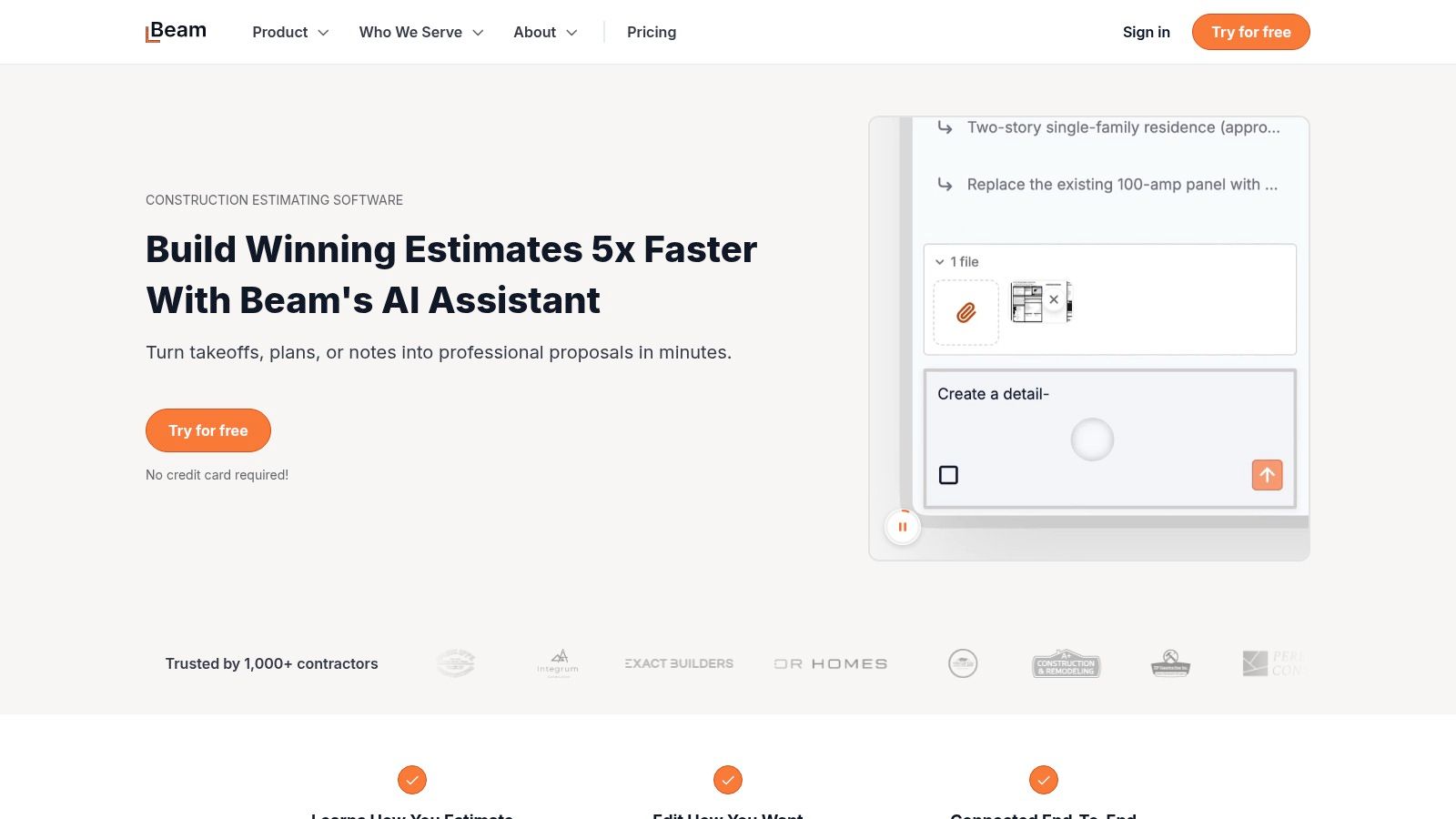
Beam combines estimating with invoicing and bill payments, so its free Core plan can cover more of a small contractor's workflow than a takeoff-only tool. The plan includes unlimited estimates, invoices and bill payments, plus five AI-assisted estimates, according to Beam's pricing page. Editable line items, sections, discounts and markups, alongside reusable estimate templates and a cost library, help reduce repeat entry.
The limit that binds first is the AI estimate count
Core has no published cap on manual estimates, invoices or bill payments. The stated AI allowance is five estimates; Beam's pricing page lists unlimited AI estimating on the next paid step. Contractors who build bids manually from a saved cost library can avoid that limit, while those relying on AI to price plans will reach it as they use the included estimates.
That makes the free tier a better fit for contractors with repeatable work and a reusable cost library than for those who need frequent AI-assisted pricing.
- Fits. Small contractors who want estimating tied to invoicing and job costs rather than measurement alone.
- Watch. The wider platform includes budgets and job costing, which a solo estimator may not need.
- Price gap. The page checked did not publish a starting price for the paid tier, so ask Beam for a quote.
Contractors comparing a broad platform with a focused estimator can review Rankozo's Premier Construction Software comparison.
2. ConGenius
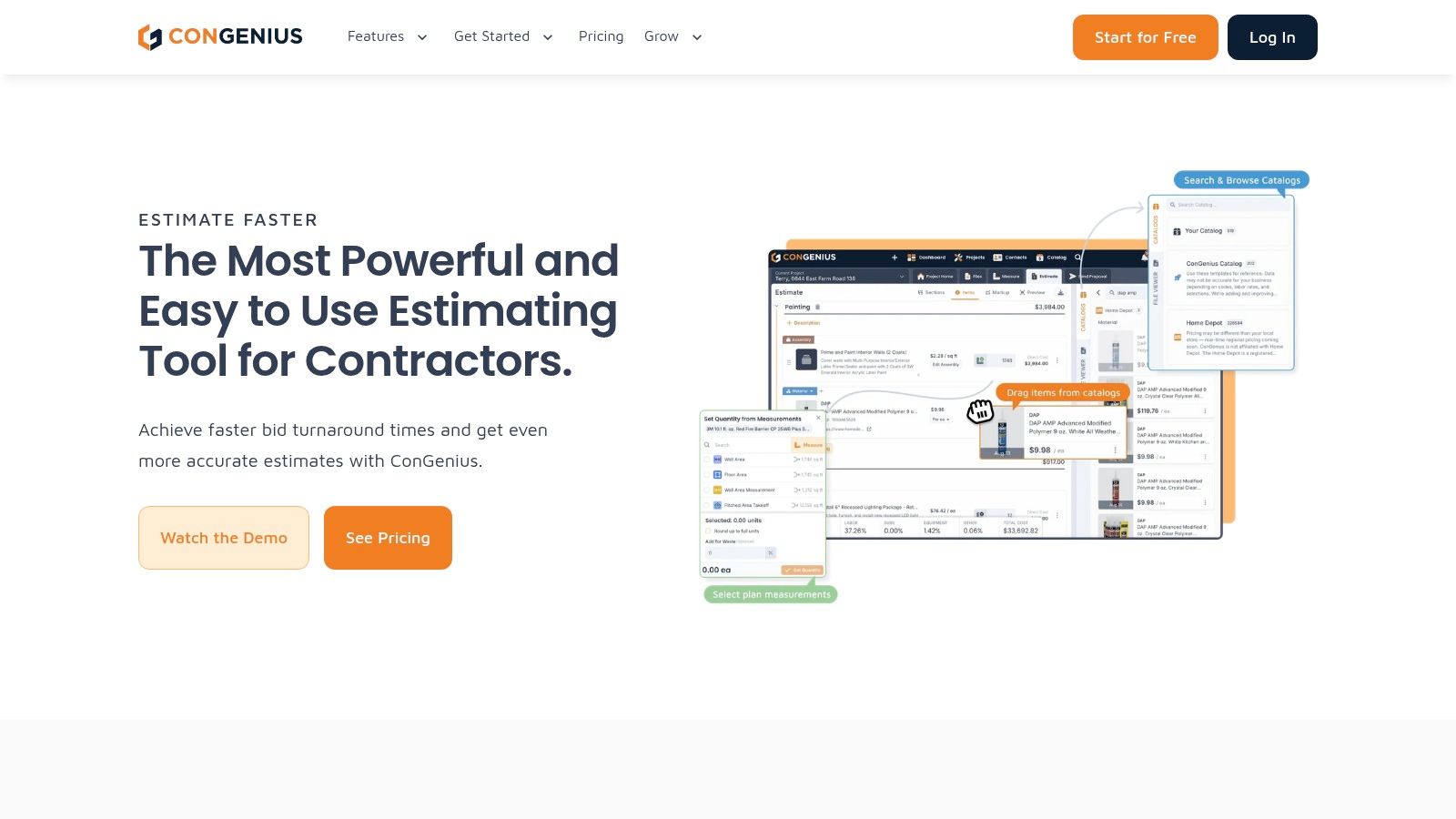
ConGenius is built for estimators who reuse assemblies and cost data. Its catalog and plan-measurement tools support line-item bids, while labor, equipment, markups, fees, taxes and discounts are calculated rather than entered manually. That makes it a practical fit for subcontractors with repeatable scopes, such as framing or drywall, who can supply their own local costs.
One user and five projects is the ceiling most buyers hit
The free tier is listed with a cap of five projects, 200 files and one user. Five projects can be enough to try the catalog and markup calculations on live bids, but a contractor handling eight or ten bids a month will outgrow that project limit. The single-user cap binds sooner if another estimator needs access.
File use can be harder to forecast. Plan sets, revised drawings and other job files all count toward the limit, so revisions can use up capacity before an estimator finishes pricing the work.
Practical rule. Price one complete bid, including a revision, within the free tier. If the project or file allowance looks tight, check the paid tier before the next bid cycle rather than during a tender.
The ConGenius construction estimating feature page describes its catalog and measurement tools. The main question is whether the free tier's project, file or user cap will bind first.
3. STACK Takeoff & Estimate
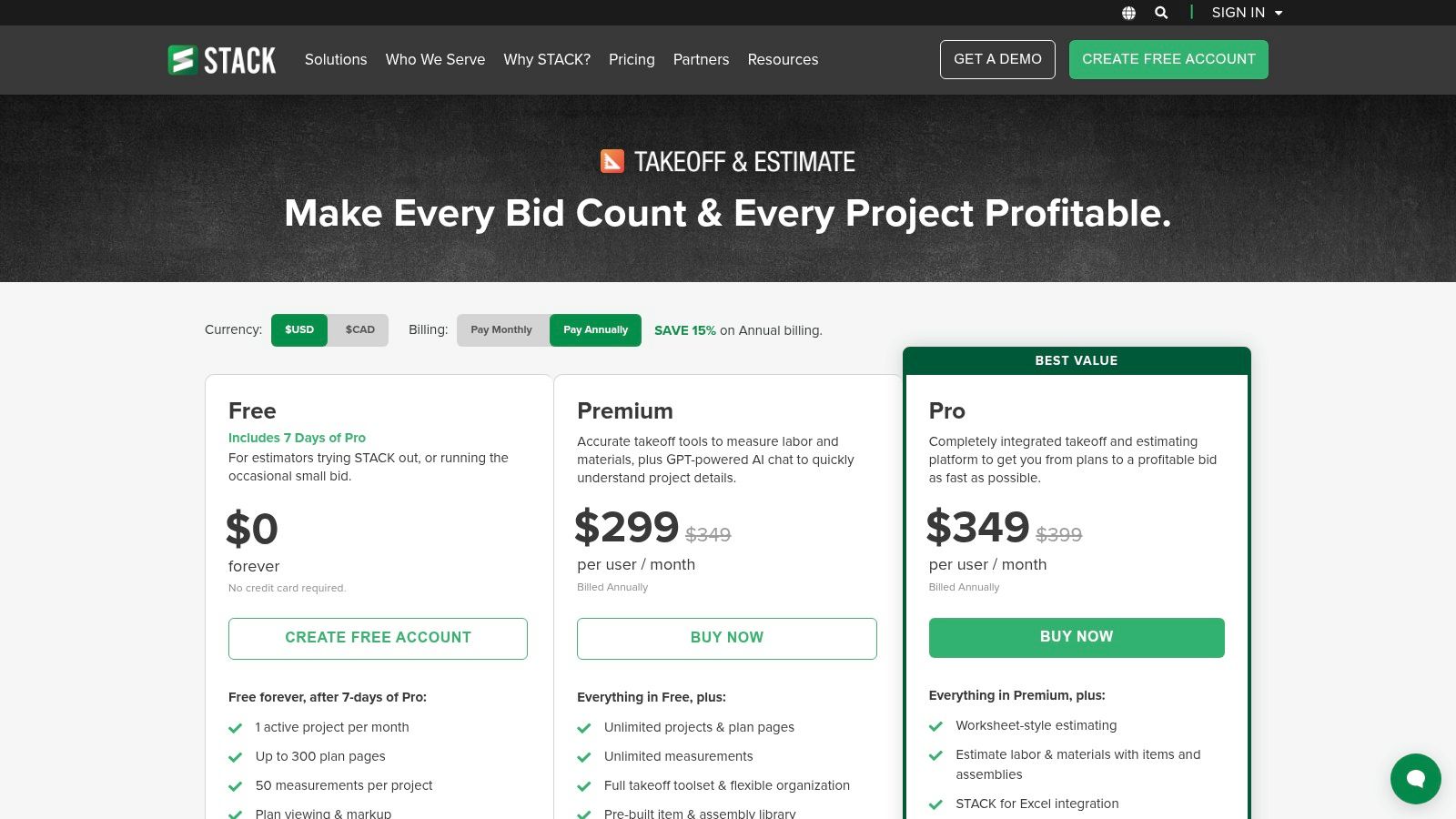
STACK publishes its free limits, which makes it the easiest product on this list to judge in advance. The free account follows a seven-day Pro preview and then allows one active project per month, up to 300 plan pages and 50 measurements per project (Ampcount, 2026). Core takeoff, plan viewing and markup stay available. Worksheet estimating and proposal generation don't.
The monthly project cap stops most bidders first
One active project per month is the binding constraint, not the 300 pages. A bid desk pricing six jobs in a month runs out after the first, and the page and measurement ceilings only matter to the single project that got through. The paid step removes it: $299 per user per month for Premium and $349 per user per month for Pro when billed annually, recorded in the same 2026 review.
- Fits. A contractor testing digital takeoff on one real plan set, or a remodeler who prices one job at a time inside 300 pages.
- Doesn't fit. A commercial bid desk, or anyone who needs the proposal out of the same tool, since proposal generation sits in the paid tiers.
- Steepest jump. The move from $0 to a few hundred dollars per seat per month is the largest published step-up here, so treat the free tier as a trial with a visible ceiling rather than a working pipeline.
Takeoff-only comparisons sit in the free construction takeoff software guide.
4. Methvin
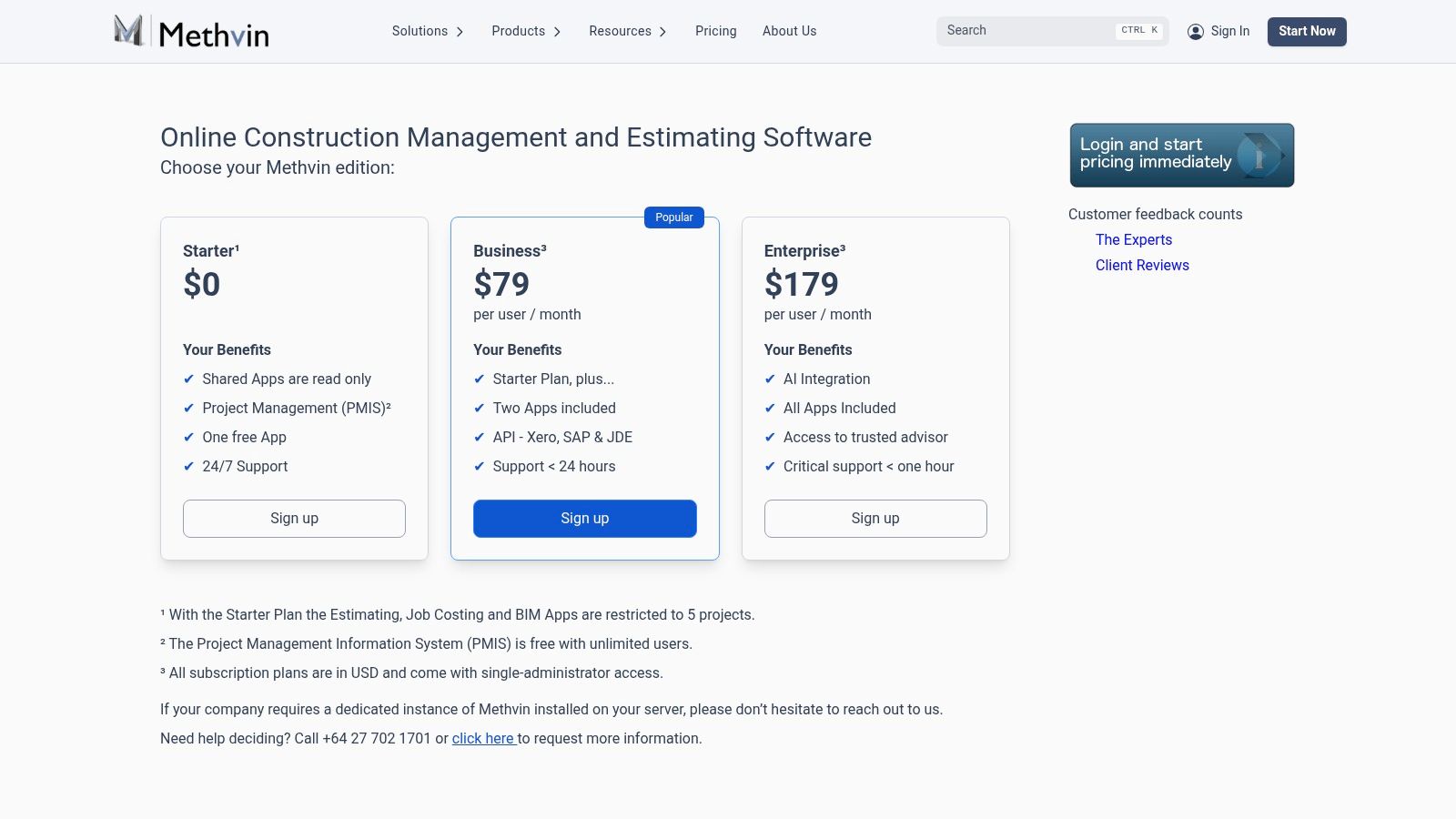
Methvin's $0 Starter plan isn't a trial with a countdown. It includes one free app, project management and support, and the estimating, job costing and BIM apps are capped at five projects on Starter. For a solo estimator who wants takeoff, estimating and a schedule under one login, that's a real workflow rather than a demonstration.
One app, five projects, then a plan change
Two limits bind in sequence. The first is the app count, because Starter includes a single free app, so an estimator running estimating and job costing has to choose. The second is the five-project ceiling, which applies to estimating, job costing and BIM but not to project management. A contractor with six live jobs reaches the ceiling while those jobs are still open, and the only path forward is a paid tier that adds apps, integrations and expanded access.
Five projects is a working month for a small subcontractor and a slow week for a mid-size one. Match the number to your own calendar before reading the feature list.
The free plan suits a sole trader who moves between a handful of jobs and wants estimating attached to project management rather than sold as a separate product. Teams needing more than one app, or shared access across estimators, should price the paid tiers on the Methvin pricing page before committing, because the free app allowance is the part that changes first.
5. Dindo
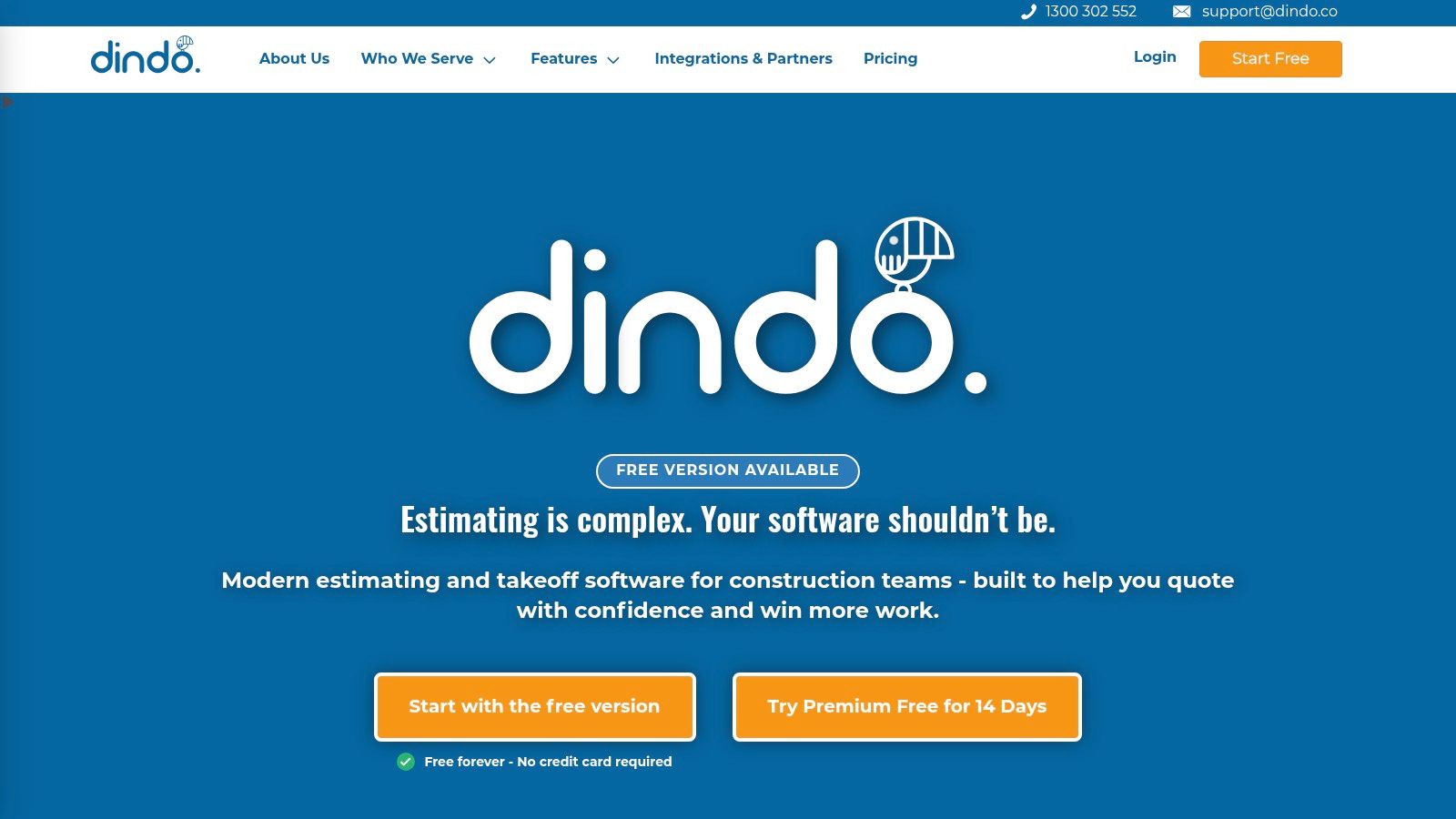
Dindo's Free Edition includes job estimates, quotation reports, templates, price lists, variations and collaboration. Its first constraint is the drawing allowance: up to five drawings per job, with one user and no credit card required, according to the Dindo website.
Drawing count, not bid count, sets the ceiling
A drawing cap can run out within a single job. A site plan, floor plans, elevations, a section and a revision sheet can use all five slots before takeoff is complete. Premium raises the drawing limit and adds more report options.
- Where it fits. Residential and light commercial bids based on compact plan sets.
- Where it breaks. Jobs with active revisions, since added sheets can push the drawing count over the limit.
- The seat limit. One user works for a solo estimator, but restricts a two-person bid team.
Dindo's per-job allowance can suit contractors bidding a few complex jobs rather than many small ones. The first paid step to check is Premium, which raises the drawing ceiling; confirm the current user allowance on the Dindo website before relying on the free edition for a live tender.
6. TakeCost
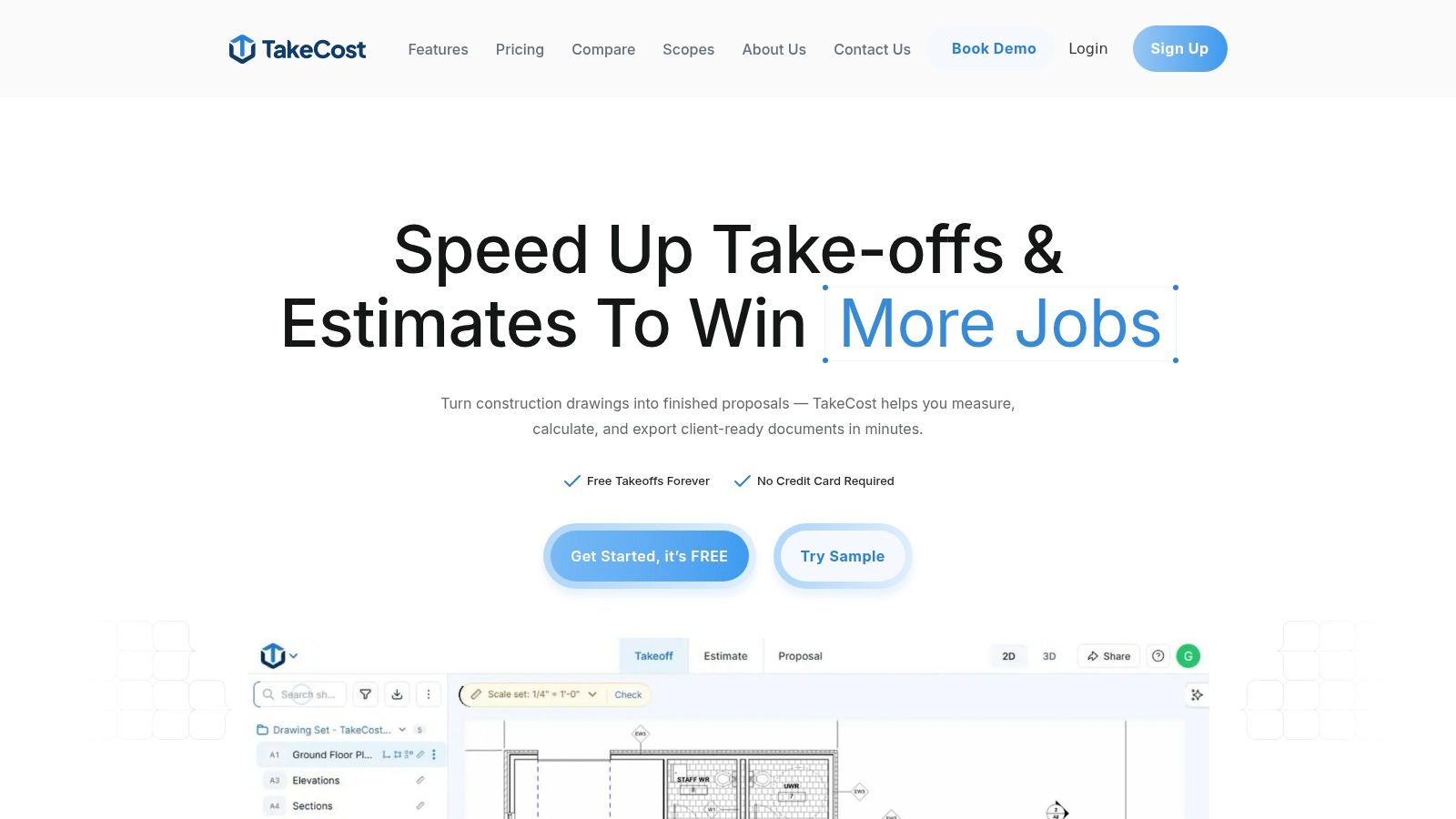
TakeCost meters the month rather than the project. The free plan includes measuring, quantity generation, estimates, proposals, collaboration and comments, and the help center says a user can start one new takeoff file each month while keeping access to past projects.
One new takeoff a month, with history kept
The reset is the feature. A monthly allowance that renews is worth more than a 14-day trial to a contractor whose work arrives in bursts, and worth less to one bidding every week. Keeping past projects readable means finished bids don't lock behind a paywall, which is the failure mode that makes trial-based tools expensive after the fact.
Proposals on the free tier are the unusual part. Most free plans stop at quantities and leave the client document to a paid tier or a separate invoicing app, so a contractor can measure a job for nothing and still need another product to send it out.
- Fits. Occasional estimating, a second opinion on a plan set, and contractors who send a handful of quotes a month.
- Doesn't fit. A bid desk pricing several jobs a week, because the allowance is one new takeoff file per month.
- Upgrade trigger. Higher usage and advanced features sit behind the paid plan, priced on the TakeCost site.
7. BidSheet
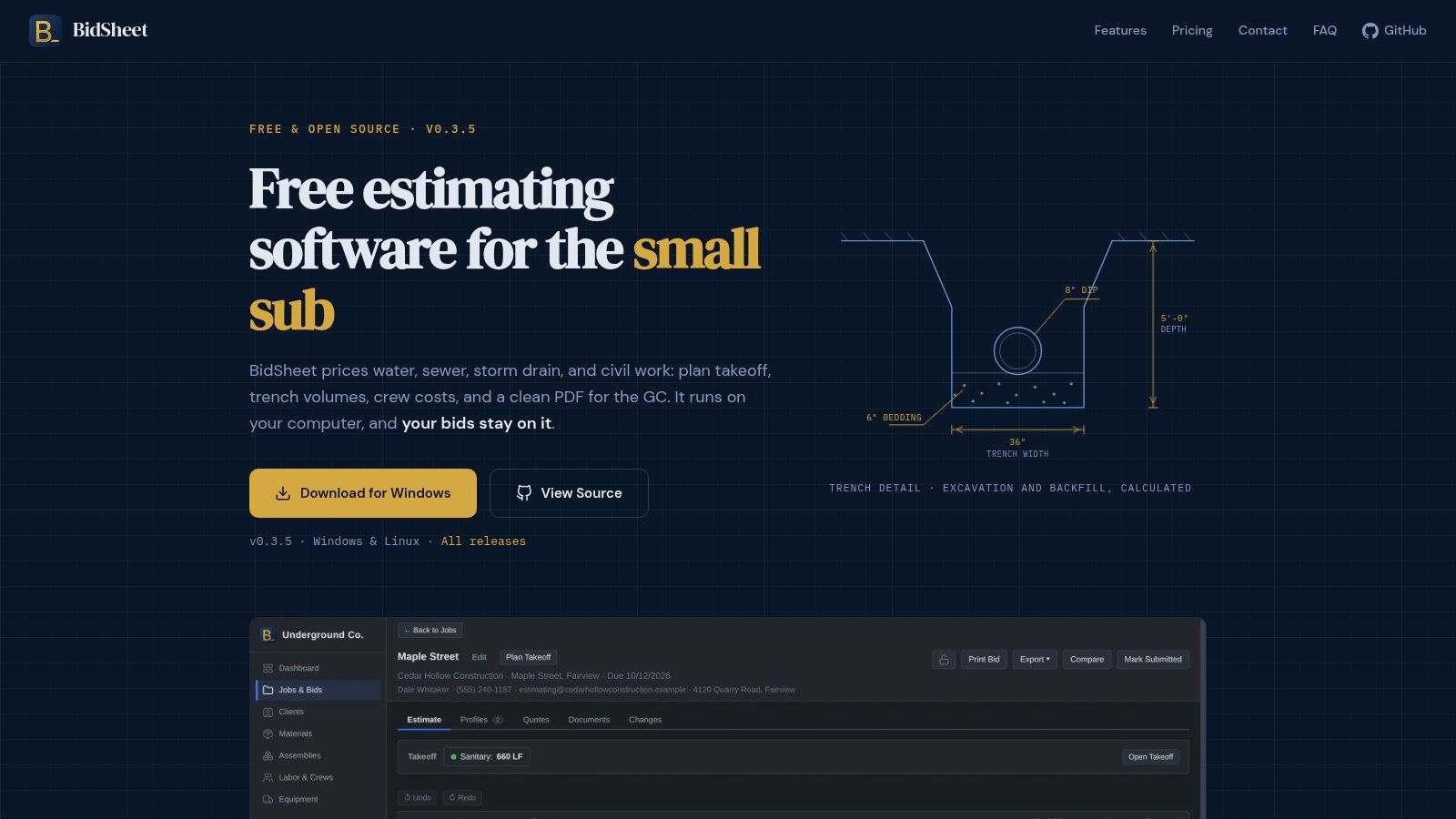
BidSheet is free with no account, project cap or monthly reset. This open-source estimator targets underground utility subcontractors working on water, sewer, storm, gas and fiber projects. It runs locally, with optional paid cloud sync.
Free forever, inside one trade
The first limit to check is scope, not bid volume. BidSheet covers PDF plan takeoff with scale calibration and pipe-run drawing, trench-volume calculations for excavation and backfill, a cost catalog with supplier-price import and seeded items, plus crew, labor, equipment and markup calculations.
Bid data stays on the estimator's machine, and offline mode supports work without a cloud account. Firms can also inspect and adapt the open-source code. Shared cloud access across a team is the paid step, so collaboration can add cost even when the estimating software is free.
For utility subcontractors, the key question is whether these trade-specific tools match the work being priced. Firms comparing broader options can review construction management software for small contractors. Check the BidSheet site for the current build and cloud-sync details.
8. Open Calc Studio
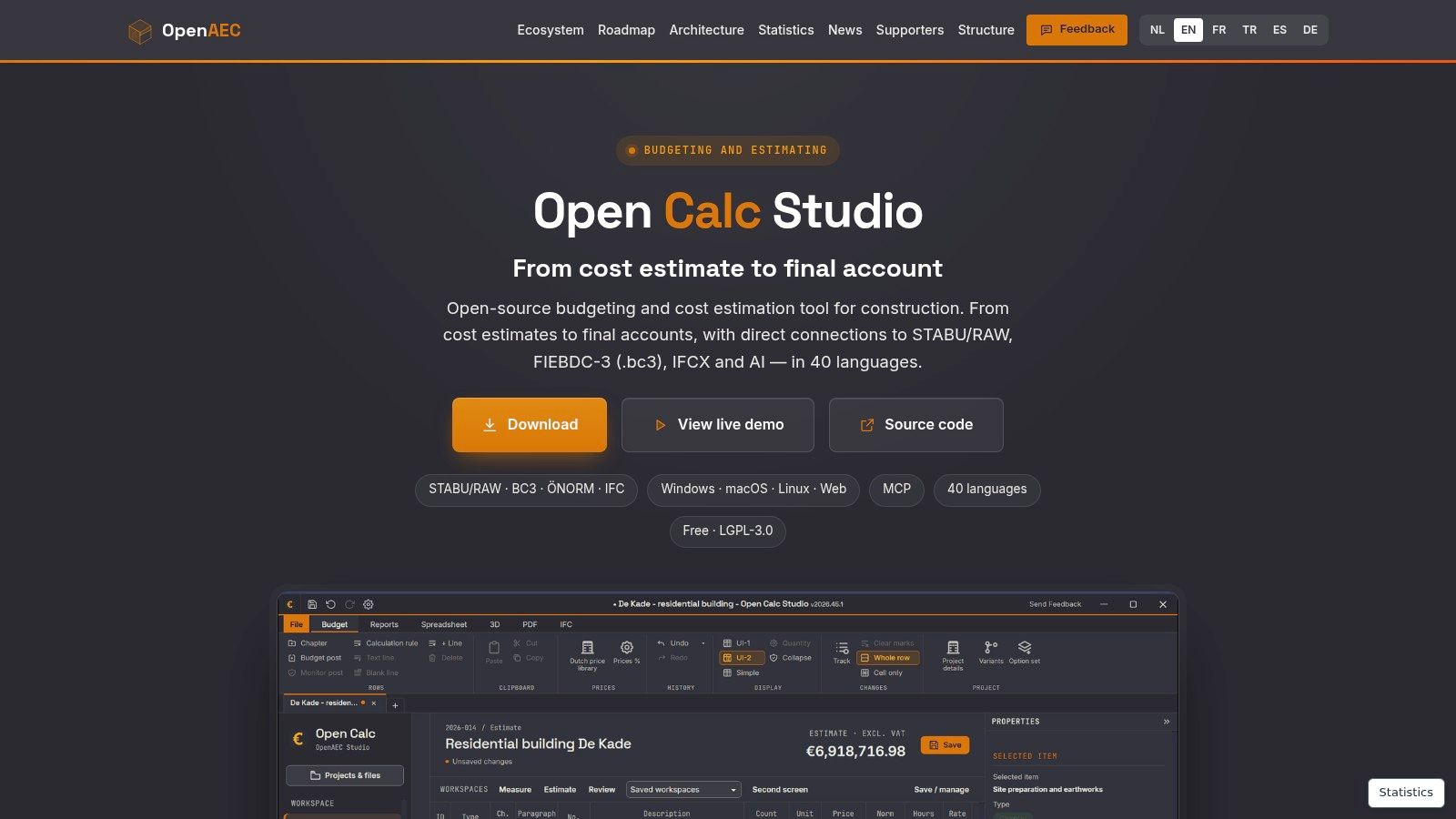
Open Calc Studio is a free, open-source budgeting tool with a browser version and desktop builds for Windows, macOS and Linux, released under LGPL-3.0 with no account and no subscription. It handles a budget hierarchy of chapters, items and lines, automatic overhead and subtotal recalculation, and import and export for formats including Excel budgets and FIEBDC-3.
The limit is maturity, not volume
No licence term caps projects, users or drawings. The constraint is that the project is in public testing, so outputs need checking before they reach a client. That's a governance question rather than a pricing one, and it has a public benchmark. The U.S. Government Accountability Office's Cost Estimating and Assessment Guide, first published in March 2009, requires estimates to define the full program, reflect the current schedule, include life-cycle costs and document assumptions so cost elements aren't omitted or counted twice. Its framework for information technology adds cost data collection, risk and uncertainty analysis, management review and regular updating.
Applied to a free tool, that test asks whether the software supports a work-breakdown structure, traceable assumptions, versioned inputs and exportable records. Open Calc Studio's hierarchy and open formats cover part of that. Whether a team can lean on it for a live commercial estimate depends on who validates the arithmetic and signs the estimate off.
Suits a technically capable firm that can check its own numbers and format its own reports. Doesn't suit a bid desk that needs a supported product and someone to call. Reviewers should read the project page before adopting it.
9. Houzz Pro
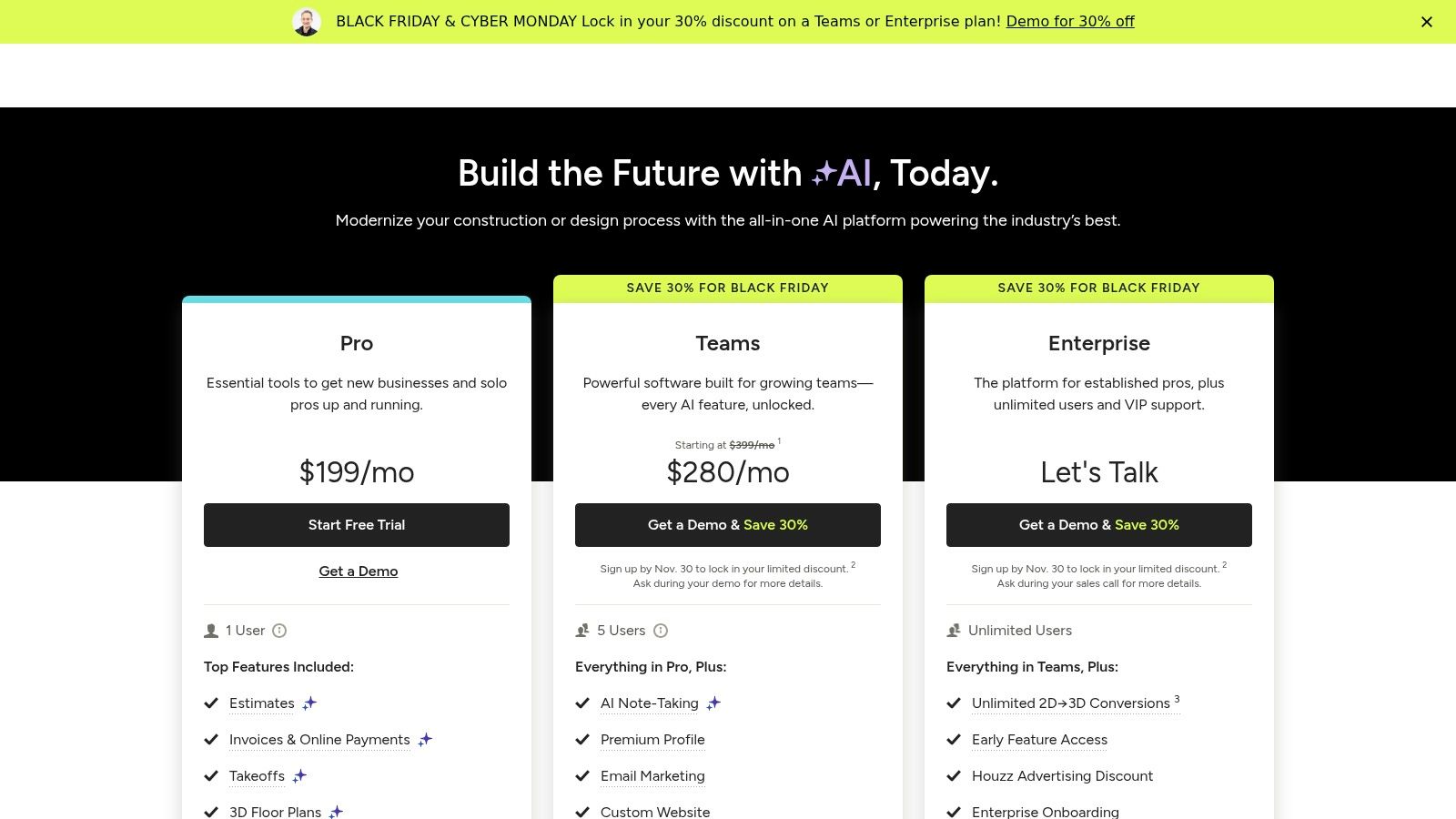
Houzz Pro's free plan covers basic estimates, invoicing and a 3D floor planner for home-design and remodeling professionals. Takeoffs, budget management and bid management are part of the paid platform, so the first limit to watch is whether the free tools cover the estimating workflow your next bid requires.
Features, then the first paid step
The free tier suits a remodeling business that needs estimates, invoices and floor planning in one place. A contractor whose bids depend on takeoffs or budget and bid management will need the paid platform. The first paid step matters most when one of those features becomes necessary, rather than when a project or user limit is reached.
Construction estimating software spans a wide price range: a market pricing report puts it at $30 to more than $790 per month, with lower prices covering focused estimating or takeoff and higher prices reflecting project management, collaboration, integrations, job costing and automation (Capterra's construction estimating software pricing report, 2026). That range makes feature fit a more useful comparison than the free label alone.
- Fits. A design-build or remodeling business that needs estimates, invoicing and a floor planner.
- Doesn't fit. A bid desk that requires takeoffs, budget management or bid management in its free workflow.
- First paid step. Move to the paid platform when one of those estimating features becomes necessary.
See the Houzz Pro pricing page for plan details.
10. Struvia
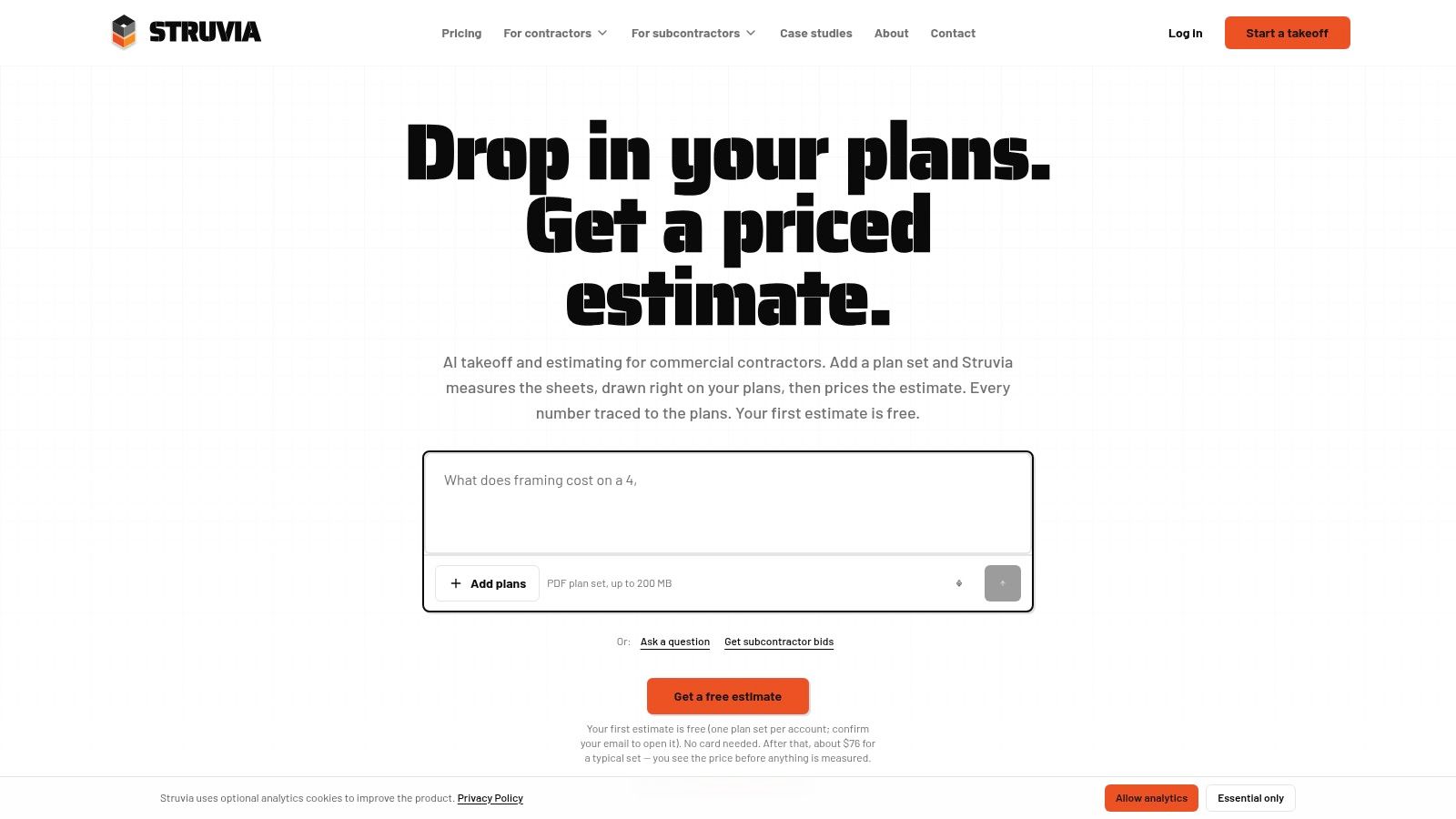
Struvia offers the shortest free arrangement here and the clearest one. The first estimate is free for one plan set per account, generated from the plan set and the contractor's own pricing information, with usage-based charges after that and the estimated cost shown before takeoff runs.
One free estimate, then usage pricing
Nothing is capped by month, seat or drawing count. What's capped is the number of free estimates at one, ever, which is a trial under a different label. After it, the meter runs on usage, so the cost of the second estimate is a number to price before the bid rather than after.
Whether that matters depends on what the alternative costs in hours. Manual spreadsheet estimates take 2 to 4 hours against roughly 30 to 60 minutes in a limited free software tier, and free tiers may still lack cost databases, automation and integrated invoicing (iBEAM). At a billed hourly rate, the gap between those two numbers is the subscription cost.
- Fits. A commercial contractor who wants AI takeoff tested on a real plan set at no charge.
- Doesn't fit. Anyone who needs a repeatable free workflow across several bids a month.
- Review duty. Generated quantities need checking against the source plans before they reach a client.
Usage-based billing replaces seats, which suits a firm with irregular bid volume. Details sit on the Struvia site.
Free plan limits and the first paid step, by tool
| Item | Free plan limit | Paid step that matters | Best for |
|---|---|---|---|
| Beam | Unlimited estimates, invoices, and bill payments; five AI-assisted estimates | Paid plan for unlimited AI estimates | Contractors wanting estimating plus basic financial workflows |
| ConGenius | Reported limit of five projects, 200 files, and one user; confirm with vendor | Free-tier details should be confirmed; paid limits are not specified | Contractors combining line-item estimating with plan measurement |
| STACK Takeoff & Estimate | One active project per month, up to 300 plan pages and 50 measurements per project | Paid plan for full worksheet estimating and proposals | Occasional digital takeoff and plan markup |
| Methvin | One free app; estimating limited to five projects | Paid tier for more apps, integrations, and expanded access | Solo estimators exploring a structured construction workflow |
| Dindo | One user; takeoff for up to five drawings per job | Premium for unlimited drawings and fuller reports | Small operators needing estimates and limited takeoff |
| TakeCost | One new takeoff file per month; past projects remain accessible | Upgrade for higher usage and advanced features | Occasional estimators needing takeoff and proposals |
| BidSheet | Free, open-source software; no account required | Paid optional cloud sync | Underground utility subcontractors who prefer local software |
| Open Calc Studio | Free and open source; no account required | No paid tier specified | Technically capable teams needing flexible construction budgeting |
| Houzz Pro | Free estimates, invoicing, and 3D floor planner; limits not fully specified | Paid platform adds takeoffs, budget management, and bid management | Home-design and remodeling businesses |
| Struvia | One free estimate for one plan set per account | Usage-based charges apply after the first estimate | Contractors wanting to test AI-assisted takeoff on a plan set |
Matching the Free Limit to Your Bid Volume
The cheapest workable tier is the one that covers your bid volume. Count the projects you price each month, the drawings or plan pages in a typical set, and the people who work on each bid. The first limit you hit determines whether the free plan can support your workflow.
Match that count to the cap, with some room for busy periods. STACK allows one active project a month, while Methvin limits free estimating to five projects. Both fall short for a bid desk pricing ten jobs monthly. Dindo's five-drawing cap applies within each job; TakeCost's one new takeoff file per month applies across the month. The same bid volume can therefore exceed different tools' limits in different ways.
If a free cap is too low, check the first paid step before committing. The 2estimate free plan is limited to one user, two takeoff plans per project, three GST invoices a month, one bank-feed synchronization a month and 200 MB of storage. It excludes AI takeoff, progress claims, variations, retention and multi-recipient tenders. Its first listed upgrade is A$79 per month for five users, followed by A$119 per month for Enterprise (DDDI Group's construction estimating software overview, 2026). Include that cost in the budget before a live tender depends on the plan.
Record the date beside each free limit and price. A cap or price can change, so an undated figure may no longer reflect the plan you are choosing.
Check whether the free plan is permanent or a trial before setting up a workflow. Then run a live bid through it. A template job may not expose the revisions, approvals and exports that use up a plan's limits.
Before your next bid, write down three numbers: projects priced last month, plan pages in a typical set and seats needed. Choose a free tier that fits those needs, then time one live bid from takeoff through export. That test shows whether the plan's limits fit the work, not just the feature list.
Questions or corrections: editorial@rankozo.com