Guide · General
10 Premier Construction Software Tools Ranked by Price
Compare 10 premier construction software options by starting price, free plans and features, with prices taken from each vendor's own pricing page.
By the Rankozo research desk · Updated November 15, 2026 · 17 min read
The cheapest construction software license can still leave a contractor with a substantial implementation bill. G2's 2026 pricing listing for Premier Construction Software reports a Starter subscription of $349 per user per month and a minimum $15,000 implementation fee.
Ten paid seats at that rate come to $3,490 a month before implementation, which puts the first-year commitment at $56,880. That is a different purchasing decision from adding a field-task app.
Free access and low-cost subscriptions still belong in the comparison, but only when their limits fit the work. A crew sharing drawings needs something different from a developer consolidating financial statements. Judging both by advertised entry price hides the cost of the accounting, integrations, and administration each workflow still requires.
Budget rule: Compare the cheapest plan that completes the required workflow, not the cheapest plan that creates an account.
The ordering below is a value-oriented shortlist rather than a strict ascending price ranking. Quote-only products can't hold a fair numerical position without comparable proposals, so published starting prices and quote-only vendors are treated separately. For a hypothetical ten-person firm, the questions that decide cost are whether everyone needs paid internal access, whether external collaborators are included, and whether accounting remains a separate purchase.
Table of Contents
- 1. JobTread
- 2. Contractor Foreman
- 3. Trimble ProjectSight
- 4. Fieldwire by Hilti
- 5. Houzz Pro
- 6. Buildertrend
- 7. Procore
- 8. Autodesk Forma
- 9. Premier Construction Software
- 10. Sage 300 Construction and Real Estate
- Published starting price, free plan and best fit for 10 construction platforms
- Matching the Platform to Your Project Type Before the Price
1. JobTread
A ten-person firm buying internal access for everyone would pay $379 per month: JobTread publishes a $199 base subscription plus $20 for each additional internal user, with a 20% saving for annual billing. The recurring cost scales with internal headcount rather than project count, which makes the seat map the first thing to settle.
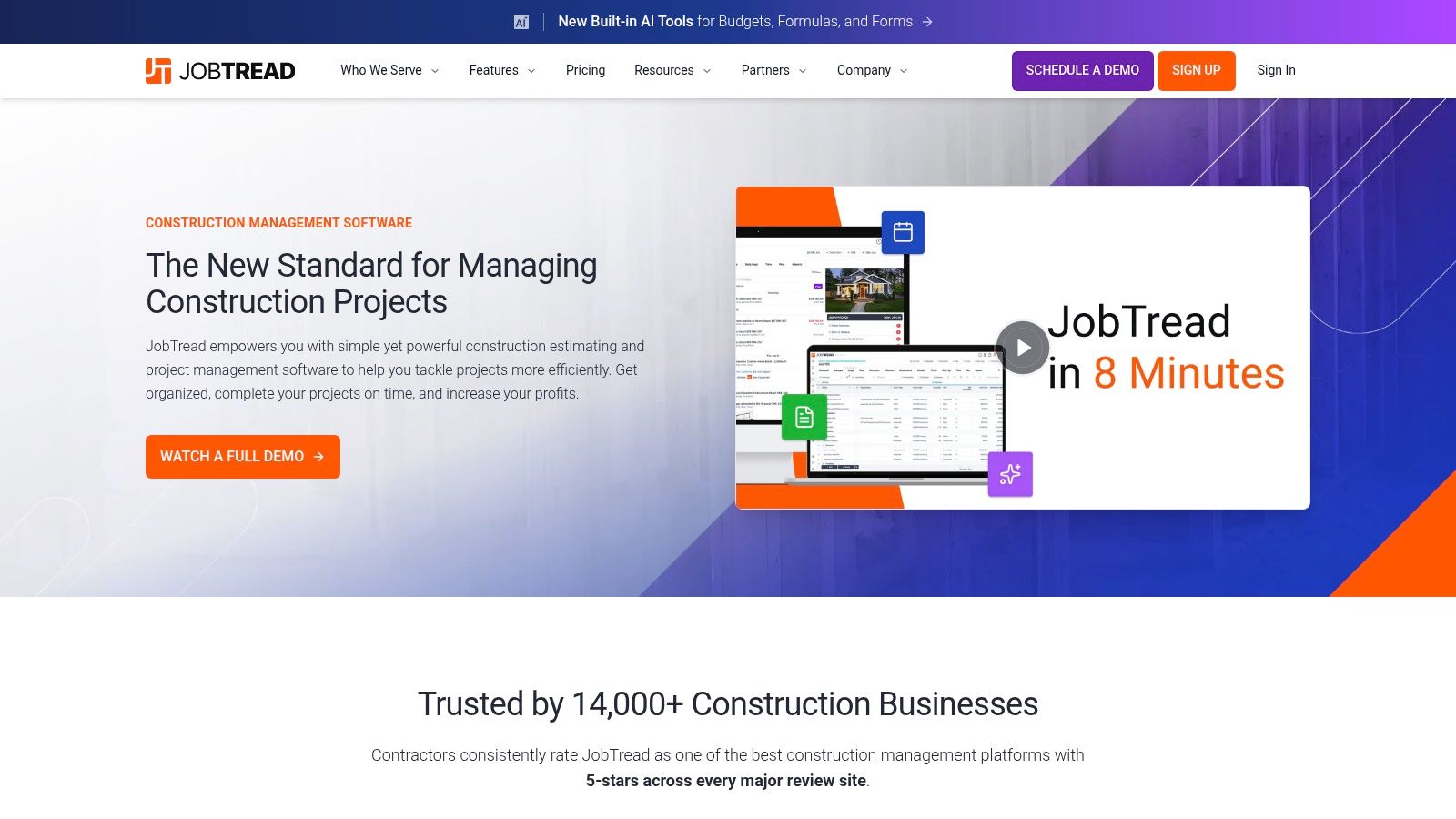
The pricing hinges on the split between internal employees and external collaborators. Customers, vendors, and subcontractors can hold external access without becoming paid internal seats. Before counting licenses, a contractor should map which collaborators need estimating, budgeting, or cost-reporting rights; nine paid seats only make sense when nine people need internal control.
Best fit and cost exposure
JobTread connects estimates and proposals with budgets, job costing, scheduling, tasks, documents, and photographs. Remodelers, home builders, specialty contractors, and general contractors get commercial and project workflows in one system instead of stitching separate tools together.
- Included services: Implementation, training, and support come with the subscription rather than as separate mandatory purchases.
- Cost driver: Each extra internal user adds $20 to the monthly bill, even when the project count stays flat.
- Buying limitation: There is no free trial, so the demonstration has to establish workflow fit before commitment.
A key test is whether an accepted proposal becomes a usable project budget without office staff rebuilding the information. A demonstration should follow a revised estimate through purchasing, job-cost reporting, and customer billing.
Cheapest workable choice: The $199 base plan fits a business where one internal user runs the workflow and collaborators stay external. A growing roster does not automatically mean a license per employee, but shared credentials shouldn't substitute for proper permissions and accountability.
2. Contractor Foreman
Published tiers are still uncommon in construction software, and Contractor Foreman's price list lets a buyer rule out unaffordable configurations before ever booking a demo. Annual billing starts at $49 per month for a single user and reaches $332 per month for unlimited users, from the pricing published on Contractor Foreman. Monthly billing costs more, so the advertised entry rate isn't a cancel-anytime monthly commitment.
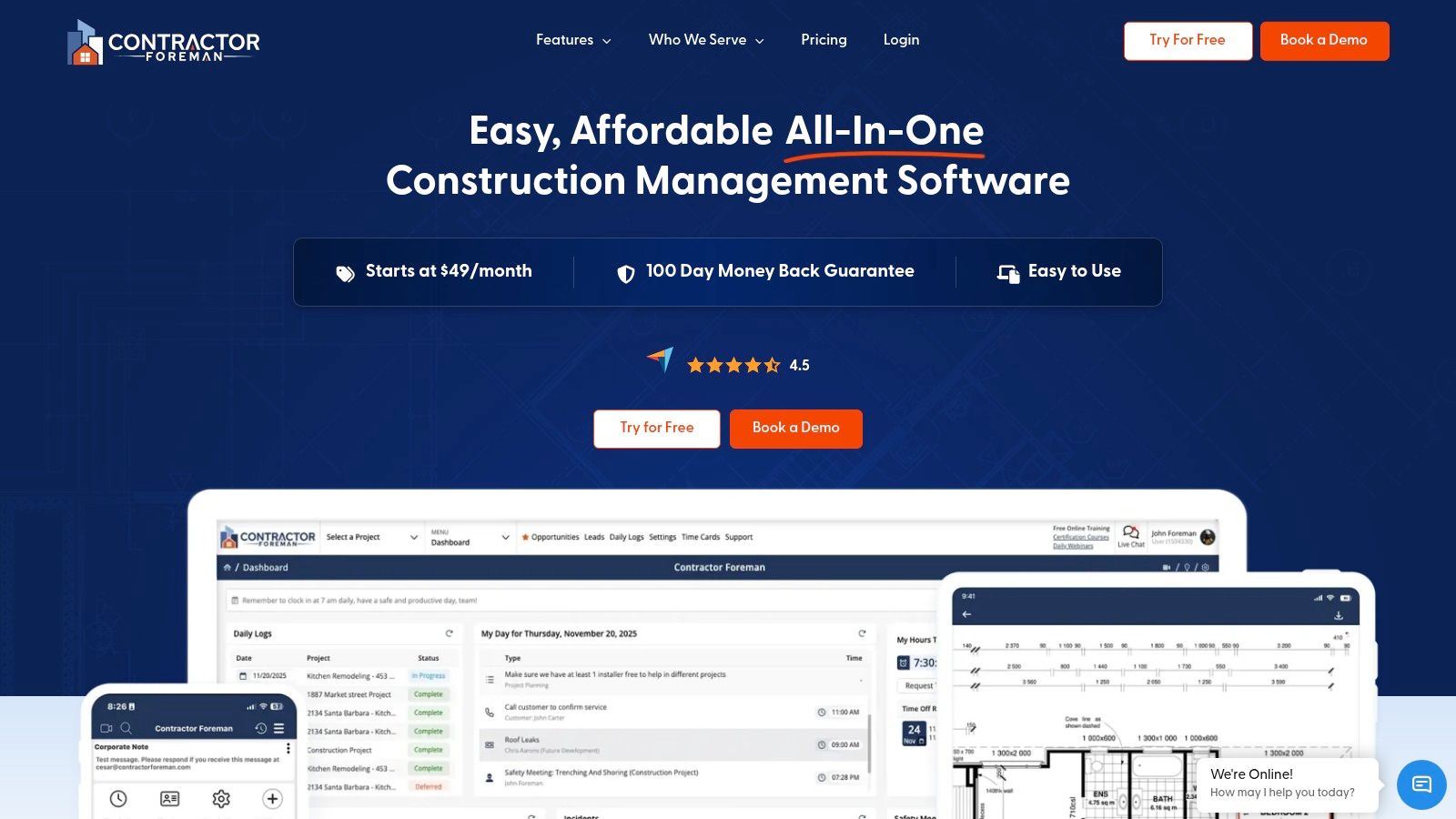
For a ten-person firm, the math narrows quickly. The $49 entry plan covers one seat, so it fails on access alone once estimators and field staff each need a login. The $332 unlimited tier sets the ceiling: spread across ten users, that works out to $33.20 per person per month, and an intermediate plan only makes sense if it covers the full roster for less.
Contractor Foreman combines estimating, invoicing, scheduling, project tracking, time tracking, daily logs, and mobile documentation in one contractor-management package.
A lower entry price with a configuration trade-off
- Price advantage: Published tiers make it possible to reject unaffordable configurations before a sales discussion.
- Trial access: The vendor offers a 30-day free trial.
- Implementation detail: Setup and implementation are included on some higher plans, not every subscription.
The trade-off is configuration work. A broad feature menu still requires someone to define cost codes, approval responsibilities, estimate templates, and field-reporting expectations. The trial is long enough to build one real estimate and push it through scheduling and a daily log; buyers should run that sequence rather than spend the period browsing menus.
Smaller businesses working from a tighter shortlist can compare options in Rankozo's construction management software for small contractors comparison.
Cheapest workable choice: The lowest tier covering the actual user roster and required workflows, benchmarked against the $33.20-per-user ceiling the unlimited plan implies. Contractors needing deeper financial controls should test their accounting process during the trial rather than assume project-management breadth equals ERP capability.
3. Trimble ProjectSight
ProjectSight's free plan supports up to three projects, unlimited users, and 2 GB of project-data storage; Go is listed at $29 per user per month on annual billing, in the undated terms for Trimble ProjectSight. For a hypothetical ten-person team purchasing Go access for everyone, that produces a $290 monthly equivalent, calculated from Trimble's listed per-user rate.

The free plan is the cheapest workable option when project count, storage, and included workflows are sufficient. Its unlimited-user allowance makes it materially different from a free plan intended only for a small crew. However, storage and feature restrictions can matter more than employee count.
ProjectSight focuses on drawing and document management, RFIs, submittals, punch lists, photographs, and mobile collaboration. Paid-plan daily reports and Go's described North American support should be checked against the proposed contract.
A collaboration subscription is economical only if the contractor doesn't mistake it for construction accounting.
What moves the purchase beyond free
Budget management and change-order requirements deserve particular attention. Advanced capabilities may require enterprise purchasing or add-ons, so a free document workspace shouldn't be priced as though it includes full commercial project control.
A useful demonstration starts with a drawing revision. The project manager should locate the current sheet, link the relevant issue, identify the responsible subcontractor, and retrieve the resulting approval record.
Best fit: General contractors, specialty contractors, and project teams that need shared project documentation while retaining another financial system. The procurement decision should include the work required to move approved commercial changes into that system.
4. Fieldwire by Hilti
A ten-person firm is already outside the free tier: Fieldwire by Hilti caps Basic at five users, three projects, and 100 sheets, and lists annual-billing paid tiers at $39, $64, and $89 per user per month. Licensing all ten people produces monthly equivalents of $390, $640, or $890 before add-ons.

Basic is the cheapest workable option for a small field group. The five-user cap makes it a narrow fit for the ten-person example, so the paid choice should follow workflow: Fieldwire covers plans, tasks, photographs, checklists, and jobsite issues; higher plans add forms and BIM viewing, and Fieldwire's own plan descriptions list Business Plus as including RFIs, submittals, change orders, and budgets.
Where the per-user total changes
- Useful strength: Crews and project managers can organize drawing-linked work without starting from an accounting workflow.
- Main cost driver: The bill scales with each paid seat, so role-based licensing matters more than headcount alone.
- Boundary: Accounting and estimating still need another system when those functions are required.
Run the test on a phone during real work. A supervisor should find the current drawing, record an issue, attach a photograph, assign responsibility, and confirm the office can retrieve the record. If that loop is faster than messages and shared folders, Fieldwire earns its seats; if financial consolidation is also required, keep the back-office platform in the budget.
5. Houzz Pro
Houzz Pro's undated offer lists Pro at $249 per month after a 30-day trial, alongside a limited free plan and a quote-based Custom option, according to the product terms described for Houzz Pro. Additional seats, plan-dependent project tools, and separate advertising spend can change the total.
The limited free plan is the cheapest starting point, but its existence doesn't establish that it can run a residential construction business. The relevant paid comparison depends on which estimating, scheduling, selections, and customer-management functions the contractor needs.
Houzz Pro is most relevant to residential contractors and design-build businesses that want client-facing tools alongside business administration. Its described capabilities include estimates, invoicing, online payments, CRM, floor planning, and QuickBooks Online integration.
Where the team example needs a quote
A hypothetical firm shouldn't multiply the advertised subscription by its headcount without first confirming the included seats. Nor should it assume the published plan covers every employee. A written seat schedule is necessary to establish a defensible team total.
- Residential fit: Client communication, selections, and visualization belong in the evaluation when homeowners participate throughout delivery.
- Integration question: Confirm which transactions move through QuickBooks Online and which remain manual.
- Commercial separation: Advertising should appear as a separate budget line rather than an unexplained subscription uplift.
Plan descriptions can vary across vendor pages. Procurement staff should preserve the specific offer being accepted and attach the agreed feature and seat schedule to the order.
Cheapest workable choice: The lowest plan that supports the complete residential workflow. A low subscription that leaves scheduling or selections outside the contract may create avoidable administrative work.
6. Buildertrend
Buildertrend is quote-only in the supplied product description. Its price depends on annual construction volume and onboarding, according to the commercial model described for Buildertrend; no dated fixed price is available here.
That prevents a defensible cheapest-plan figure or team total. A hypothetical firm should submit its construction volume, project mix, employee roles, and onboarding needs rather than accept a generic starting-price comparison.
Buildertrend targets home builders, remodelers, and specialty contractors managing jobs and customer relationships. Its described scope connects scheduling, job administration, financial tools, lead management, CRM, and a customer portal.
Price the residential process from sale to handover
The useful comparison with Houzz Pro is a shared workflow demonstration. Both vendors should receive the same sample residential job, including an estimate revision, a client selection, a schedule change, and a customer-facing update.
- Contract scope: Identify the financial functions and customer tools included in the proposal.
- Access rights: Establish which employees and external participants can use the system.
- Renewal exposure: Record how pricing changes if construction volume or subscription scope increases.
Onboarding should be treated as a deliverable, not merely a fee. The proposal should identify responsibility for importing customer records, setting up project templates, training employees, and approving the transition from existing tools.
Cheapest workable choice: The narrowest quoted package that completes the residential workflow without forcing duplicate administration. A smaller initial package isn't economical if the contractor must immediately add missing functions to deliver active jobs.
7. Procore
Procore uses a custom annual quote based on selected products and annual construction volume, with unlimited users, data, and support described in its pricing model on Procore's website. Procore doesn't publish a fixed starting price, so budgets should be built from a written annual quote.

For a 10-person firm, unlimited access changes the math. Headcount doesn't set the subscription total, so a per-seat comparison against other platforms is a poor proxy for the true cost. Subcontractors, owners, and other external participants can join projects without inflating the bill, which favors firms that collaborate widely.
Procore's described products cover project and document management, financial management, budgets, bid management, field management, analytics, and reporting. Buyers need to distinguish the platform's available capabilities from the products included in their proposal. A quote that covers project management alone will price differently from one that adds financial and field modules.
Contract insight: Unlimited users can remove a collaboration barrier without making every module or integration free.
Establish the financial boundary
Procore belongs in a wider construction management software comparison when a contractor needs structured coordination across project stakeholders. Procurement staff shouldn't assume financial-management features replace the accounting ledger.
The demonstration should trace a subcontract commitment, approved change, supplier invoice, and budget forecast. Staff should identify where accounting entries originate and who resolves mismatches.
Cheapest workable choice: A quoted product combination that handles the required workflows, with integration and implementation explicitly priced. Construction volume, module selection, and deployment scope are more useful budget inputs than an unsupported per-user estimate.
A proposal should also define what happens when annual construction volume changes. Otherwise, buyers can compare the opening contract while overlooking the commercial terms that govern growth.
8. Autodesk Forma
Autodesk's construction pricing is a scope decision before it is a seat count. Autodesk quotes bundles by product and purchasing unit, with user-, project-, or account-based options depending on the package; Autodesk's construction website is the reference for current terms.
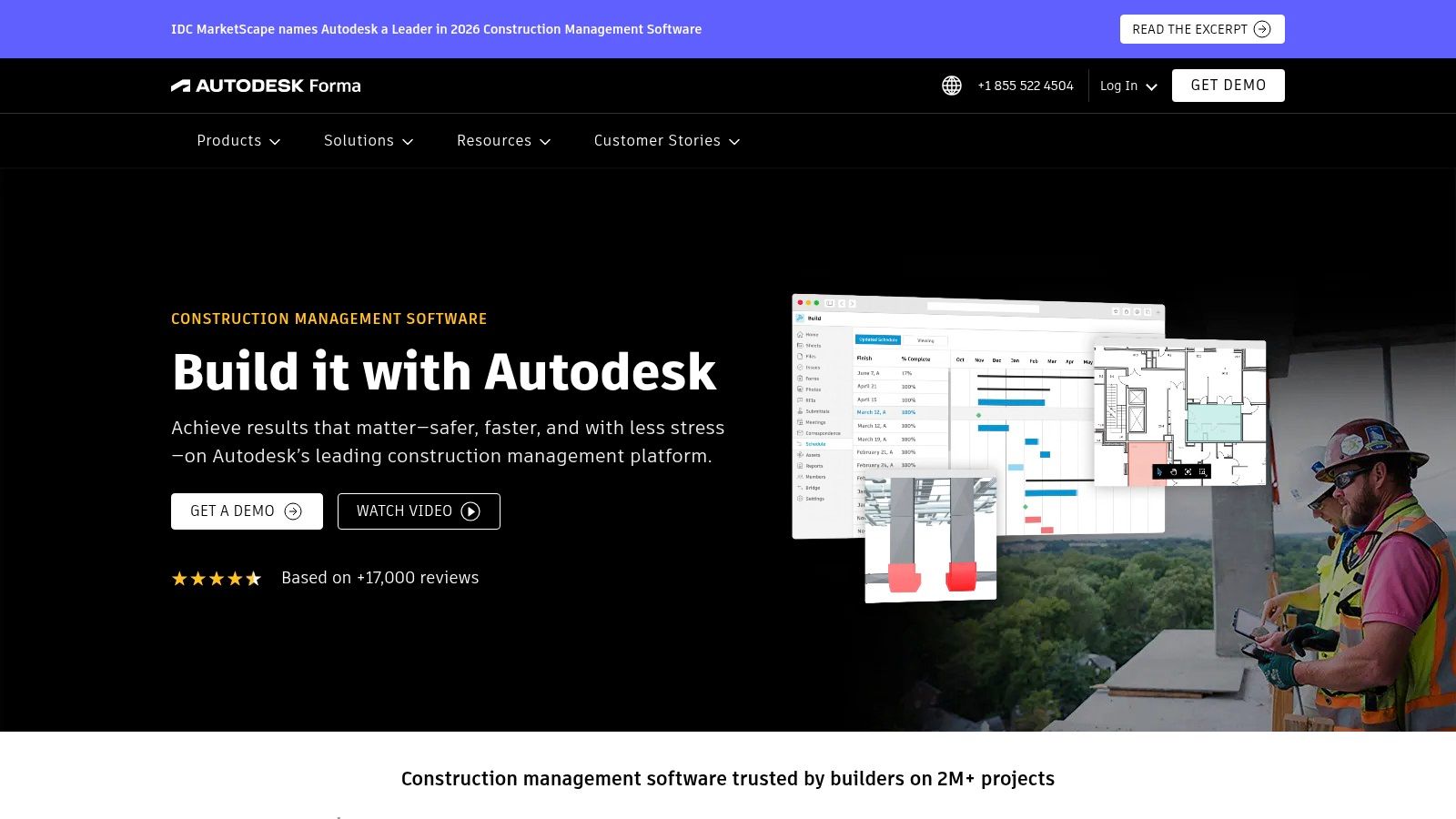
The cheapest workable option follows role coverage. For a 10-person firm, that can mean pricing field document access for six people, model coordination for two specialists, and estimating or takeoff rights for two preconstruction users, then asking Autodesk to name the exact products and units in the quote. A flat ten-seat assumption can overbuy coordination tools and underbuy the people who only need drawings, RFIs, reports, or field workflows.
The portfolio covers document management, model coordination, clash detection, estimating, takeoff, RFIs, reporting, and field workflows. It earns its budget when Autodesk design tools already sit inside delivery and model or document control has to stay connected from design through site execution.
Separate portfolio breadth from purchased scope
- Role mapping: Distinguish document consumers, field contributors, estimators, and model coordinators.
- Bundle overlap: Identify existing subscriptions before adding a construction bundle.
- Deployment testing: Verify mobile and offline workflows using the documents employees will carry onsite.
AI-assisted document and construction workflow features need a task-level test: measure whether they cut search time, speed issue routing, or reduce rework on the files crews use.
Best fit: Teams whose design-to-construction coordination needs justify specialized products. A contractor seeking only daily logs and task assignment should compare a narrower field-management product before committing to a broader ecosystem.
The quote should identify product names, access rights, purchasing units, renewal terms, and the cost to add a project or account later. An umbrella brand alone cannot support a reliable budget.
9. Premier Construction Software
Premier publishes tier rates, yet the budget still depends on configuration. In Premier's 2026 accounting-software guide, Starter is listed at $349 per user per month with $15,000 implementation, Premium at $299 with $25,000 implementation, and Enterprise at $249 with $50,000 implementation; the same guide lists mobile access at an additional $50 per user per month.
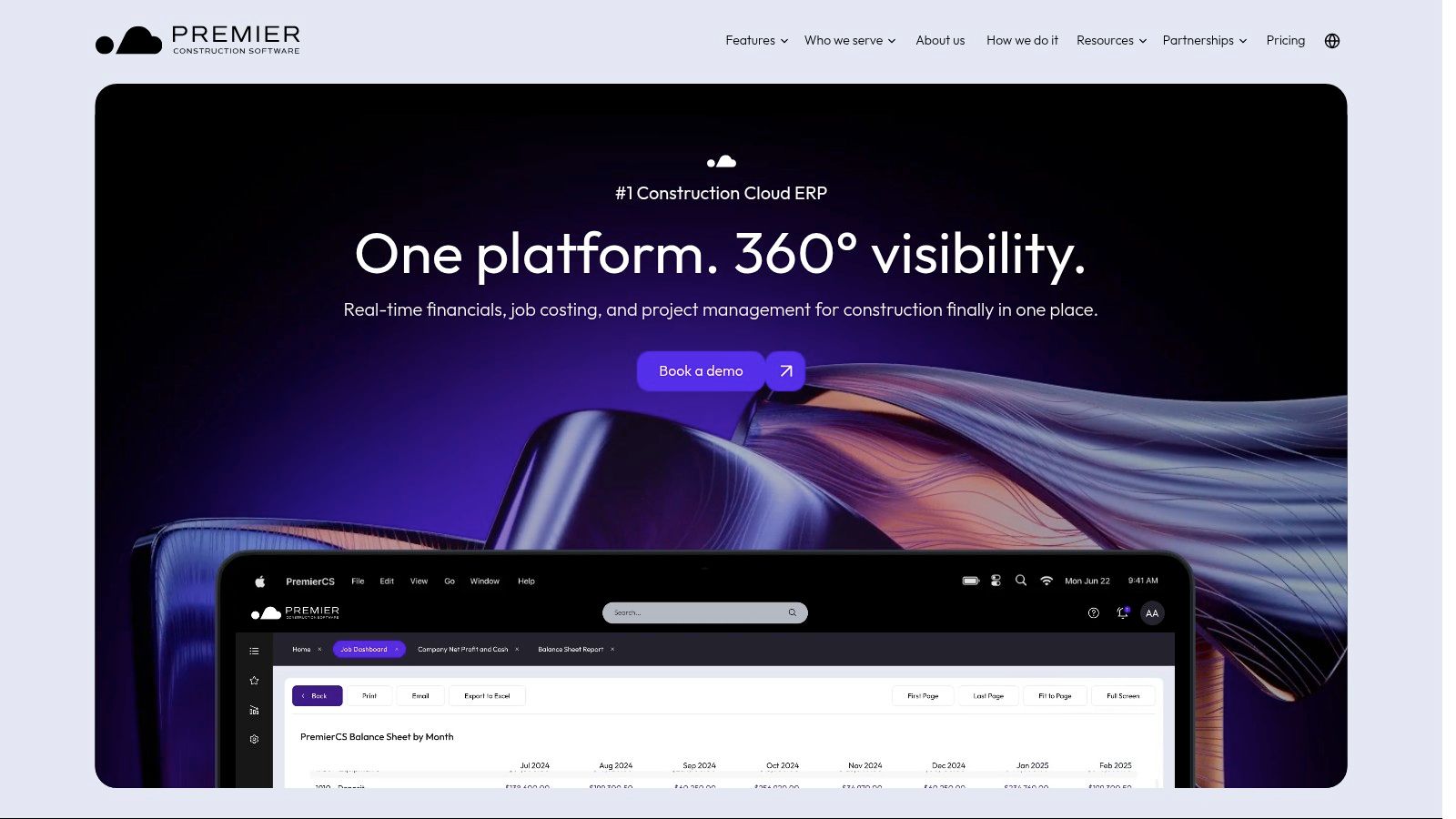
A 10-person firm should price simultaneous work rather than payroll count. If all 10 people must be online at once on Starter, the example repeats the listed $349 seat rate ten times and the listed $15,000 implementation once; adding mobile to all ten repeats the listed $50 add-on ten times. Premium and Enterprise lower the seat rate while raising implementation, so the cheaper monthly line can carry the larger first-year commitment.
Size the license by concurrent access and entities
Premier describes unlimited logins governed by concurrent licenses. The buying question is how many estimators, project managers, accounting staff, and field users need access at the same time, plus how many entities the books must keep separate. The Premier Construction Software platform spans construction accounting, job costing, project management, field operations, and reporting.
- Cost drivers: concurrent capacity, mobile access, migration, integrations, and implementation scope.
- Fit advantage: accounting control and project operations can be evaluated together.
- Procurement risk: a broad ERP rollout requires process decisions and training beyond account creation.
Cheapest workable choice: the lowest published tier only if it supports the required entities and simultaneous users. For any firm-wide total, get a written Premier configuration naming concurrent users, mobile seats, migration, integrations, and implementation scope.
10. Sage 300 Construction and Real Estate
Sage 300 Construction and Real Estate is sold on quote, so there is no standard subscription price to set against the published rates elsewhere in this list. Request a written proposal through the Sage 300 Construction and Real Estate product page, and ask for license, implementation, and support broken out as separate lines.

For a 10-person firm, the cheapest workable configuration depends on which accounting, job-costing, reporting, and operational functions the office staff use, and on how many of those ten people need access. Implementation, training, integrations, and any connected field-service products should each carry their own price in the proposal rather than disappear into a single bundled figure.
Sage 300 CRE is relevant to contractors, developers, and property managers, especially where established Sage processes influence the migration decision. Its described scope includes construction financial management, project and job costing, vendor and subcontractor risk management, and custom reporting.
Compare the cost of change as well as the license
A firm already running Sage processes should identify what remains usable and what requires rebuilding. Retaining familiar workflows can reduce disruption, but familiarity is no reason to accept weak field access or manual reconciliation.
- Financial demonstration: Trace a job cost from its originating transaction to management reporting.
- Field boundary: Confirm which mobile and service workflows require additional Sage products.
- Migration scope: Specify historical data, opening balances, active jobs, and report reconstruction.
Rankozo's invoicing software for contractors comparison offers a narrower alternative when billing, rather than company-wide financial control, is the immediate problem.
Cheapest workable choice: A scoped configuration that meets the financial requirement without unnecessary connected products. The honest comparison for a 10-person team is Sage's total implementation and operating commitment against an equivalent quote from another construction ERP, not against a published per-user field subscription that solves a smaller problem.
Published starting price, free plan and best fit for 10 construction platforms
Five of the ten platforms publish a starting price a buyer can budget against. Four quote every package privately, and Premier Construction Software circulates reference terms without a dated public quote. A 10-person firm can therefore price six of these products from this table alone and must request proposals for the rest.
| Item | Published starting price | Free plan | Best for |
|---|---|---|---|
| JobTread | $199/month, plus $20/month per additional internal user | No free plan stated | Contractors wanting estimating, job costing, and project management in one platform |
| Contractor Foreman | $49/month, annual billing | No free plan; 30-day free trial | Small and midsize contractors seeking broad day-to-day tools |
| Trimble ProjectSight | $29/user/month, annual billing | Yes, up to 3 projects | Teams needing project collaboration and document management |
| Fieldwire by Hilti | $39/user/month, annual billing | Yes, limited Basic tier | Field teams coordinating drawings, tasks, and jobsite issues |
| Houzz Pro | $249/month | Yes, limited free plan | Residential contractors and design-build firms |
| Buildertrend | Custom quote | No free plan stated | Home builders and remodelers managing jobs and client relationships |
| Procore | Custom annual quote | No free plan stated | Construction organizations coordinating multiple projects and stakeholders |
| Autodesk Forma | Custom quote | No free plan stated | Teams connecting design, BIM, and construction workflows |
| Premier Construction Software | $349/user/month Starter reference, plus $15,000 implementation (reference terms, not a dated quote) | No free plan stated | Contractors needing construction accounting and financial controls |
| Sage 300 Construction and Real Estate | Price by request | No free plan stated | Contractors and property managers with construction accounting needs |
The published numbers translate directly into a firm-size cost. Flat prices hold: Contractor Foreman stays at $49 per month and Houzz Pro at $249 regardless of headcount. Per-user pricing scales: Trimble ProjectSight reaches $290 per month at ten seats, Fieldwire reaches $390, and JobTread reaches $379 ($199 base plus nine additional users at $20 each). Premier's Starter reference implies $3,490 per month at ten seats before the $15,000 implementation fee, with Premium and Enterprise references at $299 and $249 per user per month, so it sits in a different budget class from every published-price product here.
The quote-only rows stay unpriced until a written proposal arrives. Buildertrend, Procore, Autodesk Forma and Sage 300 CRE each require the vendor to price a specific configuration, which means the honest comparison is a scoped proposal set against the figures above rather than a line-item guess.
Matching the Platform to Your Project Type Before the Price
Pick the product category first, then compare total commitments. Field-only crews can start with Fieldwire Basic or ProjectSight's free plan when the project and user limits fit. Residential builders should compare Buildertrend's written proposal against Houzz Pro's seat schedule for the same team size.
Firms that need construction accounting and job costing should treat Premier and Sage 300 CRE as financial-system decisions. Procore belongs on that shortlist when project financial controls and stakeholder coordination sit at the center of the work, provided its accounting integration and ledger responsibilities are defined in writing.
Turn the shortlist into comparable proposals
The buying risk is paying for a system that employees use for project administration while the office rebuilds the same information somewhere else. Field-to-office communication and software integration are among the challenges contractors most often cite when adopting these systems, so each proposal should explain how it handles both.
A useful comparison breaks every offer into the same four parts:
- Recurring subscription: Included products, paid access, storage, support, and billing commitment.
- Implementation: Configuration, migration, integrations, training, and acceptance criteria.
- Internal effort: Employee time spent preparing records, testing workflows, and maintaining parallel systems.
- Renewal exposure: Volume adjustments, seat changes, module pricing, and cancellation terms.
A 10-person firm should send each shortlisted vendor the same role roster and one sample project. That lets procurement staff compare concurrent licensing, internal seats, unlimited-user contracts, and project-based access on equal terms rather than treating those commercial models as interchangeable.
Measure payback without inventing savings
A practical payback model starts with the contractor's own administrative workload. Staff can record the hours spent preparing reports, reconciling costs, approving invoices, and rebuilding change-order information, then test whether the proposed workflow removes those tasks.
Monthly net benefit equals defensible labor savings and avoided costs, less recurring software and administration costs. Payback time follows from the upfront implementation commitment divided by that net benefit, provided the benefit is positive. Faster billing belongs in a separate column from permanent cost savings, because earlier cash collection is not additional profit.
Vendor case studies can suggest useful tests, but they do not establish another contractor's return. The decision needs evidence from the firm's own workflow, agreed implementation deliverables, and a written commercial schedule.
Before signing, the procurement lead should obtain the total annual cost at the actual user configuration, renewal terms, and the price of every required add-on. Rankozo's shortlist can organize that comparison; the final approval should attach the vendor's current offer, a complete implementation scope, and a demonstrated path from field activity to financial reporting.
Questions or corrections: editorial@rankozo.com