Guide · General
Construction Takeoff Software Free: 10 Limits Compared
Compare construction takeoff software free plans for 10 tools: free limits, trial terms and upgrade paths. Unpublished prices are flagged, not guessed.
By the Rankozo research desk · Updated November 17, 2026 · 15 min read
The cheapest workable option here is $0, but the cost sits in the caps. Construction Industry AI counted 10 construction software products advertising free trials in 2026 and only two offering a free plan or free tier, so most free access is temporary rather than permanent (Construction Industry AI pricing review, 2026). Of the ten tools below, nine offer some free access. Only PlanSwift is a 14-day trial with no permanent free plan. STACK allows one active project per month with up to 300 plan pages and 50 measurements per project. Solid Takeoff allows one active project, three new drawing uploads, 250 MB of storage and one user. TakeCost allows one new takeoff file per month. Several vendors do not publish paid prices in the pages reviewed, so this list marks those gaps instead of filling them with estimates. Every limit should be read against your own volume. Count the bids you run per month, the sheets per bid and the people who need access, then compare those numbers to the cap that applies. Free terms can change, and some vendors state that free access may not continue indefinitely, so recheck the vendor page before a live bid depends on it.
Table of Contents
- 1. STACK Takeoff & Estimate
- 2. Solid Takeoff
- 3. TakeOff Tool by BetterHolmes Co.
- 4. EZTakeoff
- 5. OpenTakeoff
- 6. Meysure
- 7. On-Screen Takeoff PlanViewer
- 8. TakeCost
- 9. DINDO
- 10. PlanSwift
- Free access type and main free limit for 10 takeoff tools
- Match the Free Cap to Your Bid Volume Before You Commit
1. STACK Takeoff & Estimate
STACK runs takeoff and estimating in a browser, and its free plan is the clearest example of an allowance that looks bigger than it is. Vertigraph's 2026 takeoff software pricing comparison lists the free allowance as one active project per month, up to 300 plan pages and 50 measurements, with paid Premium at $299 per user per month on annual billing (Vertigraph takeoff software pricing comparison, 2026).
The vendor sets out the free-tier terms on its Takeoff & Estimate pricing page, including the separate seven-day Pro feature period.
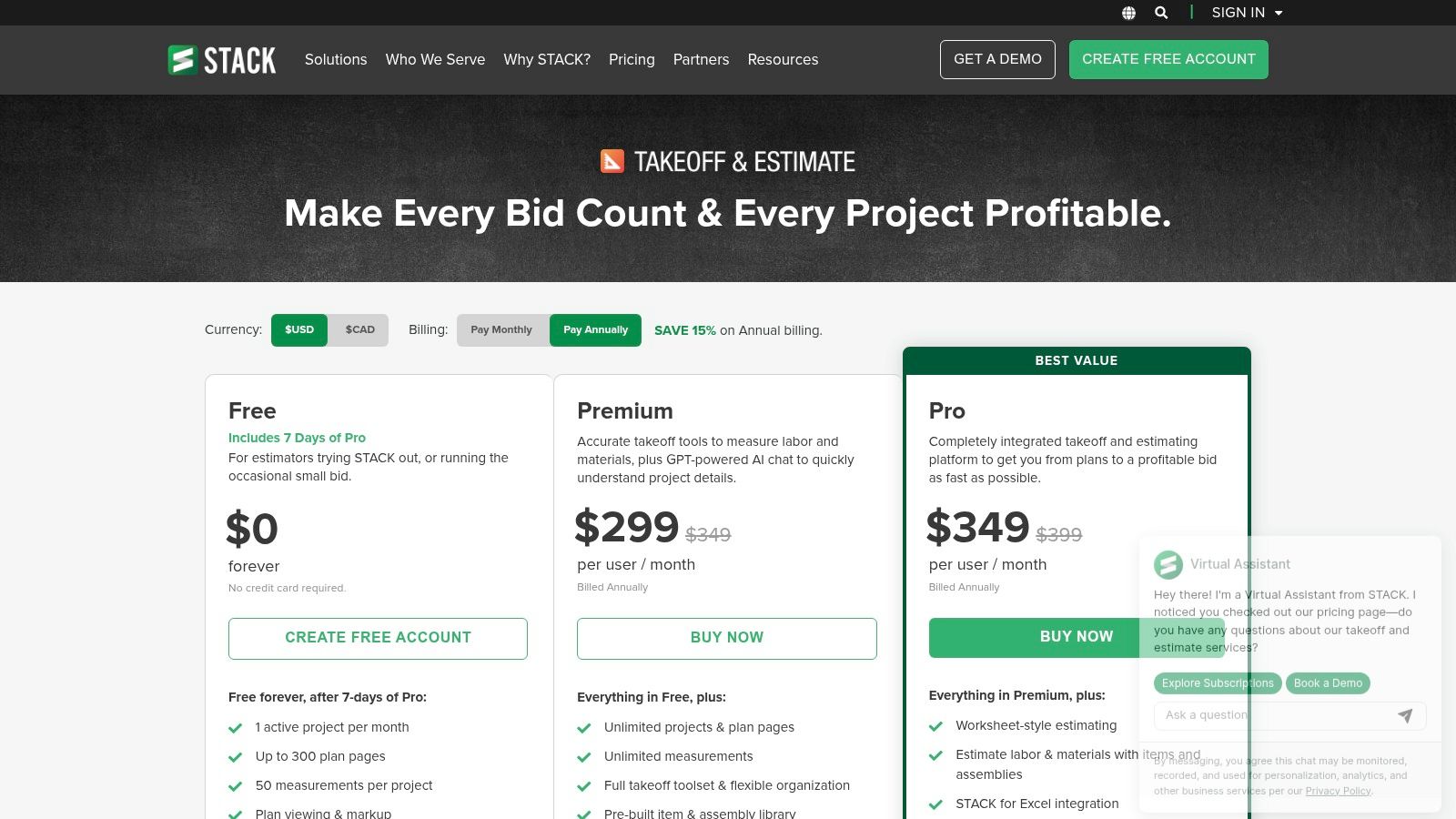
The 50-measurement cap breaks first. A four-wall room with a floor and a ceiling uses six measurements, so a 20-room floor plate clears the allowance before doors, openings or finishes are counted. The 300-page ceiling is generous by comparison, and one active project per month only bites when you bid weekly rather than monthly.
Longevity matters more than the free headline. A Cal Poly study of construction estimating software users found 83% of participating companies had used their selected takeoff product for more than four years, with On-Screen Takeoff at 39% and Bluebeam at 22% of the mix (Cal Poly construction estimating software study). The tool you trial at $0 is often the tool your estimators keep for years, so test the paid workflow, not just the free caps.
Teams that need takeoff inside a wider job-cost and document stack can compare options in the best construction management software ranking before buying a second subscription. The free plan suits an occasional bid. A weekly estimating desk will hit the measurement count within days.
2. Solid Takeoff
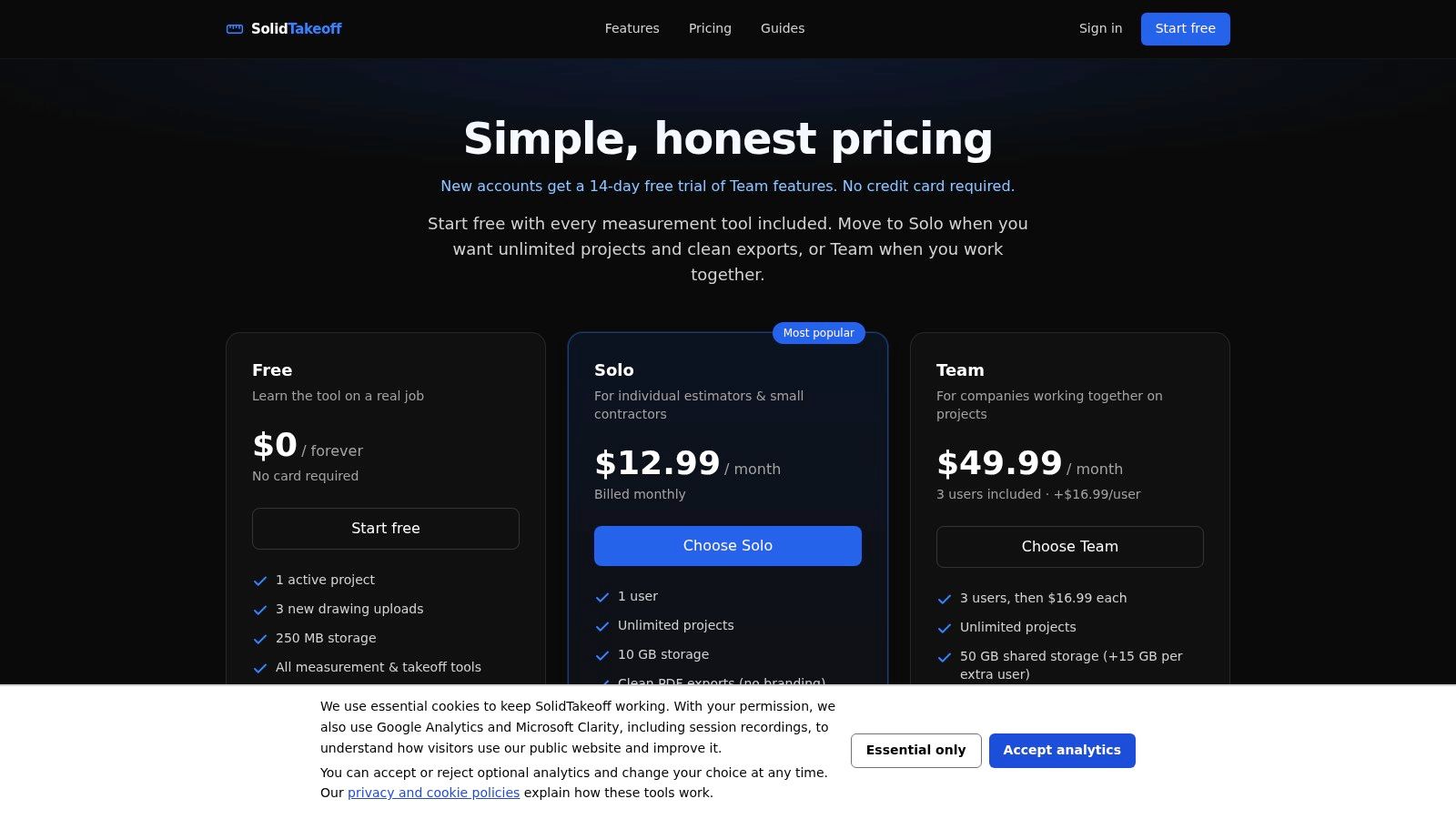
Solid Takeoff runs in a browser, exports to PDF and CSV, and keeps its free plan open with no expiry rather than cutting off after a trial window. The vendor publishes four free-tier limits: one active project, three new drawing uploads, 250 MB of storage and one user (Solid Takeoff pricing).
The one-project cap binds first for anyone bidding more than one job at a time. Inside a single project, the 250 MB ceiling is the limit that gives way: a handful of plan sets fills it while the three-upload counter is still low. The two caps measure different things, since uploads count files added while storage counts everything retained.
The single-user seat rules out a second estimator checking quantities inside the tool.
Spreadsheet handoff matters because most estimators still work in workbooks. A 2019 construction-technology survey found approximately 65% of respondents relied heavily on spreadsheets for estimating while 54.6% used dedicated estimating software, and a separate industry survey found 53% of respondents manually transferred data between applications, with 47% using spreadsheets for those transfers and nearly 25% reporting no integrations between platforms (Bluebeam estimating software adoption research).
Practical rule: run one complete bid through the free plan, revise a quantity, then export. If the round trip lands in your workbook without retyping, the free tier is doing real work.
For an estimator pricing one job at a time and exporting to CSV, the free tier covers a real workflow. Two parallel bids or a second seat are where it ends.
3. TakeOff Tool by BetterHolmes Co.
A measurement error gets billed twice, once in the estimate and again in the material order. Research summarized in a construction-waste study estimates material losses can reach approximately 10% of total supplies delivered for an entire project, with European studies cited in the same literature putting unused raw-material waste at about 13% and the cost of such wastage at up to 15% of a project's budgeted cost (construction waste and material loss study).
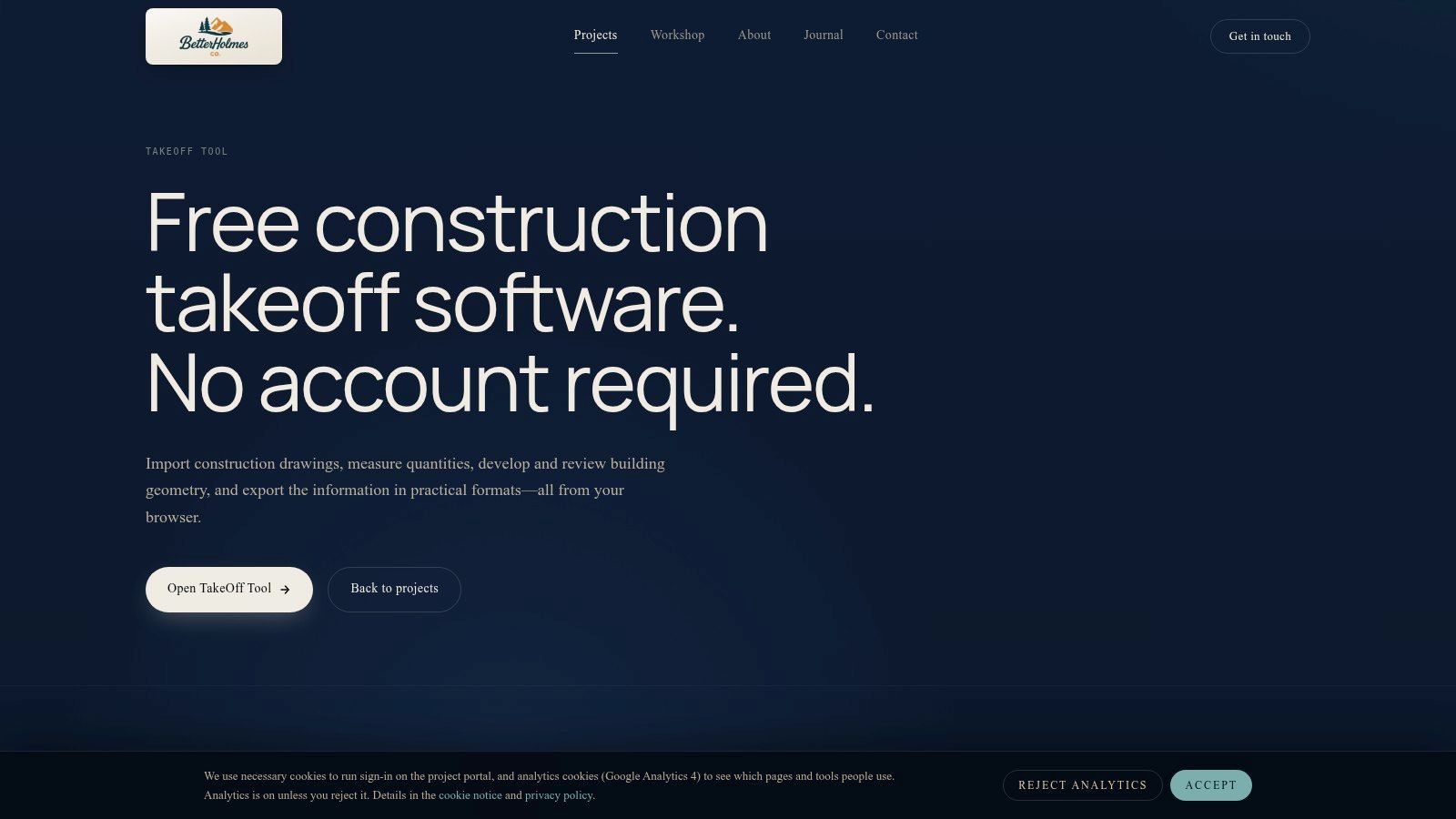
BetterHolmes Co. gives that arithmetic a free entry point. The TakeOff Tool is a measuring utility built around the standard takeoff loop: load a plan file, set the scale, trace the geometry and record areas, lengths and counts. Roof edge classification is the niche feature that decides it for roofing work.
Exported files reach Excel through an intermediate format rather than a native workbook, so plan on one conversion step between measurement and estimate. Scale setting and tracing stay manual. The accuracy of the roof area depends on you, not the software.
Contractors weighing a measurement utility against a wider operations purchase can check the cheapest construction management software for small contractors. Treat the current $0 as a term to confirm on the vendor's site rather than a permanent price, and revisit it before you build an estimating workflow around the tool.
4. EZTakeoff
The most open free access on this list comes from one of the smallest vendors, and that is the risk as much as the benefit. EZTakeoff requires no login or subscription according to the vendor, measures lengths, perimeters, areas and counts, and exports to Excel and annotated PDFs (EZTakeoff).
Projects save and share as ZIP bundles, and the browser tool has an offline-ready copy.
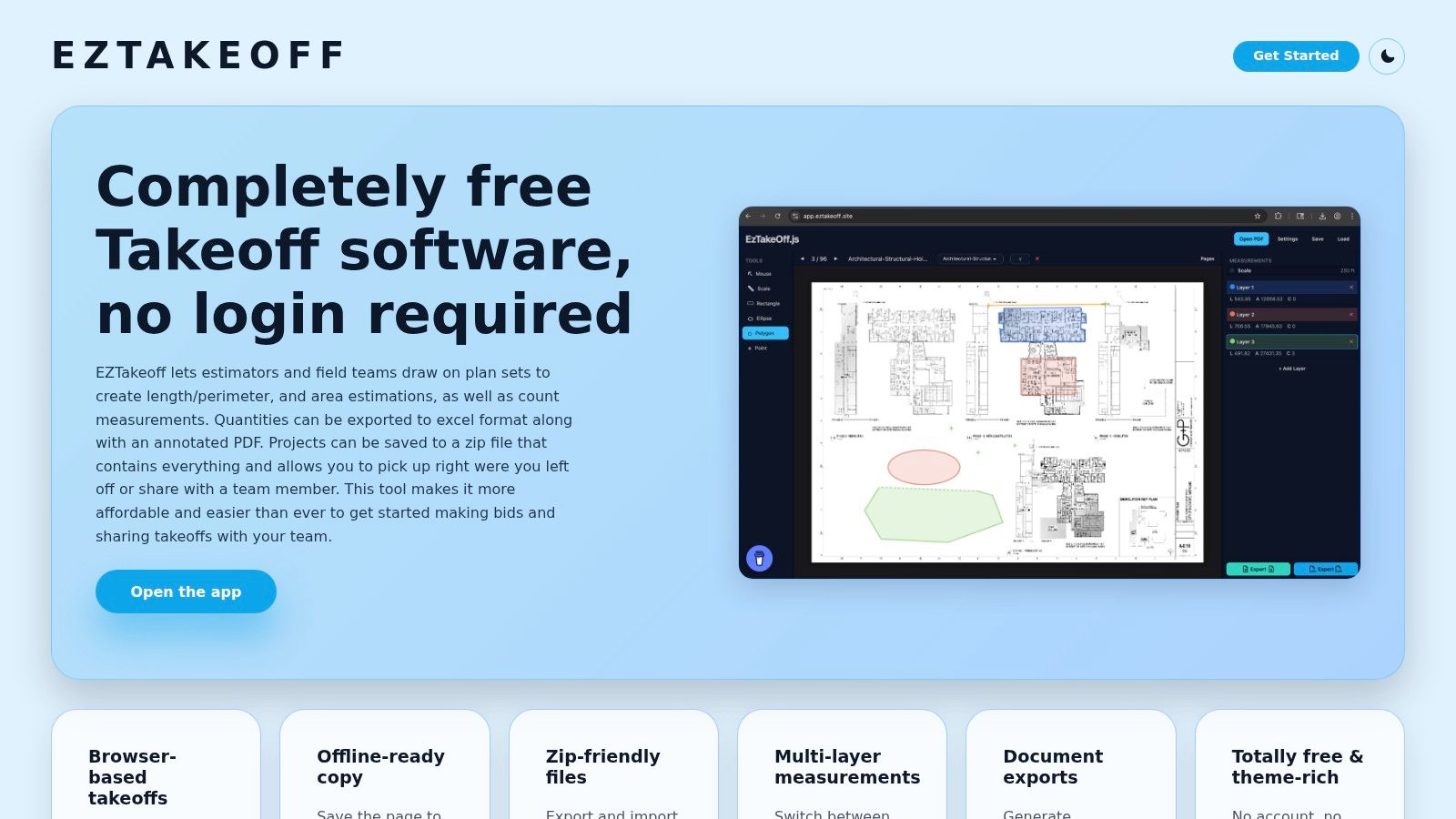
The vendor publishes no pricing plan, no paid upgrade structure, no user cap and no project cap. That gap is the finding. A tool with no stated limits has no stated service commitment either, so an estimator cannot tell from the site what happens if the project library grows or the vendor changes direction.
Treat it as a measurement utility rather than a system of record. Keep your own copies of exported workbooks and annotated PDFs, and keep a second copy of the original plan set, because there is no published storage or retention policy to plan around. The measurement set is basic but complete enough for takeoff work: lengths, perimeters, areas and counts cover drywall, flooring, roofing and site quantities.
Where it fits is a small operator who already prices in Excel and needs a free way to pull quantities off a PDF without installing anything. Where it does not fit is a team that needs shared access, audit history or a support contract. Independent user-reputation evidence for the tool was not established in the sources reviewed, so test it against a plan set you have already measured by hand.
5. OpenTakeoff
An estimator can open OpenTakeoff in a browser, drop in a plan PDF and start measuring with no account, which makes it the lowest-friction entry in this group. The tool is open source under the AGPL-3.0 licence, manual tracing sits alongside an AI-agent workflow through its MCP server, and every measurement carries a record of how it was created (OpenTakeoff).
That provenance record is the part worth testing, because the market has an adoption gap. Industry research cited in a 2026 software review found 87% of surveyed U.S. general and trade contractors expected AI-enabled tools or model-based estimating to have a meaningful business effect, while only 19% said their firms had meaningfully adapted workflows to use those tools (iTechGuides construction takeoff software review).
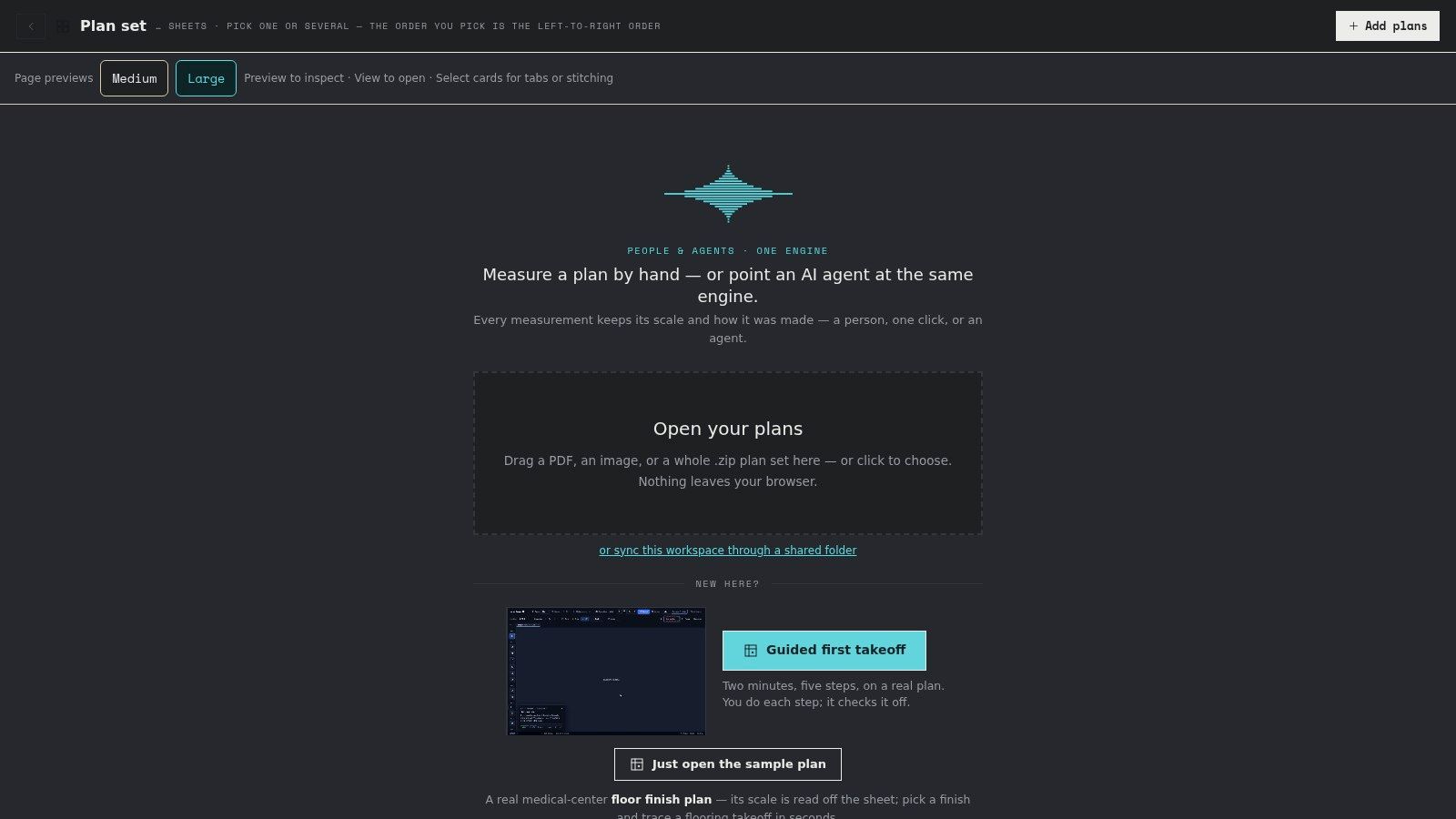
The cap that breaks first here is the AI assist itself. The same review reported automated room detection temporarily gated for revalidation, with open issues and pull requests still in the queue, so the speed advantage can pause mid-project. Expect interface changes, and plan for technical setup if you self-host rather than use the hosted canvas.
A slower tool that leaves a traceable line on the drawing is safer for a bid than a faster one whose quantities you cannot reconstruct.
Before a commercial bid depends on it, read the AGPL-3.0 terms for your use case and weigh the trade-off against the paid options on Rankozo's premier construction software page. Whatever produces the quantity, a person should check AI-assisted measurements before they leave the office.
6. Meysure
Meysure keeps drawings on the user's device by default, according to the vendor, and describes its measurement and export tools as currently free. It measures lines, areas, rooms, walls, angles and counts, supports per-page scale calibration and snapping to vector points in CAD-exported PDFs, and exports XLSX reports and annotated PDFs (Meysure).
Meysure's XLSX export keeps the workbook formatting that a plain CSV file loses, so you avoid rebuilding the spreadsheet after each export.
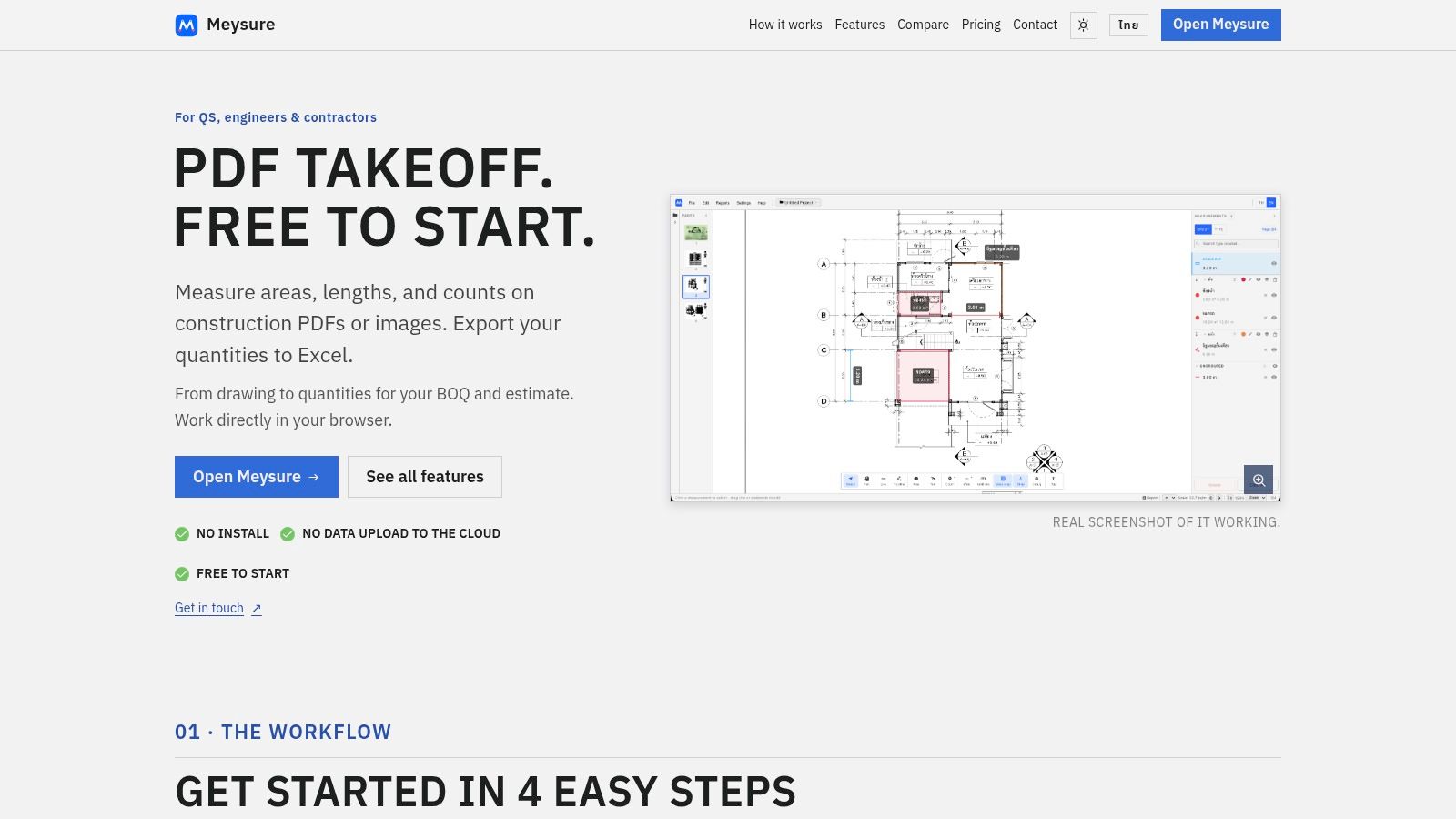
A progressive web app install gives offline use, which matters on site visits where the connection drops. Local-first handling also answers a question procurement teams ask late and should ask early: whether plan files leave the device and where they are stored.
The caps to plan for are not published as caps at all. There is no pricing engine and no real-time collaboration, exports currently carry a watermark row, and the vendor has not published pricing for its forthcoming Pro tier. The watermark is the cap most likely to break first, because it lands on every annotated PDF sent to a subcontractor or client. The free tier stops being usable for external deliverables before it stops measuring.
Record the watermark and the missing Pro price before you standardise on this tool, because both will change what a bid package looks like.
For a single estimator who prices elsewhere and wants clean area and count data in a spreadsheet, the current free position is workable. A team that needs priced assemblies inside the takeoff will outgrow it, and since the vendor publishes no Pro figure, any budget number for that tier has to wait for a written quote.
7. On-Screen Takeoff PlanViewer
On Center's PlanViewer is a free, deliberately limited version of its full takeoff application. It views and prints plans, supports simple takeoff, includes markup and annotation, and can open existing On-Screen Takeoff projects (On-Screen Takeoff PlanViewer).
The distinction that costs money is between the viewer and the product it is named after. On Center offered a free 14-day trial of the full On-Screen Takeoff application in 2026 (On-Screen Takeoff product page), and the vendor does not publish a list price on that page, so any budget figure has to come from a written quote.
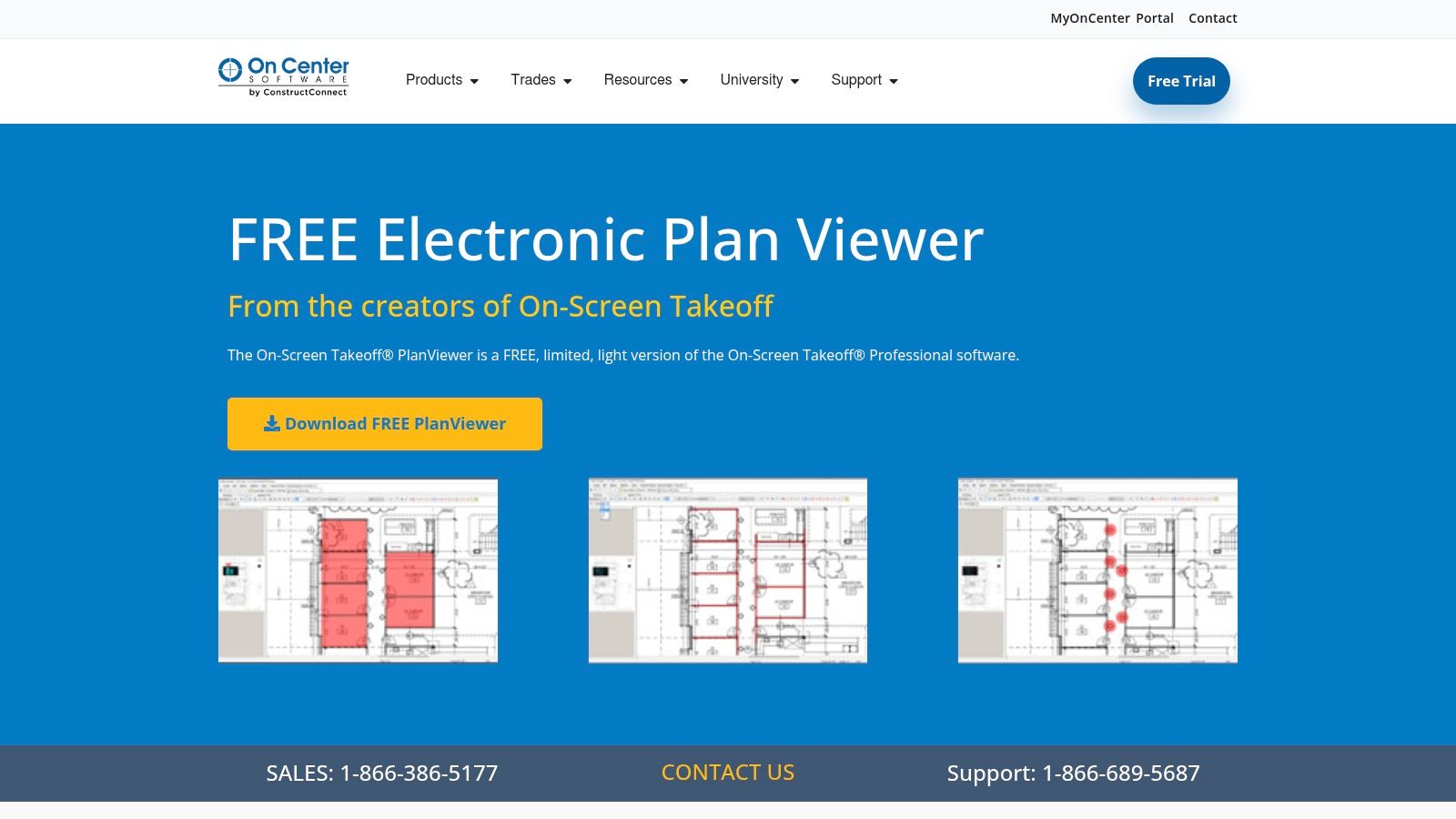
Where the viewer earns its place is file compatibility. If a general contractor or a client sends On-Screen Takeoff files, the viewer opens them without a licence, which is a real workflow saving for a subcontractor who only needs to read the quantities and markup.
Where it stops is estimating. There are no assemblies, no priced conditions at scale and no proposal output, so it cannot replace a full takeoff seat for a bid the estimator has to price. Operating-system and file-format requirements should be confirmed before installation, since the product family is a Windows desktop line.
Treat the free viewer as a reading tool and the 14-day trial as the evaluation window for the paid product. If the trial ends and the work continues, the cost is whatever the quote says.
8. TakeCost
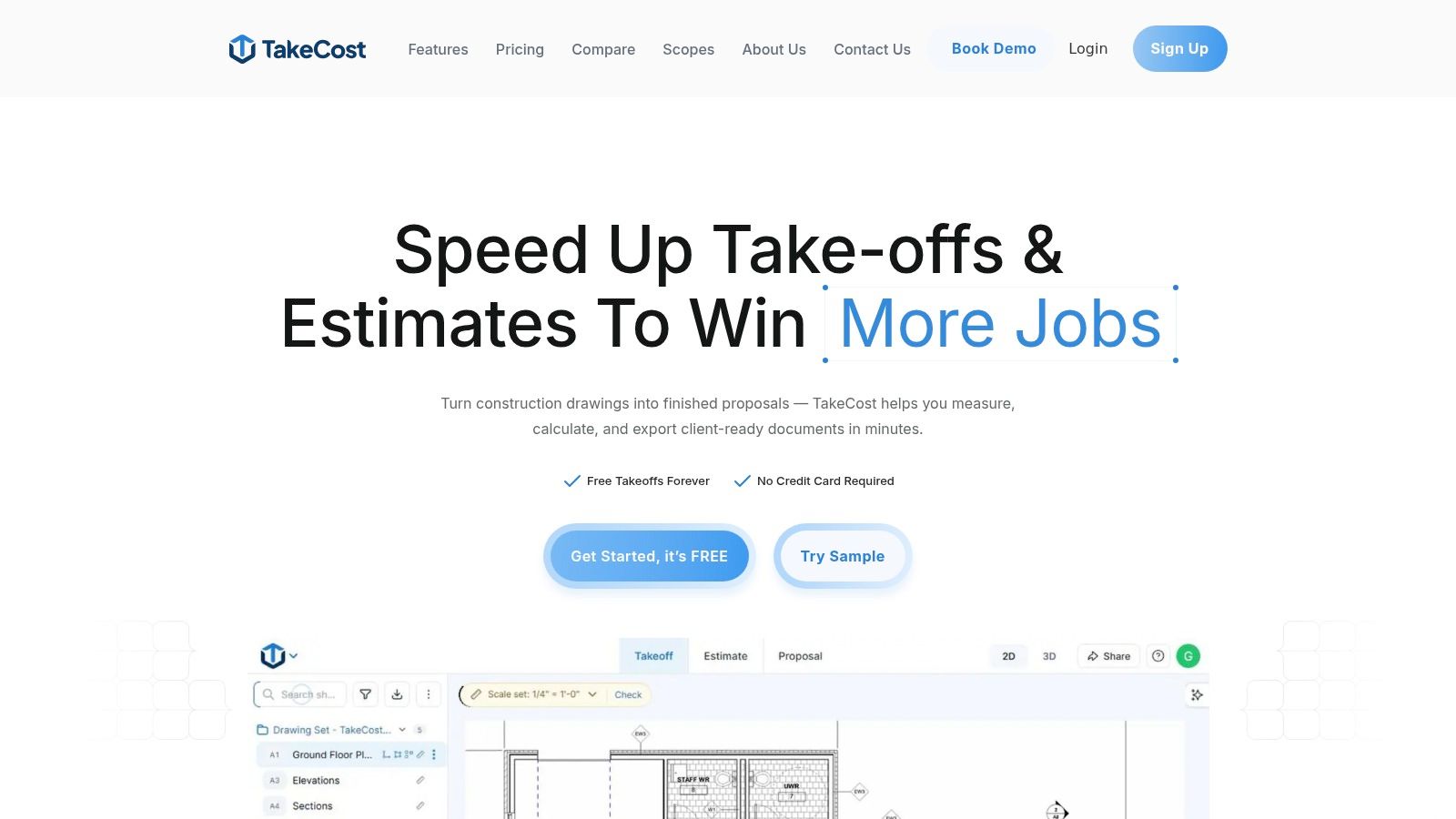
TakeCost combines measurement with estimates and proposals, and its permanent free tier allows one new takeoff file per month. Paid plans add unlimited takeoffs along with more pricing tools and exports (TakeCost).
The file cap is what breaks first, before any page or storage limit. One new takeoff file covers a quiet month and fails in a tender week, when three enquiries arrive and two of them revise drawings before pricing.
Volume caps are the standard lever in this category, so the tier structure is worth checking before a free plan is chosen. Paid tiers in takeoff software typically lift the file limit first, which means the upgrade question arrives on the vendor's schedule rather than yours.
A one-file-per-month cap survives a quiet quarter and fails in a tender week, which is exactly when a bid cannot wait for an upgrade.
The cloud workflow requires an account, and the collaboration features the vendor describes should be confirmed at the tier you intend to buy. TakeCost's advantage over measurement-only tools is that a quantity can become a priced proposal without a second application, which removes the duplicate entry that slows a live bid down.
9. DINDO
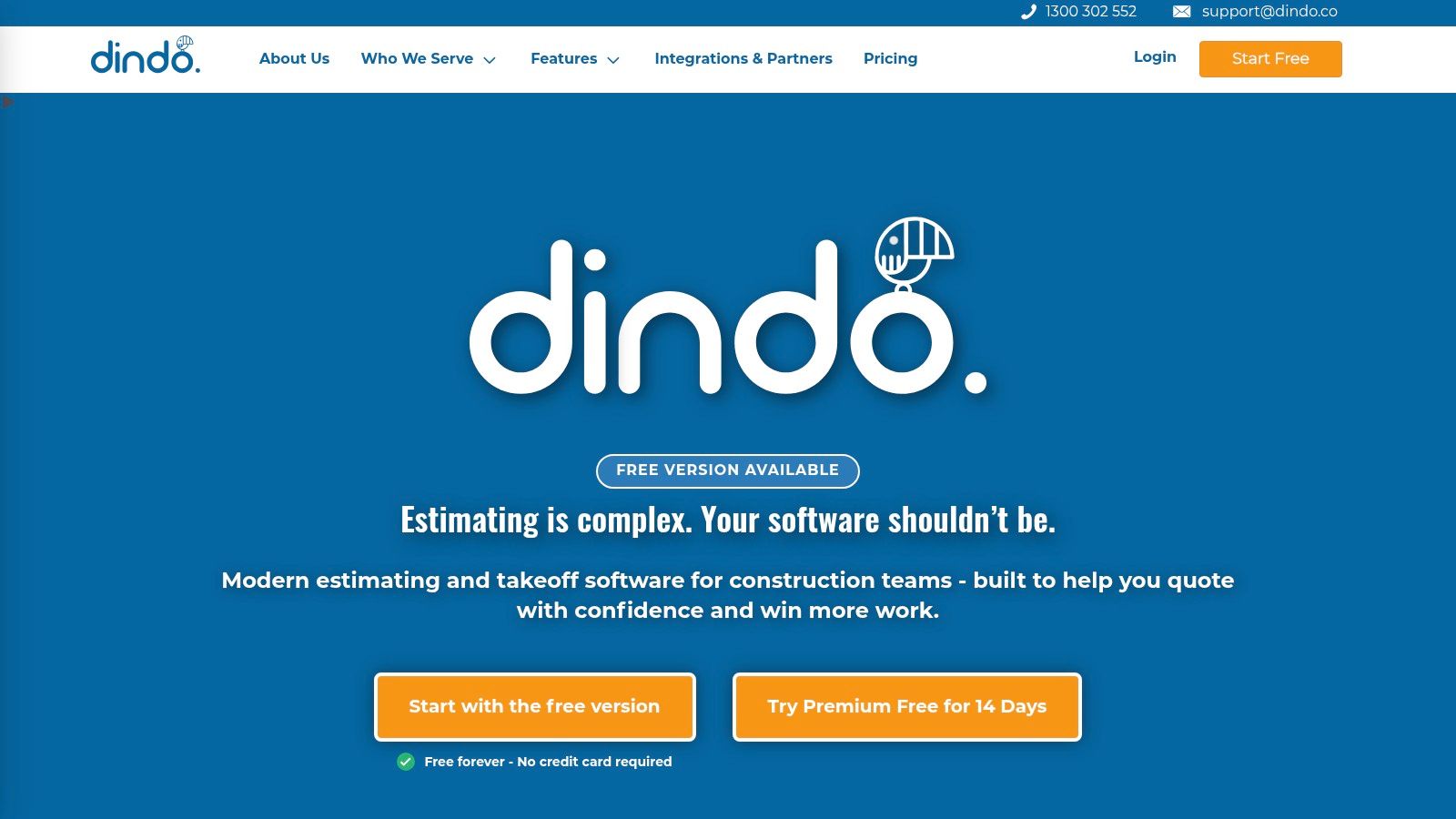
DINDO advertises a free-forever version with no credit card required and a separate 14-day Premium trial, which is a cleaner split than most vendors manage. The product covers cloud takeoff and estimating, real-time collaboration according to the vendor, an AI Symbol Seeker that detects and counts certain drawing symbols, and quotes and reports for tender review (DINDO).
The public page reviewed for this list did not specify the free version's usage limits, and Premium pricing was not clearly available in the sources reviewed. Those are the two questions to put to the vendor in writing before a bid depends on the free tier.
Symbol counting is the safest place to start with automation. A 2026 academic validation study compared an AI quantity-takeoff platform with contractor measurements across 29 line items covering exterior, floor and ceiling finishes, windows and doors. It found small but statistically significant overall deviations, with consistent underestimation for area-based quantities and near-perfect alignment for count-based items. Ceiling finishes showed the strongest consistency, floor finishes moderate agreement, and exterior finishes the greatest deviation (AI quantity takeoff validation study, 2026).
Read that as a testing instruction rather than a verdict on one product. Benchmark countable objects, regular areas and irregular façades separately, verify scale calibration and drawing revisions, and check openings before an area figure reaches a supplier. The tool that counts symbols accurately and flags its own exceptions is more useful than one that promises a full automated takeoff.
10. PlanSwift
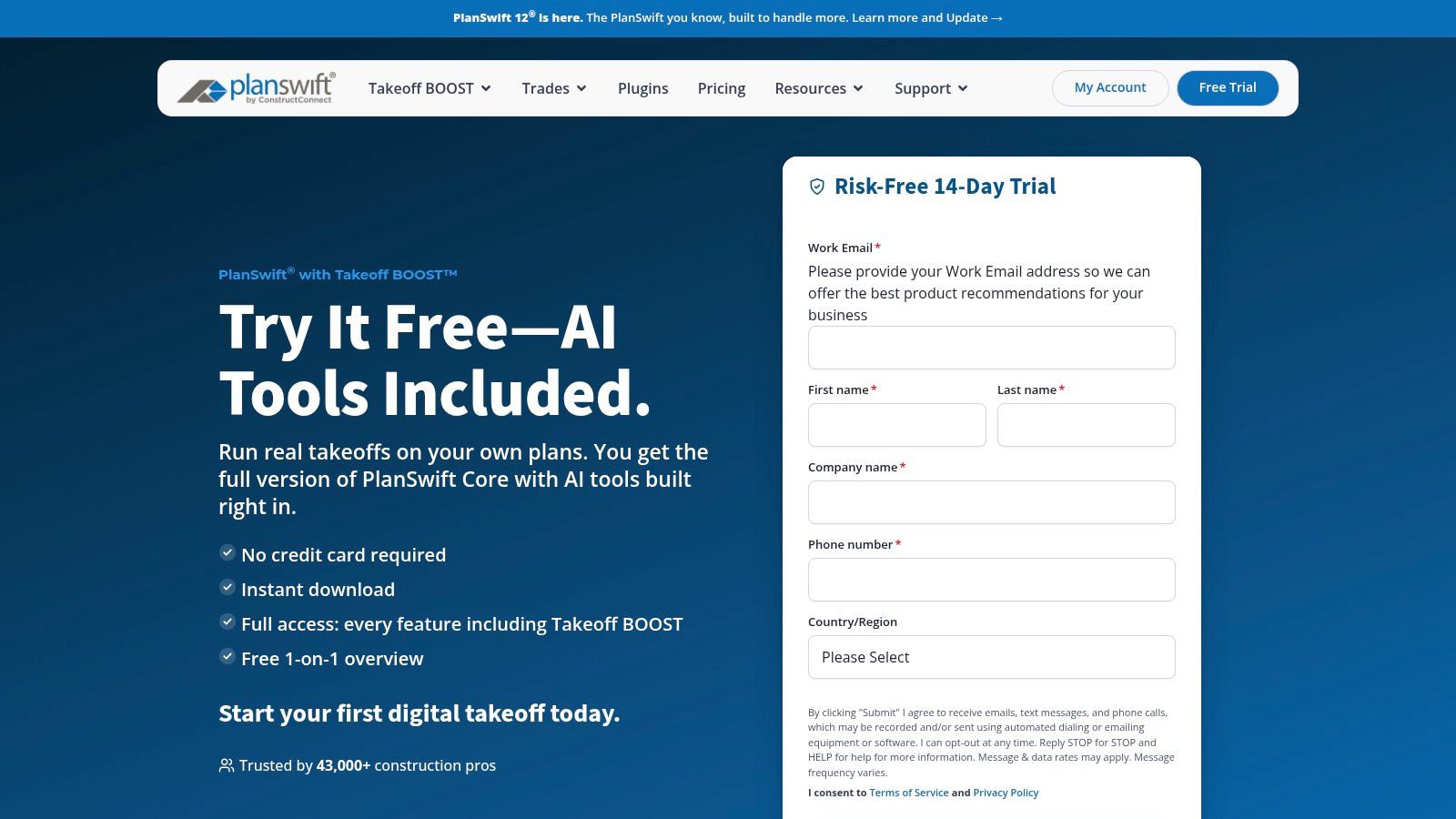
PlanSwift is the only tool here with no permanent free plan, and the trial is a full-product one. The 14-day trial requires no credit card and runs the whole desktop application, including customizable templates, assemblies, labor calculations, material lists and Excel integration (PlanSwift free trial).
That makes the trial an evaluation of the paid product rather than a free tool in its own right, and the paid figure is high against measurement-only alternatives. Rankite's 2026 comparison lists PlanSwift Essential at $2,000 per year for one seat, alongside Bluebeam Revu Basics at $260 per user per year and eTakeoff Advanced at $795 per user per year, with free trials for Bluebeam and PlanSwift rather than free-forever plans (Rankite takeoff software pricing comparison, 2026).
The paid end of this market is large enough to explain why free tiers are so tightly rationed. Market.us valued the global construction estimating software market at approximately $1.896 billion in 2024 (Market.us construction estimating software market report).
Trade-specific plug-ins and starter packs may cost extra on top of the subscription, so ask for the all-in figure for your trade before the trial ends. The test that matters in 14 days is a full bid you have already priced by hand: build the assemblies, run the labor calculation, export to Excel and compare the totals line by line.
Free access type and main free limit for 10 takeoff tools
| Item | Free access | Main free limit | Paid upgrade |
|---|---|---|---|
| STACK Takeoff & Estimate | Ongoing free plan after a 7-day Pro feature period | One active project per month; up to 300 plan pages and 50 measurements per project | Paid plans add broader tools and capacity |
| Solid Takeoff | Permanent free plan | One active project, 3 new drawing uploads, 250 MB storage, and 1 user | Paid plan available; details not specified |
| TakeOff Tool by BetterHolmes Co. | Currently free in a browser; no account required | No specific usage limits published | No paid upgrade details published |
| EZTakeoff | Free browser tool; no login or subscription required | No specific usage limits published | Paid upgrade structure not published |
| OpenTakeoff | Free, open-source browser tool; hosted canvas requires no account | No specific usage limits published | No paid upgrade specified; open-source under AGPL-3.0 |
| Meysure | Measurement and export tools currently described as free | Exports include a watermark row; other usage limits not specified | Pro tier is forthcoming; pricing not published |
| On-Screen Takeoff PlanViewer | Free limited version for viewing, printing, markup, and simple takeoff | Limited functionality; exact usage limits not specified | Full-featured On-Screen Takeoff is separate; pricing not specified |
| TakeCost | Permanent free tier | One new takeoff file per month | Paid plans add unlimited takeoffs and more pricing tools and exports |
| DINDO | Free-forever version advertised; no credit card required | Exact free-tier limits not specified | Premium trial and paid options; pricing not clearly available |
| PlanSwift | Full-featured 14-day trial; no credit card required | Trial lasts 14 days | Paid subscription required to continue; some plug-ins and starter packs may cost extra |
Match the Free Cap to Your Bid Volume Before You Commit
Pick the tool whose cap you will not hit in a normal month, then test it on a real set of plans before relying on it. Count active projects, sheets per bid and users, and check those figures against the limits above. A shop running six bids a month on 40-sheet sets exhausts STACK's 50-measurement allowance on the first room schedule and TakeCost's file limit in the second week. The same shop bidding once a quarter never notices either cap, and would be overpaying for a paid seat.
Sort the ten tools by what expires. Permanent free access exists at STACK, Solid Takeoff, TakeCost, DINDO, BetterHolmes Co., EZTakeoff, Meysure and OpenTakeoff, though several of those vendors state that free access may change. On-Screen Takeoff PlanViewer is a permanently free cut-down product, not the full application. PlanSwift is a trial and nothing more.
Where a cap breaks, the cheapest paid rung sets the cost. Easy Takeoffs listed its software at $39 per month or $399 per year for one user in 2026, with free classroom use through its academic program (Easy Takeoffs platform pricing). Autodesk lists Forma Takeoff at a starting price of $108 per month in 2026 and says the product includes a free trial (Autodesk Forma Takeoff). Both sit far below the $2,000 annual desktop tier, which is why an estimator should check whether the free cap is protecting them from a cost they do not need to take on at all.
The order to check caps in: new files per month first, then measurements per project, then pages, then users. The first two break on normal work; the last two break on unusual work.
When a vendor publishes no paid price, record the gap and request the quote in writing rather than assuming a figure. Rankozo applies that rule in its own price indexes, listing tools without a starting price when the vendor publishes none and leaving the vendor to quote each package.
Recheck each free plan on its vendor page before a bid depends on it, because free terms change and none of the ten carries a contractual guarantee of permanence.
Questions or corrections: editorial@rankozo.com