Guide · General
Scheduling Calendar Program Compared for 2026
Compare top scheduling calendar program options by price, free-plan limits, and integrations. Find the cheapest workable choice for your team in 2026.
By the Rankozo research desk · Updated November 18, 2026 · 14 min read
Fewer than half of the businesses that hold meetings use scheduling software to book them. In a 2025 Zoho survey of 1,733 working individuals conducted with CINT, 79% of businesses scheduled meetings daily or weekly, 42% used appointment-scheduling software, and 56% still coordinated internally through messaging apps or email. That gap is where free tiers do their work, and where the actual bill hides.
For most solo users and small teams, the cheapest workable scheduling calendar program is a free plan. The cost starts when the free tier caps event types, calendar connections, staff profiles or reminders, or when a feature that makes a plan usable (payments, SMS reminders, extra calendars) is sold outside the subscription. Those caps decide what a year of scheduling costs. The ranking below prices each tool by the cheapest plan that still works, naming the free-plan ceiling, the feature that forces an upgrade and the fees that sit outside the subscription.
Prices below come from vendor pricing pages and the third-party comparisons cited beside them, and each figure links to the page it came from.
Sort the list by your busiest month, not your average one. Price the tier that covers peak booking volume, then add processing fees, extra calendars and SMS before comparing totals.
Table of Contents
- 1. Calendly
- 2. Cal.com
- 3. Google Calendar appointment schedules
- 4. Microsoft Bookings
- 5. Zoho Bookings
- 6. Acuity Scheduling
- 7. Square Appointments
- 8. SimplyBook.me
- 9. Setmore
- 10. YouCanBookMe
- Free plan, team scheduling and integrations across 10 scheduling calendar program options
- Choosing the Cheapest Plan That Still Works
1. Calendly
Calendly's free plan allows one event type and one calendar connection and leaves out group events, payments, automated reminders and workflows, according to a 2026 Neeto comparison of free scheduling apps that puts SimplyBook.me's free tier at 50 bookings with a single provider. One event type covers a single consultation link. It doesn't cover a team running two meeting lengths or wanting a reminder sent without a human.
Paid pricing is per seat, not per account. A comparison checked 23 September 2026 lists Calendly at $10 per seat per month, Cal.com at $12 per user per month, Setmore at $5 per user per month on annual billing and Acuity Scheduling at $16 per month per calendar in the MeetErgo scheduler comparison. Five staff on the entry paid tier multiplies that rate by five before a single add-on.
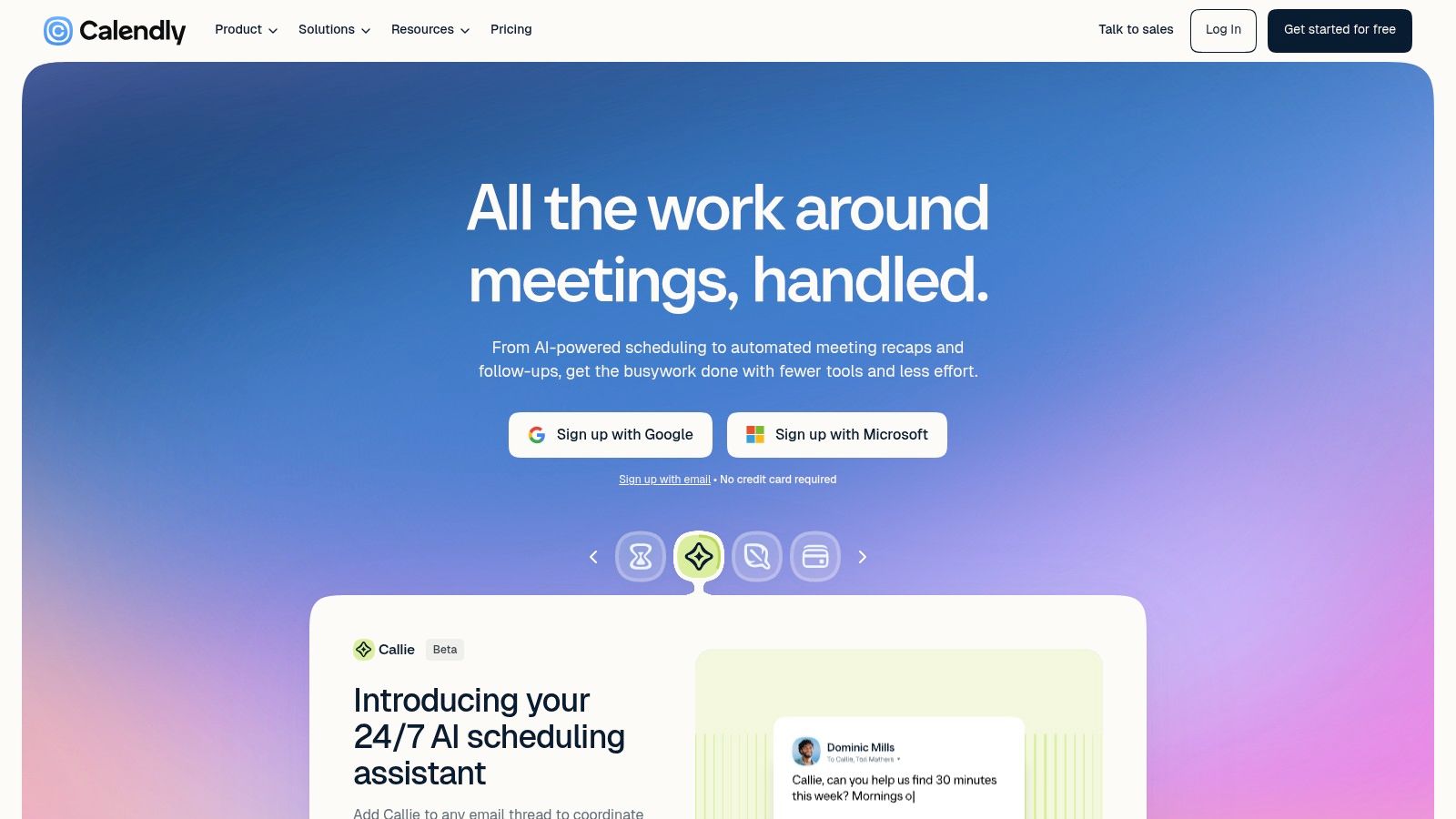
The booking page is the product. Everything behind it carries the price.
What actually forces the upgrade
Booking volume rarely triggers the first upgrade. Team structure does.
- Round-robin and team pages: distributed booking sits above the entry paid tier, so the rate rises with headcount and with routing.
- Reminders and workflows: automated sequences aren't in the free plan, so no-shows stay your problem until you pay.
- Payments: collecting a deposit needs an eligible paid plan plus the processor's own charges on top.
Calendly is the right first test for a single-professional practice against a shared link. Rankozo's guide to the best appointment scheduling software ranks the paid tiers on the same cost basis.
2. Cal.com
Cal.com's free individual plan is the strongest capacity deal in this list: unlimited event types and unlimited calendar connections before you pay anything. The connections count is the point. A scheduler that caps you at one calendar forces a choice between hiding personal commitments from your booking page or paying just to see your own schedule. Workers who split life across several calendars hit that wall on day one.
The upgrade trigger is people, not bookings. Round-robin distribution, collective events and routing forms sit on team plans billed per user, and organization-level administration sits above those tiers. One person can run a full booking operation free. A team of three pays per head, and the routing logic that made the purchase necessary is locked behind that multiplication.
Where the cost sits
Count calendars before comparing tiers. A tool that caps connections at one pushes a hybrid worker into a second account, and a second account is either a second subscription or a policy problem.
Configuration is the hidden line item. Embedding booking components and building on the API takes engineering time that a plain booking-link tool never asks for, and that time shows up in a project budget rather than an invoice. The Cal.com free tier is generous on capacity and demanding on setup, which suits teams with a developer and frustrates teams without one.
3. Google Calendar appointment schedules
The cheapest workable plan here can be the free one. A personal Google Account creates one booking page and pulls availability straight from the calendar, and a business already paying for Google Workspace adds nothing to its bill. Reminders and paid appointments are the features that force an upgrade, and both need an eligible Google Workspace or Google One plan. Software Advice scores Google Calendar 93/100 overall, 92/100 for customer satisfaction and 95/100 for usability, against 91/100, 89/100 and 94/100 for Calendly.
That usability score is the argument. The booking page lives inside the calendar the team already opens each morning, so there is no second login, no separate sync and no new vendor in the procurement queue.
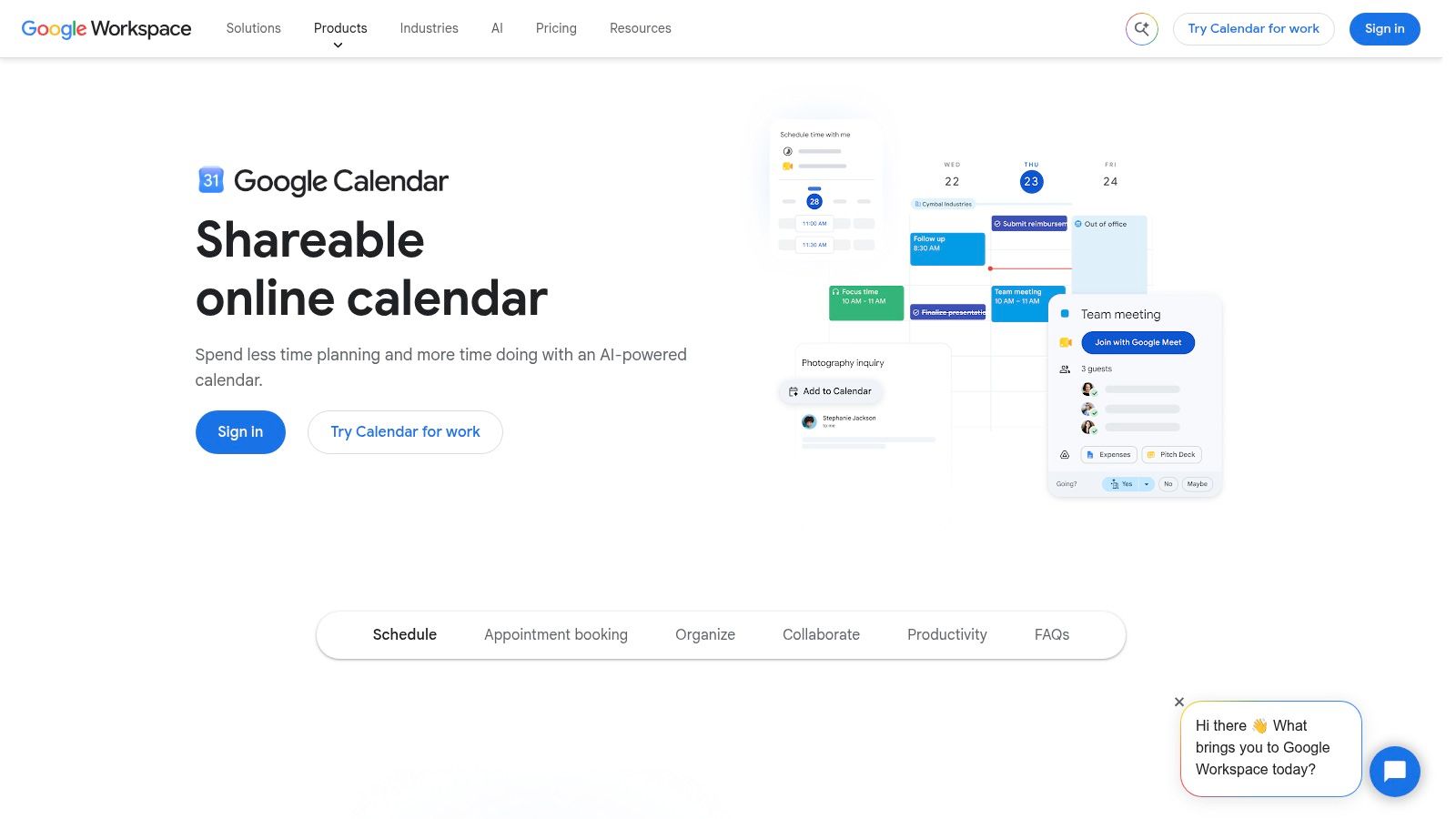
The setup page costs nothing to open, so evaluation usually starts there.
Where it stops being free
- Paid appointment collection: requires an eligible subscription, and the payment processor charges its own fee on each transaction, a cost that sits outside the subscription entirely.
- Specialised appointment management: intake forms, deposits, staff rosters and waitlists fall outside what this tool handles, so a business with those needs hits a workflow ceiling before it hits a price one.
- Setup: building a schedule requires a supported web browser; the mobile Calendar app cannot create one.
One booking page is a hard ceiling for anyone coordinating multiple staff or services. The wider zero-cost field is compared in the best free appointment scheduling software rankings.
4. Microsoft Bookings
Microsoft Bookings adds no line item for an organisation already on Microsoft 365, because it's included with eligible subscriptions. The cost is the licence tier that carries it, and the limit runs the same way: without an eligible Microsoft 365 or Office 365 subscription there's no free version to test. A business outside that ecosystem is buying a licence to get a scheduler it could rent for a few dollars a month elsewhere.
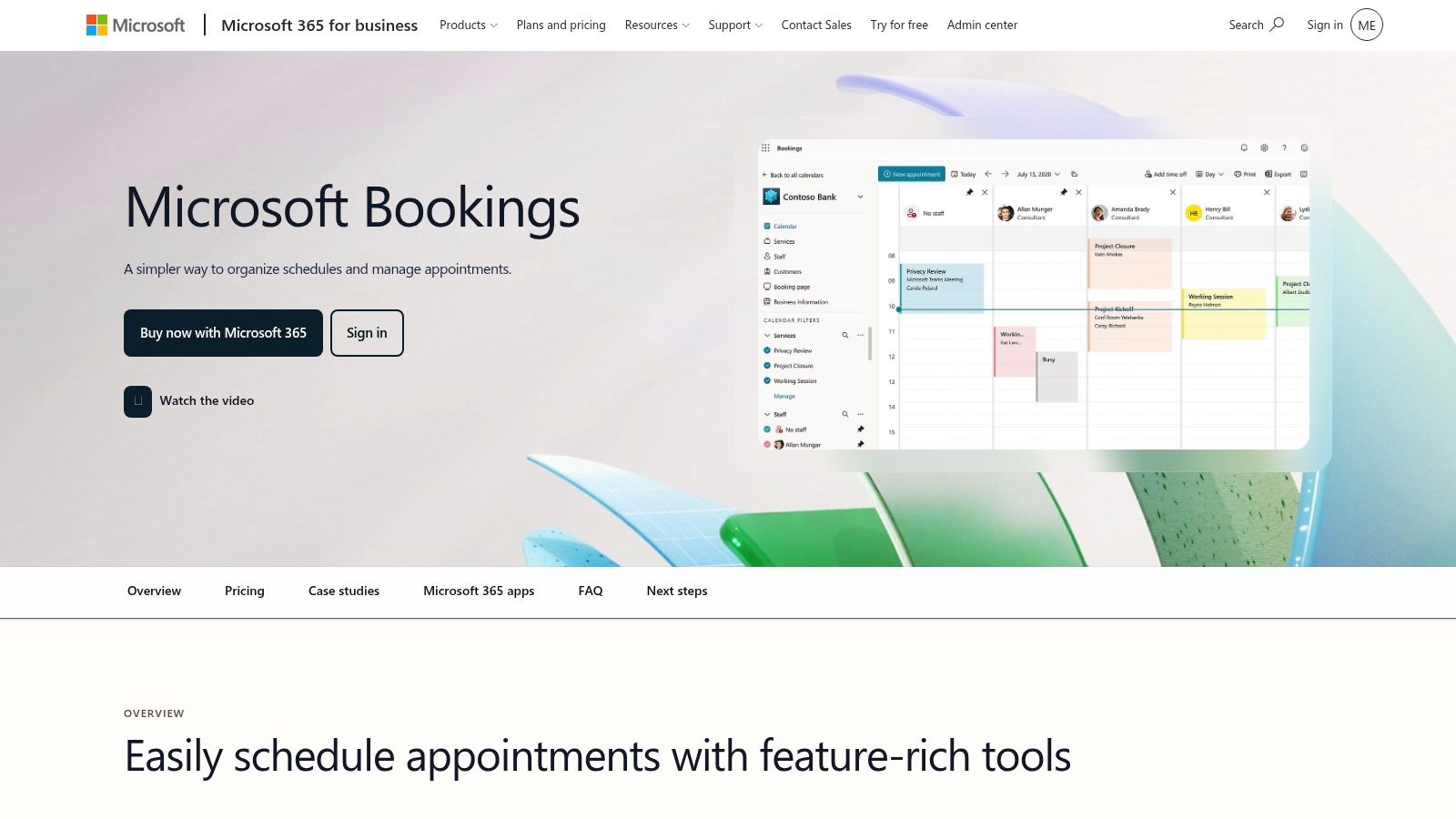
The booking page is public. The staff calendar behind it usually isn't as private as people assume.
Shared visibility is the expense. Research published in the Journal of Computer-Mediated Communication found employees commonly have calendars configured as open, making schedule contents visible to colleagues, and proposed privacy-preserving overlays that show availability without sharing event details.
The privacy test that comes before the price test
Ask four questions before publishing a staff booking page: what each participant can see, what the vendor stores, how revocation works, and whether a personal calendar can stay technically separate from the work one.
Ratings for Bookings in Microsoft's app marketplace are mixed, so run a two-week pilot with one service and one staff member before publishing anything organisation-wide. Microsoft Bookings is the cheapest option here only for organisations that already pay for the licence that includes it.
5. Zoho Bookings
Zoho Bookings' free plan covers one user, which makes it an unlimited trial rather than a team plan. Team scheduling and round-robin distribution are paid, and additional resources and workspaces carry their own charges, so the second and third bookable person is where the subscription starts.
The category's revenue base is narrow, and that shapes the pricing. Growth Market Reports valued the global appointment scheduling platform market at USD 537.2 million in 2024, with North America accounting for USD 215.8 million. A market that size rewards the single-user giveaway and the per-seat charge that follows it.
The Zoho suite discount
The per-user rate is only half the calculation. If the business already runs Zoho CRM, a booking that lands as a lead record saves an integration step and the monthly fee for a connector. Outside that stack, the same booking is a manual export into a CRM that charges for the privilege.
That's the trade: Zoho Bookings is the cheapest paid path here for a Zoho shop, and a mid-priced scheduler plus a separate connector for everyone else.
6. Acuity Scheduling
Acuity Scheduling has no free ongoing plan. A 7-day trial is the only zero-cost entry, and cost rises with the number of calendars, so the cheapest workable setup is one calendar and one service. Businesses commonly undercount here, because a second location or a second bookable resource is a second calendar.
What the subscription buys is administrative time. In a 2025 survey of 500 U.S. Acuity Scheduling customers, 75% reported spending less time on administrative tasks, according to Acuity Scheduling. It's a vendor-run survey of its own customers, so treat the figure as directional rather than as an independent benchmark.
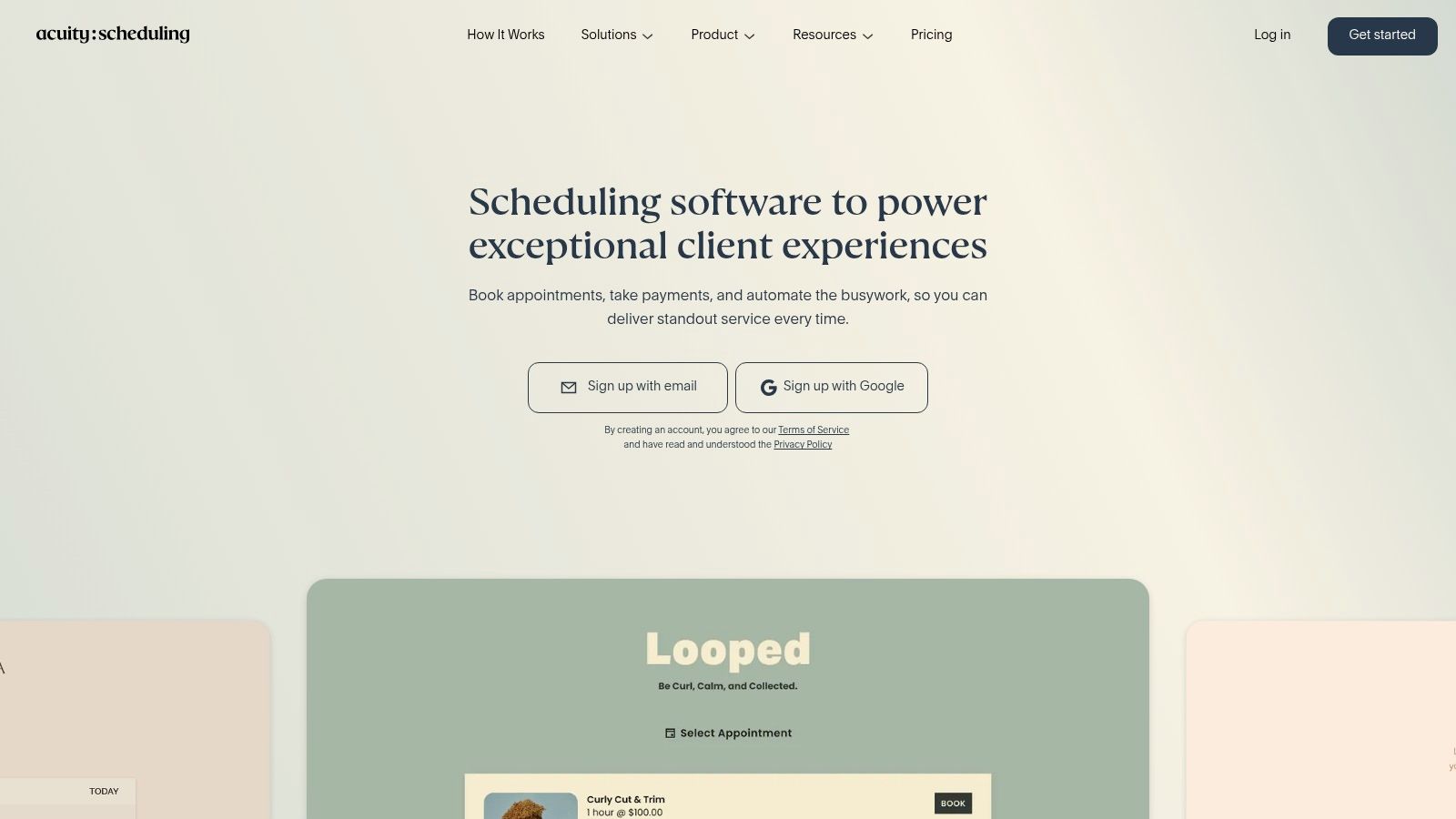
For a business that sells time rather than arranges meetings, that admin saving is the return on the fee.
Costs that sit outside the subscription
- Payment processing: Stripe, Square, PayPal and Venmo charge their own rates on every appointment paid through the booking page.
- Extra calendars: each additional calendar is a line item, not an included seat.
- Add-on capability: text reminders, waitlists, packages, memberships and HIPAA-related features sit on specific plans.
Acuity Scheduling replaces a scheduler plus a form tool plus a payment link, which is the only honest way to compare its price with a free calendar.
7. Square Appointments
Square Appointments has a free plan for basic scheduling. It can afford one because the money is in processing: SkyQuest Technology Consulting valued the global appointment scheduling software market at USD 470.79 million in 2024, a small fraction of the transaction revenue that moves through a payments company. Booking is the acquisition channel. Processing is the product.
That changes what "cheapest" means. A free booking plan plus processing fees can cost more than a paid scheduler with no payments built in, and it costs less the moment the business already takes cards through Square.
When the free plan is the expensive one
Deposits, prepayments, cancellation policies and no-show fees are the features that make a booking page enforce something. They run through Square payments, and the fee applies to each transaction, so the effective cost tracks revenue rather than headcount.
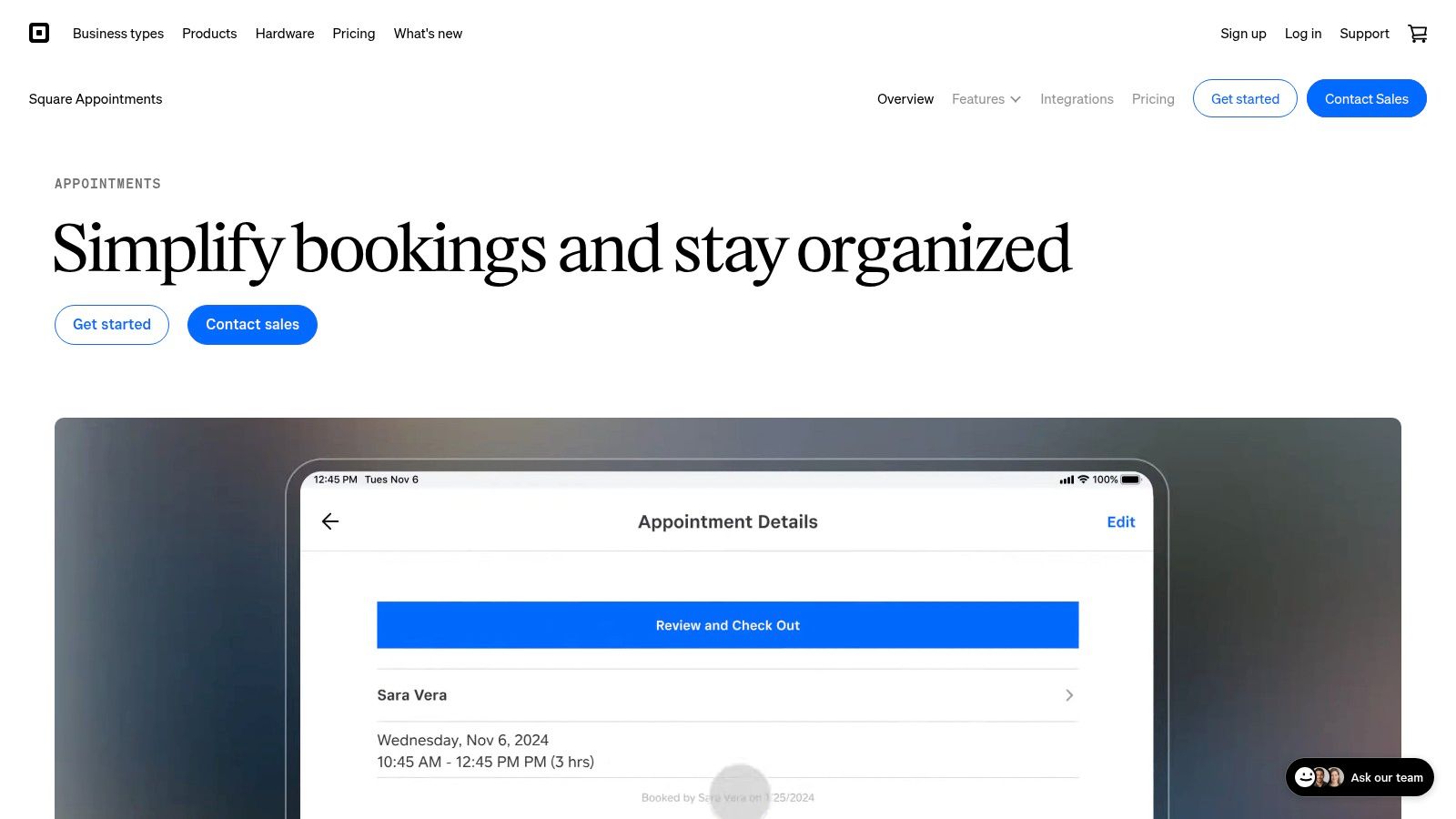
A salon or personal-care business paying card fees anyway should price the whole stack, not the plan.
Square Appointments is weak as a corporate meeting scheduler and strong as a checkout with a calendar attached, which is exactly the split the pricing reflects.
8. SimplyBook.me
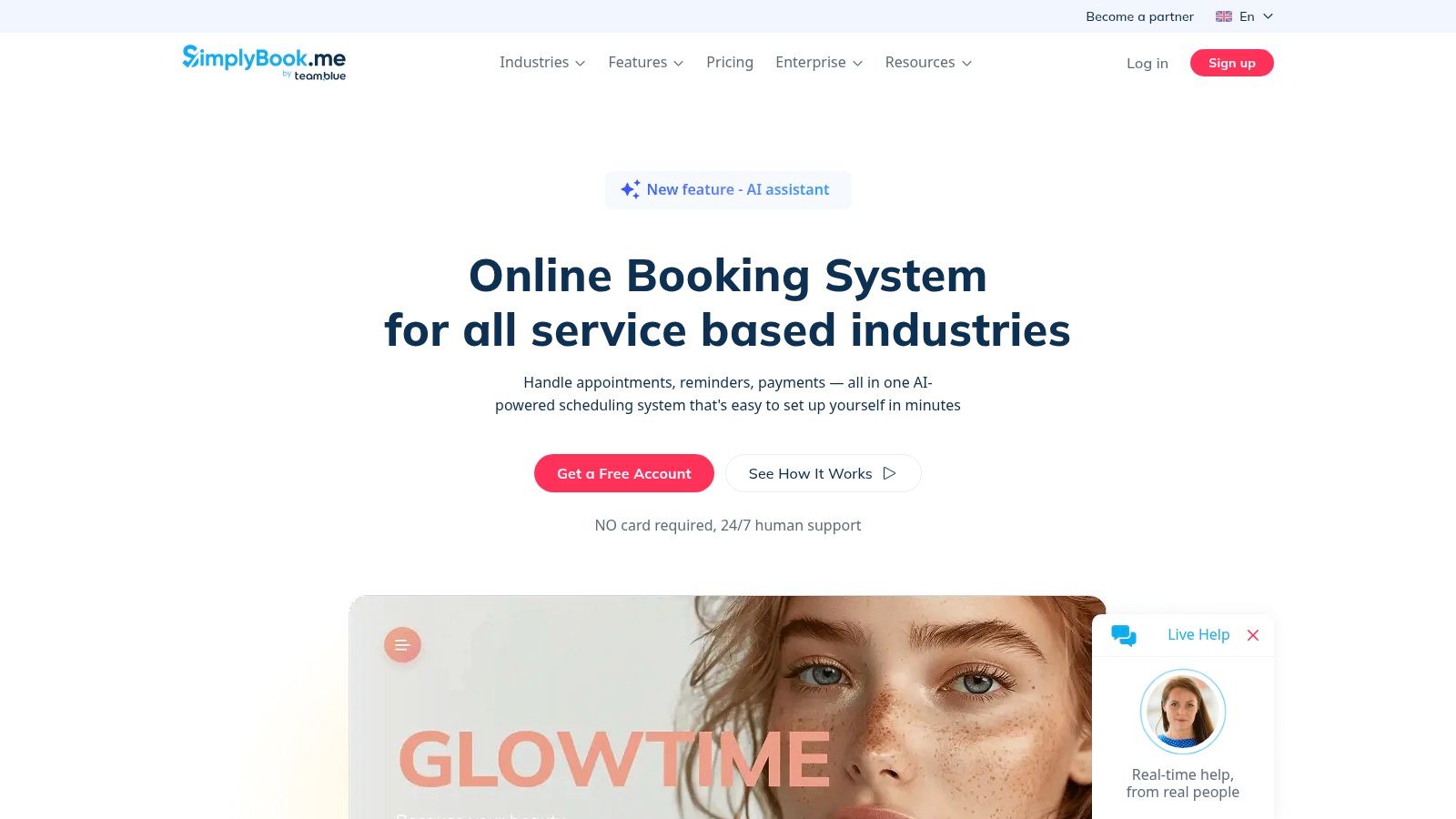
SimplyBook.me prices by monthly booking volume and provider count rather than by seat, which is unusual and useful for a small team: adding a staff member inside a plan's allowance costs nothing. The trade is that allowances run out, and the tier above is priced in blocks of volume.
Add-ons are where the total moves. A 2025 EasyClocking pricing benchmark puts small-business scheduling and timekeeping software broadly at $2 to $8 per user per month, then identifies payroll-integration fees, SMS charges, restricted API access, multi-location surcharges, analytics add-ons, onboarding and manager time as separate costs. For a booking site, SMS credits and a custom domain are the two that appear first.
The upgrade that arrives with demand
Booking volume is the trigger. A provider who fills a calendar in a busy month crosses the allowance, and the next plan costs more because the volume grew, not because a feature was added. That's a different risk from per-seat pricing, where cost is predictable and capability isn't.
The lowest plan may also withhold a feature the business needs, so read the tier list before choosing the entry price. SimplyBook.me rewards providers with steady volume and punishes seasonal ones.
9. Setmore
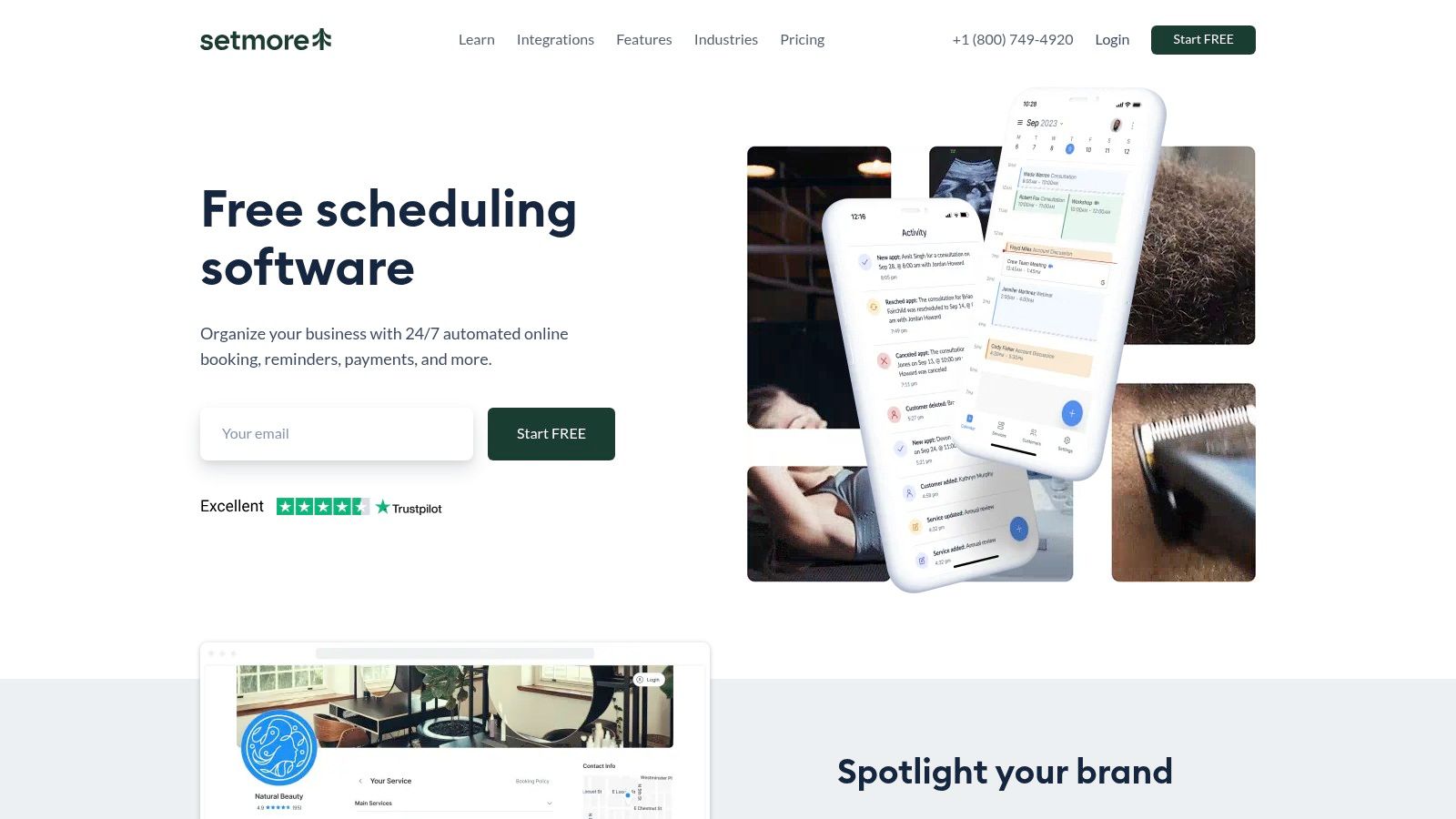
Setmore's free plan supports up to four staff profiles with unlimited appointments, the widest free tier in this list for a small service team. Two-way calendar sync, SMS reminders and recurring appointments sit behind the paid plan, so the free tier covers booking and stops there. A team can run for months without paying and still fill its diary.
The case for paying is the reminder. A 2024 peer-reviewed study of a healthcare online appointment system tracked 3,231 appointments and found a 1.6% no-show rate for online-booked appointments against 6.8% for offline ones, with 24.9% of all bookings arriving through the online system. Cancellations and reschedulings commonly landed one to two days before the appointment, which is exactly the window a reminder occupies.
Why the cheapest tier still needs reminders
A booking page without reminders fills the diary and leaves the slots unguarded. A client who books online at midnight and forgets by Thursday costs a service business the same empty hour as one who never booked, and the free plan has no SMS to catch it. What forces the upgrade is a single feature, needed from the day the first no-show lands rather than after a growth milestone.
Rankozo's ranked list of salon booking software prices tools for exactly this kind of small service team on the same value basis. Setmore is the cheapest entry here for a two-to-four person team, provided the paid reminder tier is budgeted from month one.
10. YouCanBookMe
YouCanBookMe is cheap right up to the point where one booking page stops being enough. The free plan tops out at one page on one calendar connection, so the cheapest workable setup is a solo consultant with published hours and a single service.
The YouCanBookMe pricing page lists paid features as available on a trial and publishes a 4.7/5 customer rating. That rating says the narrow booking flow works; it does not say the tool handles routing, deposits or capacity management.
Where it fits and where it doesn't
Paid tiers add pages, connections and customisation, while team scheduling is priced per member. A five-person team pays five times the single rate, so the total is predictable but scales in a straight line with headcount.
The harder limit is operational: client intake, payment collection, waitlists and staff rosters sit outside the product. A business selling timed services outgrows the features before the price, and the cost is the later migration, not the subscription.
Free plan, team scheduling and integrations across 10 scheduling calendar program options
The cheapest workable plan is rarely the headline free tier: across these 10 options, the free ceiling is one event type, one user, one booking page, a four-staff cap, a 7-day trial, or a seat inside an eligible suite.
| Item | Free plan | Team scheduling | Integrations |
|---|---|---|---|
| Calendly | Basic one-to-one scheduling; one event type and calendar | Available on higher tiers, including round-robin | Video conferencing, CRM, and payment tools on eligible plans |
| Cal.com | Free individual plan with unlimited event types and calendar connections | Paid plans offer round-robin, collective events, and routing | API, embeddable components, and payment integrations |
| Google Calendar appointment schedules | One booking page with a personal Google Account | Not part of the free personal booking page; team use depends on an eligible Google Workspace plan | Google Calendar; booking page can be embedded |
| Microsoft Bookings | Included with eligible Microsoft 365 subscriptions | Staff schedules, shared booking pages, and team appointments | Outlook and Microsoft Teams |
| Zoho Bookings | Free plan for one user | Paid plans offer team scheduling and round-robin | Zoho, Google, and Microsoft calendars; Zoho apps |
| Acuity Scheduling | No ongoing free plan; 7-day trial available | Higher plans add calendars and service-business features | Stripe, Square, PayPal, and Venmo |
| Square Appointments | Free plan available for basic scheduling | Staff calendars and custom service availability | Square payments, customer records, and booking integrations |
| SimplyBook.me | Free plan for small providers; limits apply | Monthly booking volume and provider count set the allowance; the next tier is priced in blocks of volume | WordPress; higher tiers add business integrations |
| Setmore | Free plan supports up to four staff profiles | Supports small teams; paid plans add more features | Website, social, and third-party integrations |
| YouCanBookMe | One booking page and one calendar connection | Team scheduling priced per member | Google, Microsoft, and Apple calendars |
Read the team column as the upgrade trigger. Solo scheduling stays cheap on Cal.com, Setmore, Google and YouCanBookMe; shared routing, staff calendars or more than four profiles shift the actual cost to a paid tier or a bundled Workspace or Microsoft 365 seat.
Choosing the Cheapest Plan That Still Works
Start with a list, not a shortlist. Write down what the first week needs: how many event types, how many calendars per person, how many staff profiles take bookings, whether money is collected, and whether reminders go out automatically. That list is the specification, and the cheapest workable plan is the lowest tier that covers every line on it.
Then add what the subscription excludes. Payment processing is charged by the processor and sits on top of any scheduler that collects money. Extra calendars, extra workspaces, SMS credits and a custom domain are billed separately or pushed into a higher tier. Setup time is a real cost too: a free plan that forces spreadsheet reconciliation costs more in manager hours than a cheap paid plan ever would.
The re-check that pays for itself
Plan limits move more often than prices do. A free tier that covered 50 bookings last year can cover 30 this year, and a feature that was standard can move up a tier.
- Re-check the tier you picked against the vendor's own pricing page, with the check date written down next to the quote.
- Test the upgrade path by asking what the next tier costs at your peak month rather than your average one.
- Confirm integration access is included rather than gated, because a low headline price on a plan without API or calendar sync isn't a production workflow.
Category growth is why plans keep moving. The global scheduling apps market was estimated at $663.1 million in 2025 and projected to reach $1.81 billion by 2033, a 13.46% compound annual growth rate, with North America holding 45.9% of the market in 2025, according to GlobeNewswire's market summary. More vendors and more tiers mean more chances for a plan to be repriced mid-contract.
Wider benchmarks help with the sanity check. Rankozo's HR and work price index reports a median starting price of $9 per month across the tools it tracks, with 33% offering a free plan and the cheapest paid tier at Clockify's $3.99 per seat per month. A scheduling tool priced well above that median needs a reason on the invoice: payments, intake forms or staff routing that replaces another subscription.
Before the next renewal, price the plan you use rather than the one on the comparison page. Rankozo's price indexes and value-ranked software lists show each figure with the page it came from, which is the fastest way to confirm whether a scheduling calendar program is still worth what's being charged for it.
Questions or corrections: editorial@rankozo.com