Guide · General
Graphic Designing Software Free: 10 Tools Compared
Compare graphic designing software free plans by feature limits, export options and paid upgrade triggers, with vendor pages and their check dates noted.
By the Rankozo research desk · Updated November 24, 2026 · 14 min read
Free graphic design software can support commercial work without ever requiring a paid software upgrade. Inkscape costs $0, permits commercial use and has no subscription tier, according to its official licensing information, checked in 2024. The expense starts elsewhere, with training, file preparation, collaboration or a workflow the application does not support.
The cheapest workable option is often free, until a limit stops production. For browser tools, that limit might be premium assets, cloud storage, version history, export formats or shared files. For open-source desktop applications, the blocker is more often a missing workflow than a payment screen.
A search for graphic designing software free therefore needs a more useful answer than a feature count. A bakery producing promotional posts needs different software from a freelancer delivering editable logos or a product team maintaining interface components. The useful question is which free plan reaches the required output, and which cap ends it.
Buying rule: A paid upgrade becomes worth considering when it removes a documented production constraint, not when it adds an impressive-looking feature.
Rankozo counts permanent free plans rather than trials. The tools below cover browser, desktop and open-source models, and each is assessed against the limit most likely to make free access insufficient: asset access, export control, storage, history or co-editing.
Table of Contents
- 1. Affinity
- 2. Canva
- 3. Inkscape
- 4. GIMP
- 5. Krita
- 6. Photopea
- 7. Adobe Express
- 8. Penpot
- 9. Figma
- 10. Microsoft Designer
- Free graphic design software by platform, cost model and main free-plan limit
- Match the Free Tool to Your Output and Check Its Limits First
1. Affinity
Cost and free terms: Affinity lists its core vector, pixel-editing and page-layout tools at no cost. A dated price check isn't available for that listing, and a Canva account is required to download and activate the application.
Affinity's position is unusual because the main constraint isn't a small template library or a cloud-storage allowance. Its desktop application combines custom illustration, image editing and layout, making it relevant to businesses that would otherwise split those jobs across separate applications.
Non-destructive editing, customizable workspaces and object- and slice-based export controls support detailed production work. The trade-off is an extensive interface that requires more learning than a template-led browser editor.
The limit is workflow fit, not a documented core-tool paywall
- Platform boundary: The listed desktop application supports Windows and macOS; iPad availability is described as coming soon.
- Account requirement: Businesses must accept Canva-based download and activation rather than assume account-free installation.
- Export boundary: Detailed export controls don't establish that every client format or print requirement will work without conversion.
Upgrade trigger: No specific paid upgrade requirement for the core toolsets is established here. Spending becomes relevant when a business needs a capability, platform or collaborative process that the available application doesn't provide.
The broader graphic design software comparison helps distinguish an application limitation from a genuine need for another paid package.
2. Canva
Canva Free is primarily an asset-and-storage decision. The Canva Free offering includes 5GB of cloud storage, browser-based editing and templates for presentations, social posts and documents; the supplied plan listing has no independently established check date.
The editor suits businesses that change copy, photographs and colors inside existing layouts. A restaurant updating a promotional post may benefit more from that straightforward process than from advanced path-editing controls.
However, access to the editor doesn't mean access to every asset inside it. Premium content and expanded tools can introduce payment requirements even when the underlying document remains editable.
What makes payment worth considering
Free-use limit: Storage, premium assets and restricted tools are the practical boundaries. Exact export restrictions and basic AI allowances aren't established in the available terms, so neither should be treated as unlimited.
Upgrade trigger: A subscription becomes a procurement question when staff repeatedly need paid assets or restricted capabilities for approved work. An occasional premium illustration is a different requirement from a recurring production dependency.
Replacing a premium asset with an owned photograph may avoid payment. Rebuilding an established campaign every time a restricted tool is needed may not be economical.
Canva's advantage is routine production accessibility, not universal suitability. Businesses delivering editable custom artwork should establish the required handoff format before standardizing on a template workflow.
3. Inkscape
Inkscape has no paid subscription boundary. Its free, open-source desktop model makes the relevant question whether its vector workflow can produce the required deliverable, rather than when an account must upgrade.
The Inkscape website provides the application for scalable illustration work. Its SVG-native approach suits logos, icons, diagrams and artwork that must remain sharp at different sizes.
That distinction matters for procurement. A logo should remain reusable across a website, packaging and signage, whereas a flattened image may require recreation when a client requests a different size or editable elements.
Free software doesn't mean cost-free production
- License boundary: Personal and commercial work don't require a subscription.
- Storage boundary: Local project storage avoids dependence on a bundled cloud allowance, but businesses still need their own backup process.
- Workflow boundary: Inkscape isn't a substitute for a dedicated photographic editor or a browser-based marketing-template library.
Upgrade trigger: There's no paid Inkscape tier to access after a usage cap. Additional spending becomes relevant for training, support, shared production systems or another application that handles a missing task.
The open-source license also requires care when an organization distributes modified software. That's distinct from selling artwork created with the application.
For a freelancer producing original vector assets, the stronger cost argument isn't avoiding a subscription. It's retaining an editable, open-format source file that another designer can continue working on.
4. GIMP
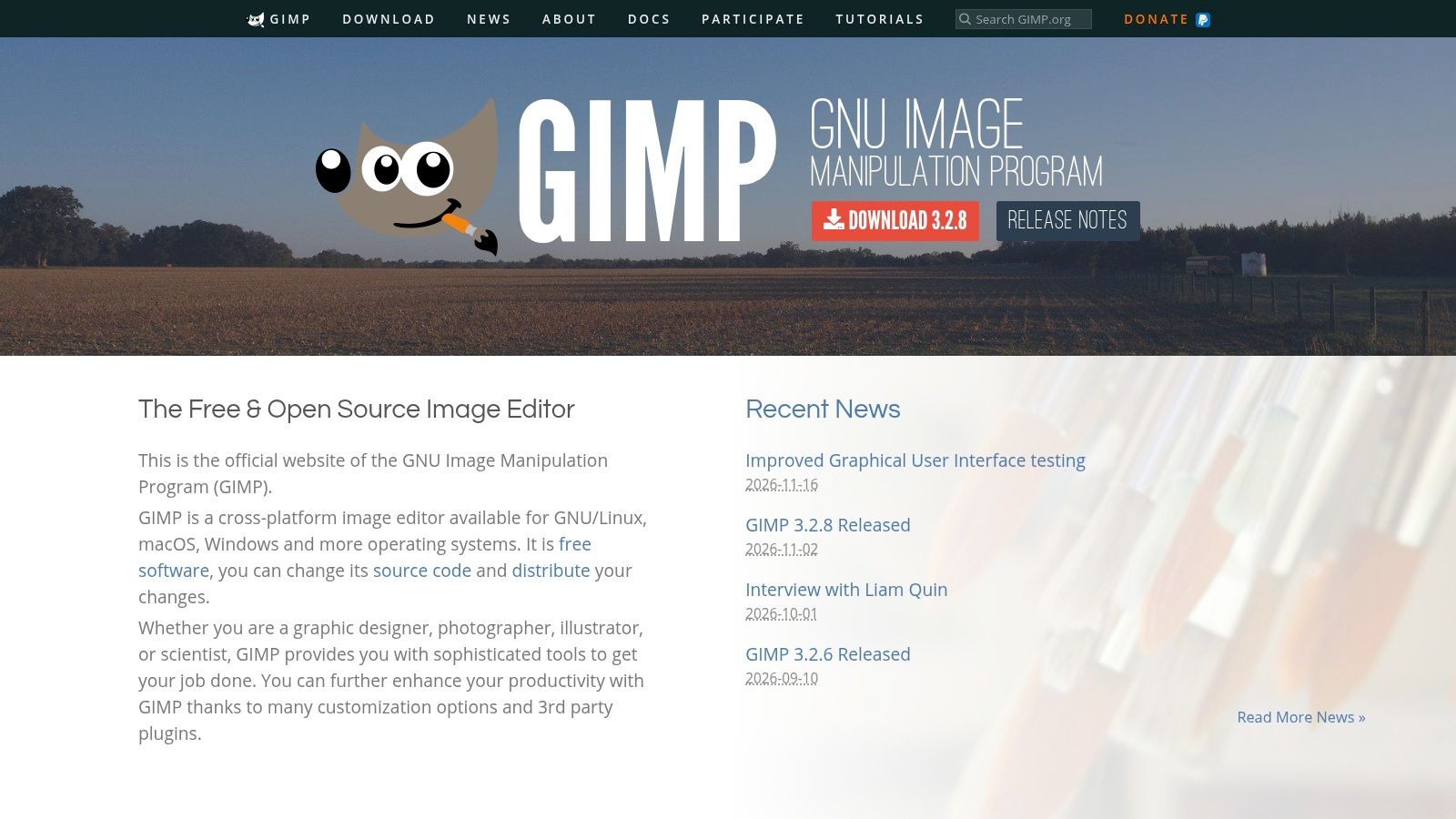
GIMP is free and open-source software that permits commercial use, according to the GIMP website. No subscription tier holds back image-editing capabilities, so the purchasing question shifts from license fees to whether raster editing matches the deliverable.
A retailer preparing product photographs can retouch, combine images and produce pixel-based assets as a desktop workflow without an asset-library subscription. A business producing a scalable identity system hits the wall differently: GIMP outputs flattened images, so vector deliverables still require a second application.
The interface is customizable and third-party plugins extend it, but specialized jobs demand configuration time rather than a ready-made production process. That setup effort is the practical cost of a $0 license.
The boundary is raster editing
Free-use limit: No license-fee threshold applies to ordinary commercial image production. Storage stays local, which removes cloud caps but leaves backup as the organization's own responsibility.
Upgrade trigger: Spending elsewhere becomes necessary when the deliverable requires a workflow GIMP doesn't adequately cover, such as dedicated vector construction or a client-specific source-file format. Routine retouching never triggers a payment.
The license obligations for distributing a modified copy of the application are also separate from using it to produce client images. A company packaging customized software needs a compliance review; a company editing photographs needs a reliable export and handoff process.
5. Krita
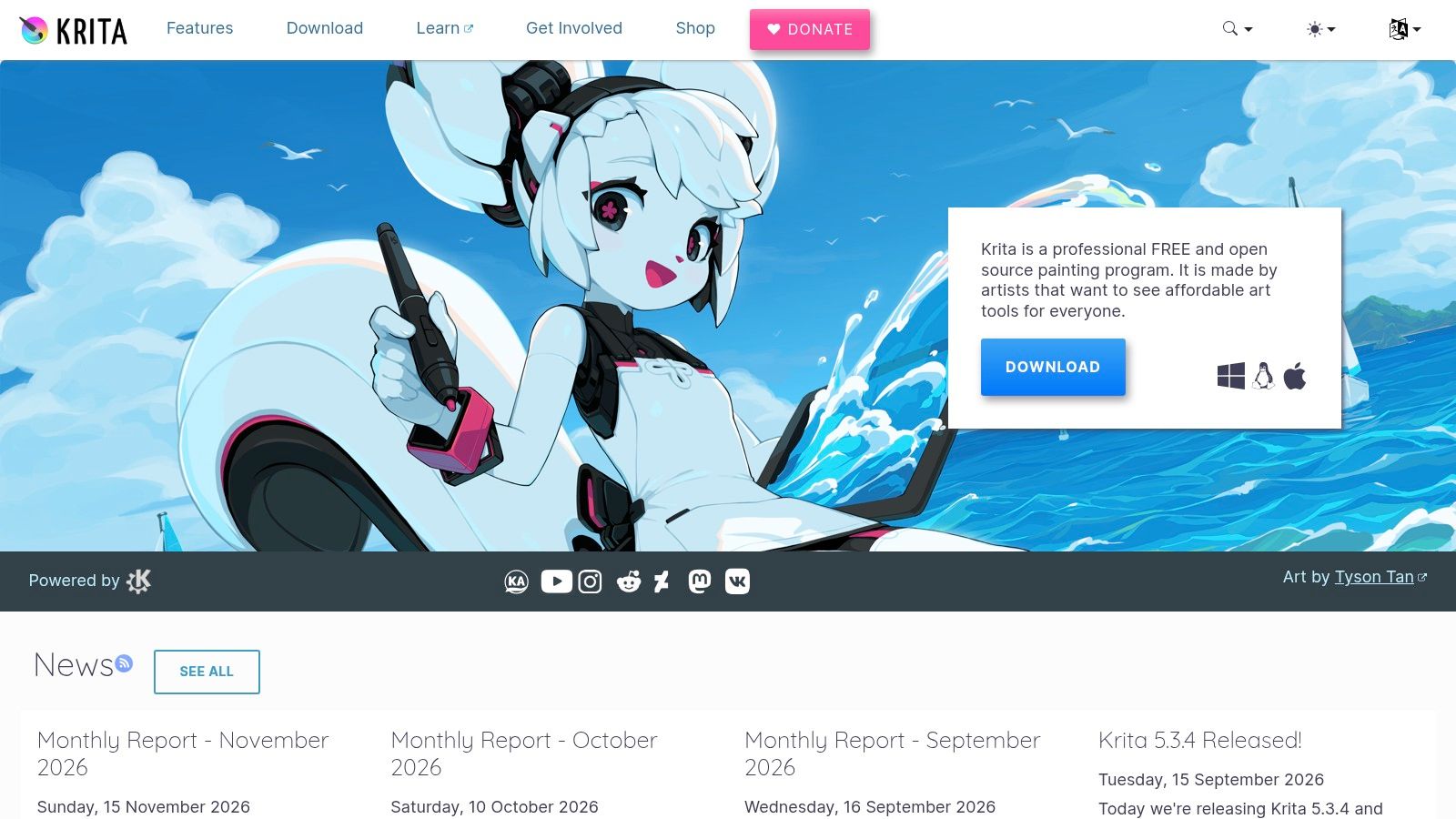
Krita's official website download costs $0, with no core features locked behind a paywall, according to the Krita FAQ, checked in 2026. The same documentation permits commercial work and states that artists retain ownership of their creations.
The purchasing trap is distribution channel, not feature access. Store versions can carry a price that supports development, while the desktop application remains available directly without a purchase requirement.
Krita is designed around illustration and digital painting. Brushes, layers, drawing assistants, stroke stabilizers and animation tools are relevant to artists creating original work rather than businesses mainly adapting promotional templates.
- Free terms: The base application is free and open source.
- Optional spending: Store purchases and resource support subscriptions aren't required to use the core application.
- Practical limit: Painting tools don't replace a dedicated business-document or collaborative interface-design workflow.
When spending becomes necessary
Upgrade trigger: Krita doesn't impose a conventional paid feature upgrade. A business may still need another application when the final output demands layout, marketing automation or a different source-file workflow.
A commissioned illustration demonstrates the distinction. Krita may cover the artwork itself, while packaging copy, print layout and approval management remain separate production tasks.
The procurement decision should follow the deliverable. Paying for an optional distribution channel shouldn't be confused with buying capabilities unavailable in the free download.
6. Photopea
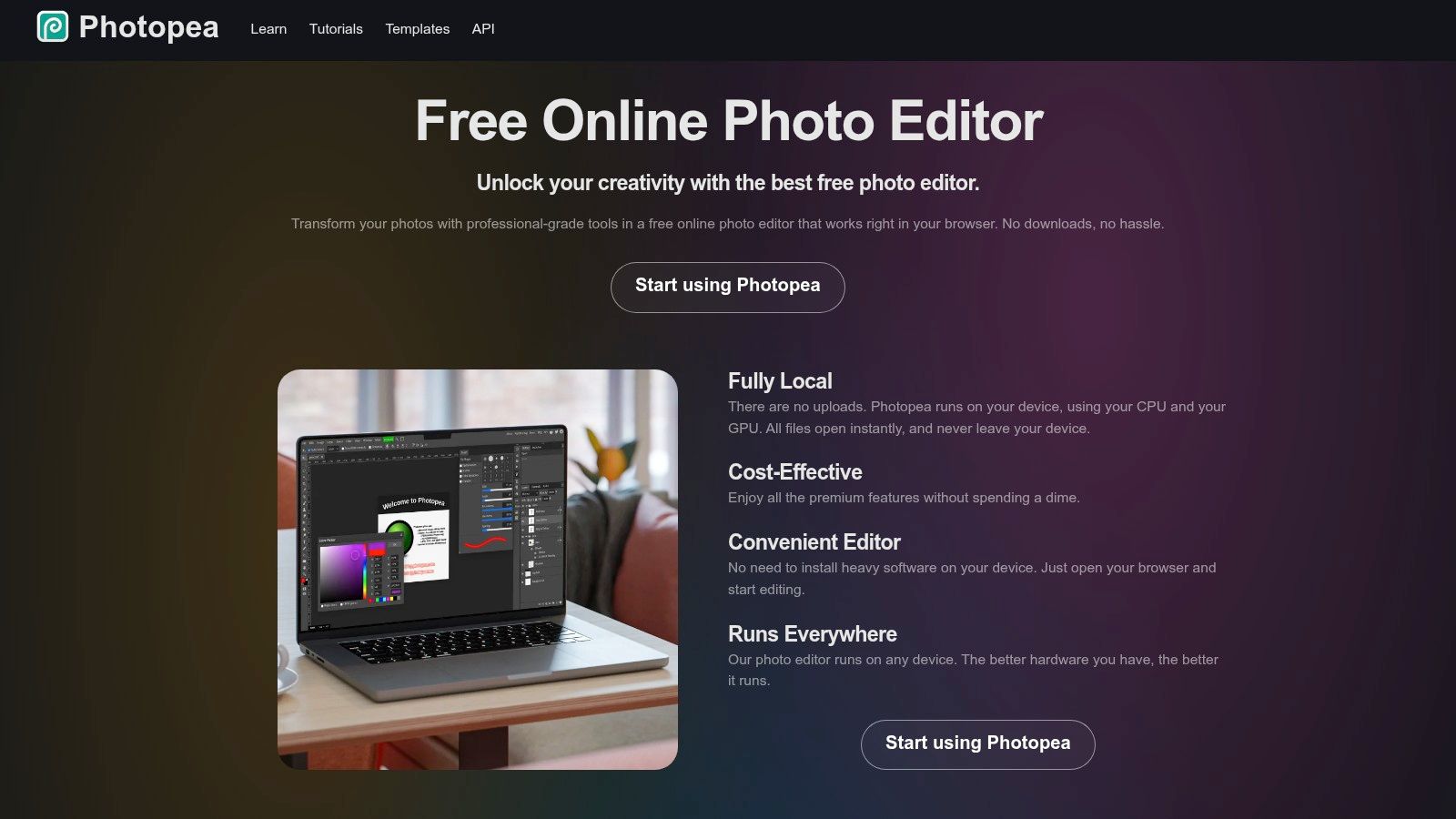
Photopea offers no-cost browser-based image editing for personal and professional use, according to its product website. A dated price check and a complete paid-plan boundary aren't established in the available information.
Its distinguishing workflow is opening and saving PSD documents without installing a desktop editor. Layers, masks and blending tools make it relevant when a contractor sends an editable image file rather than a finished photograph.
The vendor states that files are processed locally in the browser. Businesses should distinguish that processing model from cloud storage, shared project hosting and backup, which are separate questions.
File compatibility is the purchasing test
Free-use limit: The supplied terms don't establish a numerical export allowance, storage quota or collaboration cap. Their absence isn't evidence that every service or capability is unlimited.
Upgrade trigger: No specific mandatory paid threshold is verified here. The business case for another tool begins when a representative document can't be edited, exported or handed back reliably within the required workflow.
Handoff rule: A file opening successfully isn't enough. Editable text, masks, blending and the recipient's reopening process also matter.
Photopea's performance depends on the device and browser handling the document. Large or complicated work should therefore be assessed on the intended business equipment.
For photograph-focused alternatives, the free photo editing apps comparison separates image-editing needs from broader design-suite requirements.
7. Adobe Express
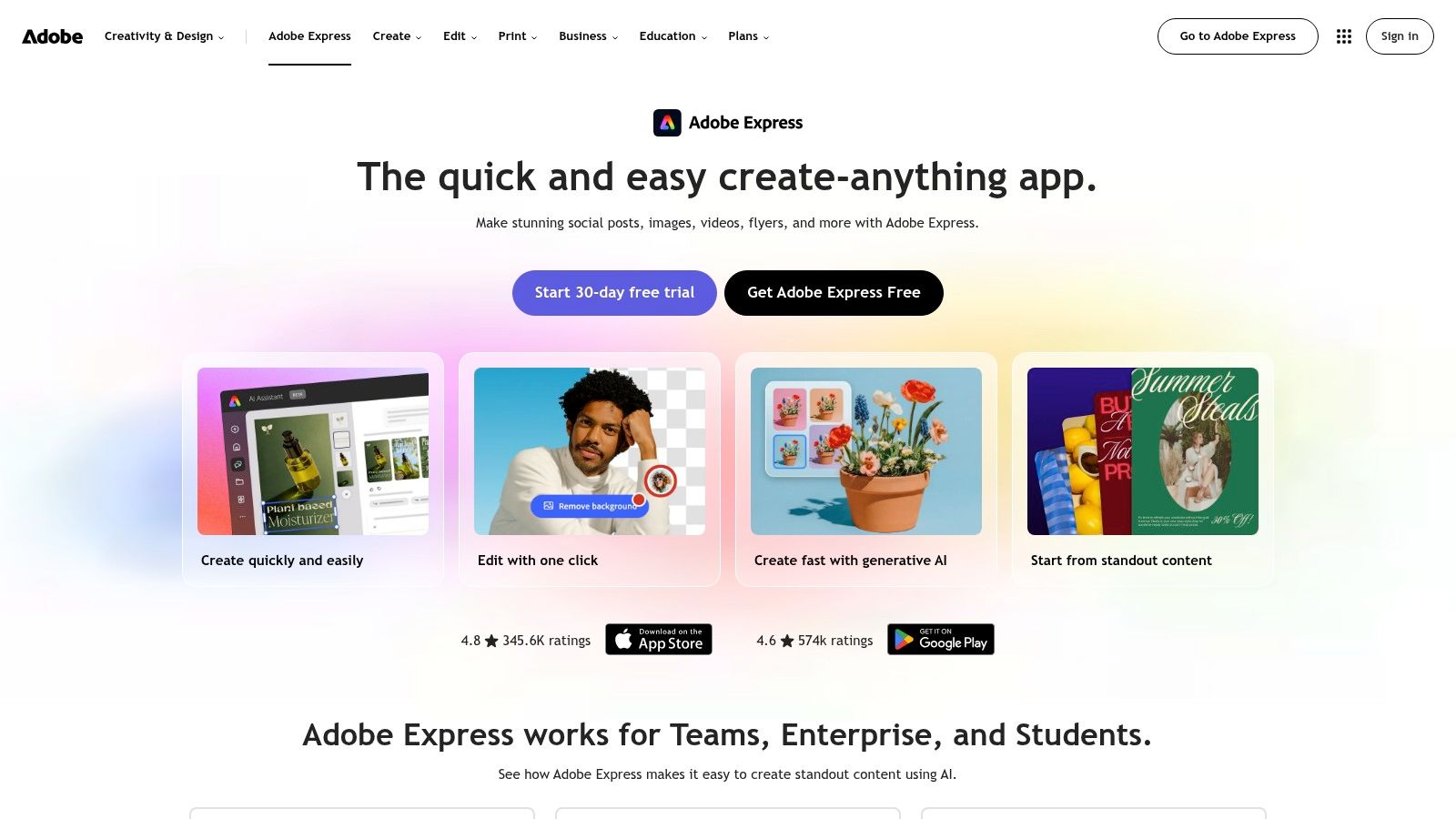
Adobe Express Free includes substantial content access, but recovery and storage limits may matter more than library size. Its published Free offering lists more than 100,000 static and video templates, more than one million royalty-free Adobe Stock assets and more than 4,000 fonts, although an independently dated check isn't available.
Browser and mobile access support routine promotional work. The application combines design with basic photo, video and document editing, making it relevant to small teams producing varied marketing materials.
The more consequential question is whether the free working environment matches the approval cycle. A business that revisits older campaign versions has a different requirement from an operator publishing disposable daily graphics.
Recovery can force payment before assets do
- Version history: Adobe's same undated Free-plan listing limits history to 10 days.
- Storage and scheduling: That listing specifies 5GB of storage and scheduling for one account per social network.
- Content boundary: Premium users receive additional assets and editing tools.
Upgrade trigger: Payment becomes worth considering when required recovery periods, storage, scheduling coverage or restricted tools exceed the free offering. The paid price must be verified separately before approval.
AI generation is another purchasing category, not proof that a broader design upgrade is necessary. The free AI image generator comparison helps isolate that requirement from template editing and document production.
8. Penpot
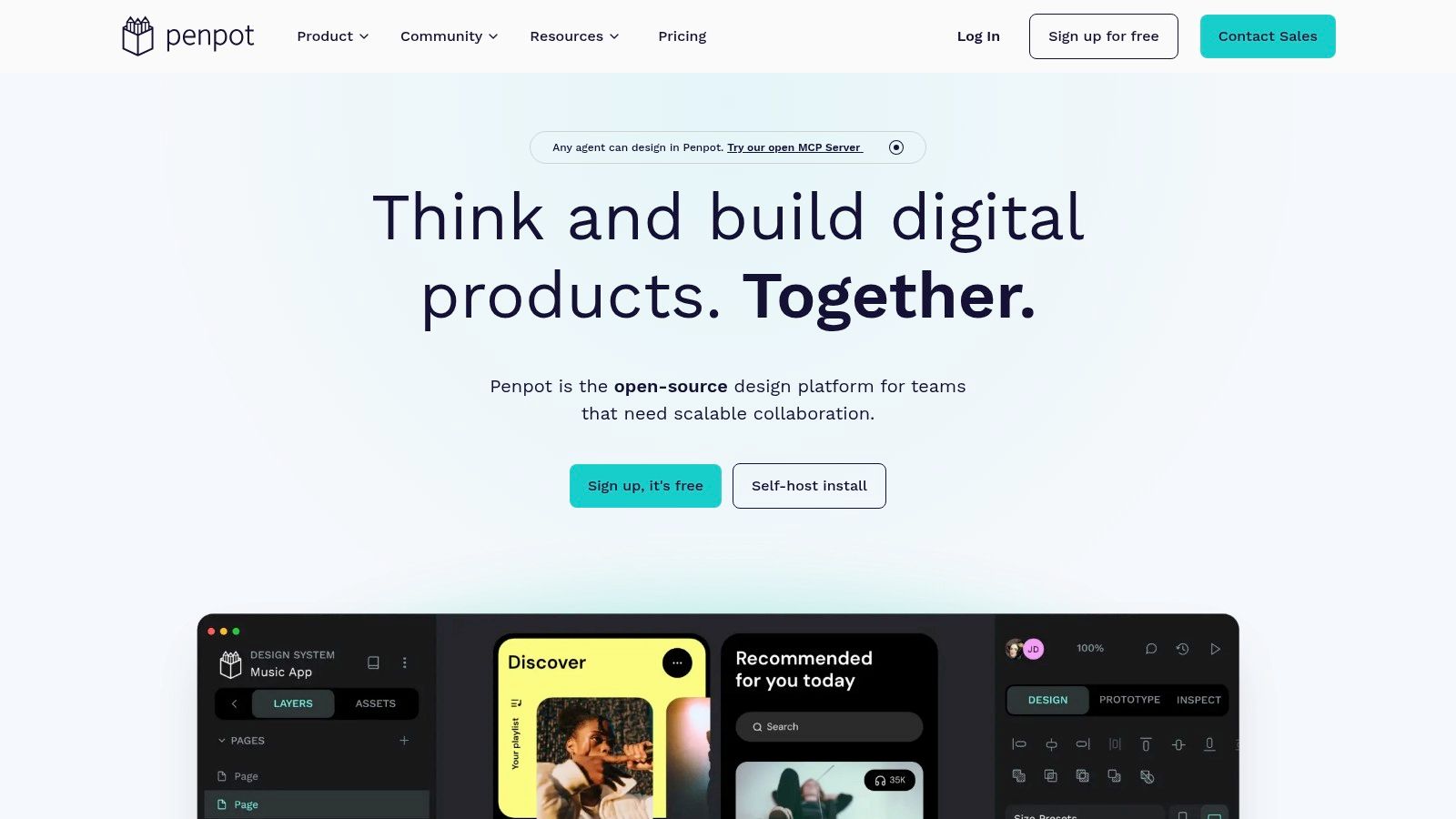
Penpot's free offering includes its core features, according to the Penpot website. Its available plan description doesn't establish a dated price check or precise hosted storage, file-count and collaboration limits.
That makes Penpot a candidate for interface-design procurement, not an automatic replacement for every graphic design application. Its browser-based design and prototyping tools focus on connecting designers with development workflows and web standards.
A product team preparing interface layouts has a plausible reason to evaluate it. A shop owner seeking ready-made sale posters has a different job and may gain little from product-design specialization.
Open source and hosted service terms are different questions
Free-use limit: Core-feature access doesn't by itself establish unrestricted hosting, storage or organizational controls. Those terms need separate confirmation before a team places ongoing projects in the platform.
Upgrade trigger: Spending becomes relevant when the chosen deployment or service arrangement can't meet required collaboration, administration or support needs. No specific mandatory paid threshold is established in the available evidence.
- Relevant output: Interface layouts and interactive prototypes.
- Less suitable output: Template-led promotional material and print-focused document production.
- Procurement priority: A reliable design-to-development handoff rather than the largest asset library.
Penpot's open-source model gives teams a different ownership and deployment question from a closed browser editor. It doesn't eliminate the operational work of managing access, preserving files and maintaining a dependable production environment.
9. Figma
Figma Starter separates personal file creation from shared production. The Figma Starter offering lists unlimited files in Drafts and co-editing on up to three files; the available terms don't include an independently established check date.
That distinction can matter more than storage. A designer may have room for personal exploration while the team still encounters restrictions on shared working files.
Figma combines interface design, wireframes, prototypes and comments. Those capabilities suit distributed product teams, but they don't make it a direct substitute for photographic retouching or print-layout software.
Shared work is the upgrade boundary
Free-use limit: Starter restricts team-space files, while team libraries and some advanced capabilities require a paid plan. Unlimited Drafts shouldn't be interpreted as unlimited organized team production.
Upgrade trigger: A paid plan becomes relevant when active shared work exceeds the free collaboration allowance or when a team needs reusable shared libraries. Exact paid-seat costs remain unverified here.
A team that needs a maintained component library has a different buying requirement from a freelancer sharing an occasional prototype.
Businesses should count active collaborative projects rather than merely count employees. A small team maintaining several client interfaces can encounter a shared-file restriction before a larger group reviewing a single project.
The sensible comparison is therefore free collaboration capacity against actual project organization. Feature access alone won't establish whether Starter can support an ongoing production system.
10. Microsoft Designer
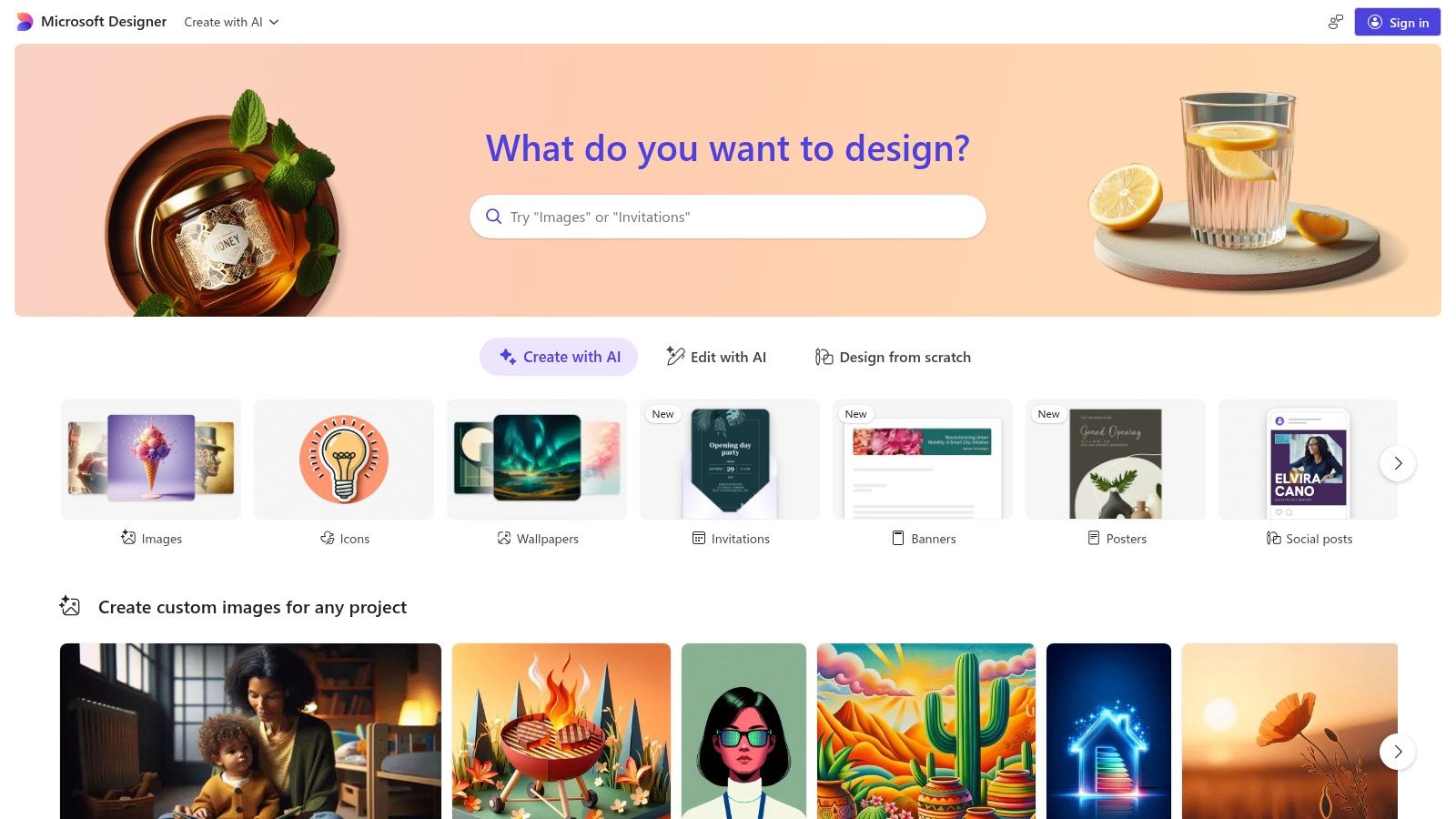
Microsoft Designer offers free access with monthly AI credits, according to the Microsoft Designer website. The available information doesn't establish a dated credit allowance or a verified subscription price.
Its browser-based tools cover AI-assisted image creation and editing, including tasks such as removing objects and changing backgrounds. Resize and brand-kit options broaden its relevance beyond generating a standalone picture.
The cost question is different from a conventional desktop editor. An organization can retain access to the application while running out of the allowance needed for its preferred AI workflow.
Credits make revision volume part of procurement
Free-use limit: Monthly credits constrain AI use. Additional credits or storage may require a Microsoft subscription, but the exact entitlement and paid threshold aren't established here.
Upgrade trigger: Payment becomes worth considering when normal production and revisions consistently require more AI access than the free allowance provides. A subscription shouldn't be justified solely by occasional experimentation.
- Suitable work: Generating visual concepts and making AI-assisted changes.
- Potential mismatch: Detailed manual construction requiring predictable object-level control.
- Budgeting priority: The complete creation-and-revision process, not merely the initial generated image.
A promotional campaign may require alternative concepts, copy changes and several image revisions before approval. Procurement teams should evaluate that whole process against credit availability.
Designer belongs on a shortlist when AI assistance is central to the output. It's less compelling when the business mainly needs reliable manual editing and reusable source files.
Free graphic design software by platform, cost model and main free-plan limit
Storage, asset access, version history and co-editing caps end free use faster than a missing feature does, so the table ranks each tool by the restriction most likely to force an upgrade.
| Item | Platform | Cost model | Main free-plan limit |
|---|---|---|---|
| Affinity | Desktop: Windows and macOS | Core tools available at no cost | Requires a Canva account to download and activate |
| Canva | Browser-based | Free plan with optional paid plan | 5GB cloud storage; some assets and tools require a paid plan |
| Inkscape | Desktop: Windows, macOS, and Linux | Free and open source | No subscription tier or stated plan limits |
| GIMP | Desktop: Windows, macOS, Linux, and other systems | Free and open source | No stated plan limits |
| Krita | Desktop | Free and open source | No stated plan limits |
| Photopea | Browser-based | Free to use | Ad-supported; a paid plan removes the ads |
| Adobe Express | Browser and mobile | Free plan with optional Premium plan | 5GB storage and version history limited to 10 days |
| Penpot | Browser-based | Open source with core features on the free plan | No stated plan limits |
| Figma | Browser-based | Starter free plan with paid plans available | Limited team-space files and co-editing on up to three files |
| Microsoft Designer | Browser-based | Free access with optional Microsoft 365 subscription | Monthly AI credits are limited |
Match the Free Tool to Your Output and Check Its Limits First
The right free tool is the one that completes the required handoff without avoidable rework. Canva and Adobe Express suit routine template-led promotional graphics. Inkscape addresses scalable artwork, while GIMP and Photopea address photographic and pixel-based editing.
Krita is more relevant to original illustration. Affinity combines custom design disciplines, while Penpot and Figma focus more directly on interfaces and prototypes. Microsoft Designer adds an AI-credit decision that doesn't apply in the same way to a conventional desktop application.
Price the constraint, not the feature list
A useful procurement record names the required output, editable source format, expected collaborators and recovery needs. It also records the vendor's free-plan terms and the date they were checked.
The upgrade case should identify a specific obstruction. Examples include unavailable export options, insufficient version history, restricted shared files or recurring dependence on premium assets.
- Output requirement: A finished image may be sufficient for a social post, but a logo commission may require editable vectors.
- Operating requirement: A desktop editor needs local backup arrangements; a hosted editor needs an acceptable storage and account structure.
- Commercial requirement: Software access, stock-asset licensing and client handoff rights should be evaluated separately.
The conclusion isn't that desktop software is always cheaper or browser software is always easier. A free desktop application can require substantial training, while a restricted browser plan can still cover a narrowly defined business task economically.
Accessibility also belongs in the output specification. A visually correct document doesn't establish usable reading order, meaningful alternative text or an accessible exported structure, an issue addressed in the PDF Association's accessibility poster published for PDF Days Europe 2025.
Businesses producing reports should examine the exported document rather than assume that accessible editing controls guarantee accessible delivery. A required accessible output may justify a different application or additional remediation, even when the original editor remains free.
No paid upgrade prices should be inferred from the free-plan descriptions above. Several vendor listings lack dated verification, so their exact current entitlements remain a procurement check rather than a settled quotation.
Before approving a design subscription, the purchasing owner should document a real deliverable, its required export and editable source format, and the free-plan limit that prevents completion. The next step is a dated comparison of the relevant paid entitlement against that specific constraint. If the free tool completes the job and preserves the required handoff, a subscription has no demonstrated production justification.
Questions or corrections: editorial@rankozo.com